Chapter 1: Operating the TI-84 Plus Silver Edition 49
As future software upgrades become available on the TI Web site, you can download the
software to your PC and then use the TI Connect™ software and a USB computer cable
to upgrade your TI-84 Plus.
For details, refer to: Chapter 19
Error Conditions
Error ConditionsError Conditions
Error Conditions
Diagnosing an Error
Diagnosing an ErrorDiagnosing an Error
Diagnosing an Error
The TI-84 Plus detects errors while performing these tasks.
• Evaluating an expression
• Executing an instruction
• Plotting a graph
• Storing a value
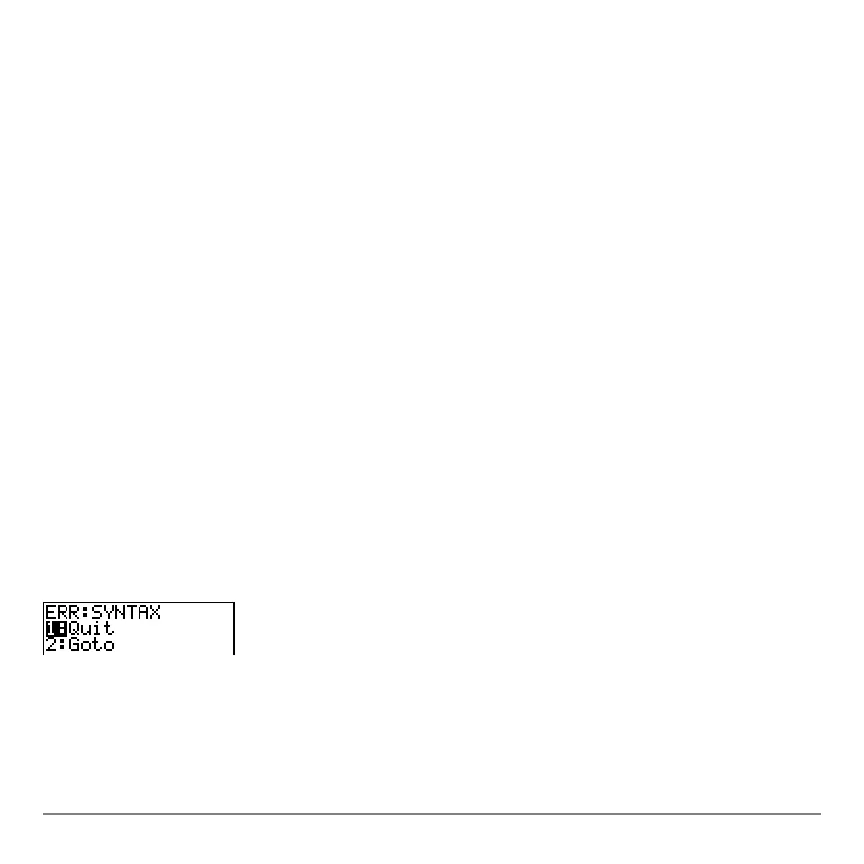
When the TI-84 Plus detects an error, it returns an error message as a menu title, such
as
ERR:SYNTAX or ERR:DOMAIN. Appendix B describes each error type and possible
reasons for the error.
• If you select
1:Quit (or press y5 or ‘), then the home screen is displayed.
• If you select
2:Goto, then the previous screen is displayed with the cursor at or near
the error location.



 To Next Page
 Loading...













