Chapter 12: Statistics 295
Stat List Editor Contexts
Stat List Editor ContextsStat List Editor Contexts
Stat List Editor Contexts
View-Elements Context
View-Elements ContextView-Elements Context
View-Elements Context
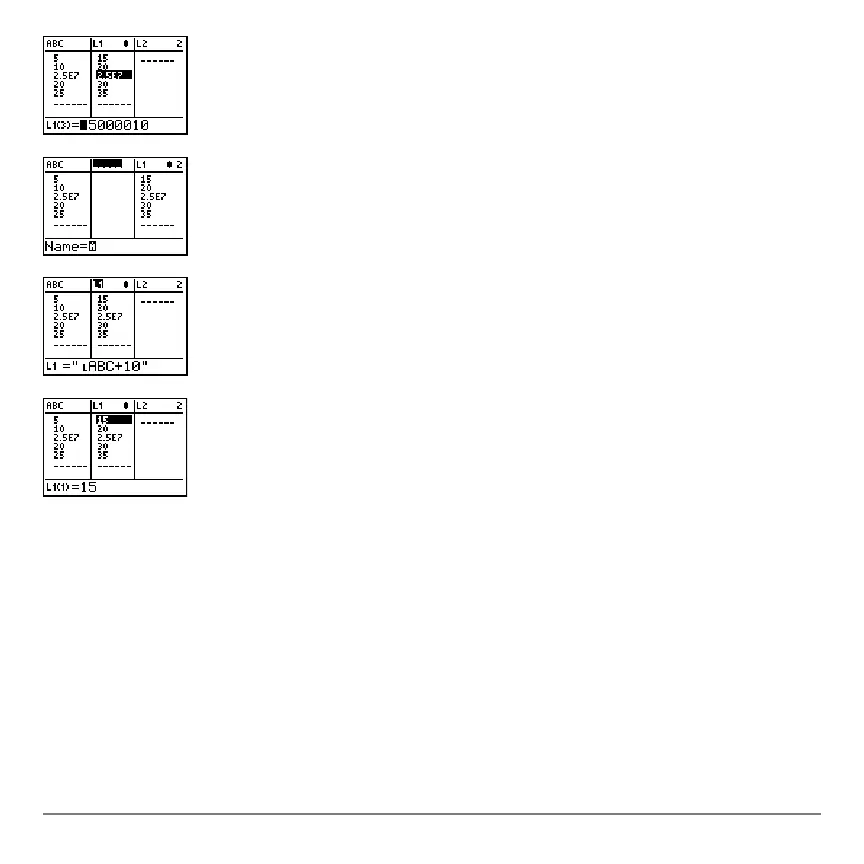
In view-elements context, the entry line displays the list name, the current element’s
place in that list, and the full value of the current element, up to 12 characters at a time.
An ellipsis (
...) indicates that the element continues beyond 12 characters.
4. Press Í again. You are now in edit-elements
context. You may edit the current element in the entry
line.
5. Press } until the cursor is on a list name, then press
y6. You are now in enter-name context.
6. Press ‘. You are now in view-names context.
7. Press †. You are now back in view-elements context.



 To Next Page
 Loading...













