Chapter 17: Activities 478
Procedure
ProcedureProcedure
Procedure
1. Press …
5 to select 5:SetUpEditor. Enter list names WLEFT, WRGHT, MLEFT, and
MRGHT, separated by commas. Press Í. The stat list editor now contains only
these four lists.
2. Press …
1 to select 1:Edit.
3. Enter into
WLEFT the number of correct guesses each woman made using her left
hand (
Women Left). Press ~ to move to WRGHT and enter the number of correct
guesses each woman made using her right hand (
Women Right).
4. Likewise, enter each man’s correct guesses in
MLEFT (Men Left) and MRGHT (Men
Right).
5. Press y ,. Select
1:Plot1. Turn on plot 1; define it as a modified box plot Õ
that uses
WLEFT. Move the cursor to the top line and select Plot2. Turn on plot 2;
define it as a modified box plot that uses
WRGHT.
6. Press o. Turn off all functions.
7124 8
9111012
11 12 14 11
13 9
59
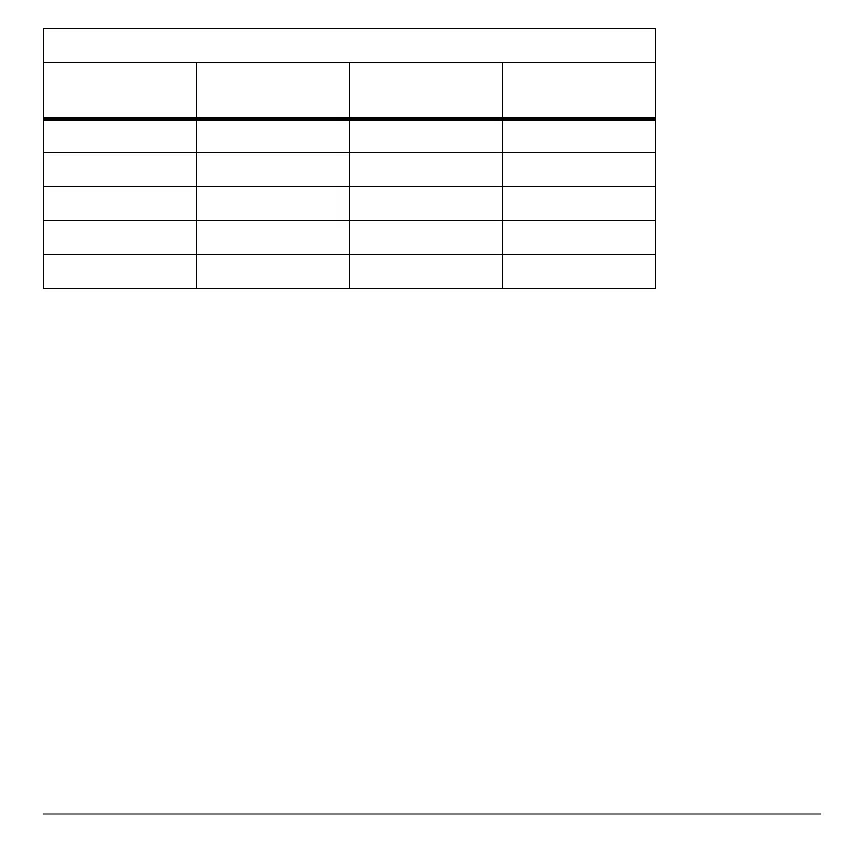
Correct Guesses
Women
Left
Women
Right
Men
Left
Men
Right



 To Next Page
 Loading...













