Chapter 8: Draw Instructions 209
Recalling Graph Databases (GDB)
Recalling Graph Databases (GDB)Recalling Graph Databases (GDB)
Recalling Graph Databases (GDB)
Recalling a Graph Database
Recalling a Graph DatabaseRecalling a Graph Database
Recalling a Graph Database
CAUTION: When you recall a GDB, it replaces all existing Y= functions. Consider storing
the current Y= functions to another database before recalling a stored GDB.
To recall a graph database, follow these steps.
1. Select
4:RecallGDB from the DRAW STO menu. RecallGDB is pasted to the current
cursor location.
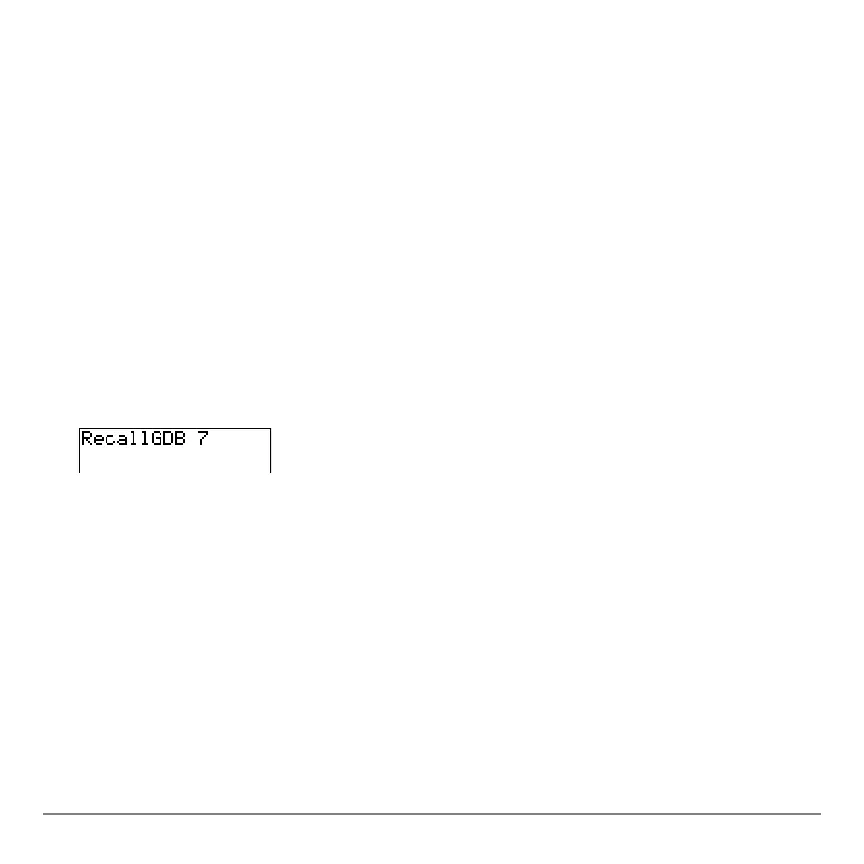
2. Enter the number (from 1 to 9, or 0) of the
GDB variable from which you want to
recall a
GDB. For example, if you enter 7, the TI-84 Plus will recall the GDB stored to
GDB7.
Note: You also can select a variable from the GDB secondary menu ( 3). The
variable is pasted next to
RecallGDB.
3. Press Í to replace the current
GDB with the recalled GDB. The new graph is not
plotted. The TI-84 Plus changes the graphing mode automatically, if necessary.
Deleting a Graph Database
Deleting a Graph DatabaseDeleting a Graph Database
Deleting a Graph Database
To delete a GDB from memory, use the
MEMORY MANAGEMENT/DELETE secondary
menu (Chapter 18).



 To Next Page
 Loading...













