Chapter 12: Statistics 290
1. Press … Í to display the stat list editor.
2. Press } to move the cursor to the top line.
3. Press | or ~, if necessary, to move the cursor onto the list name to which you want
to attach the formula.
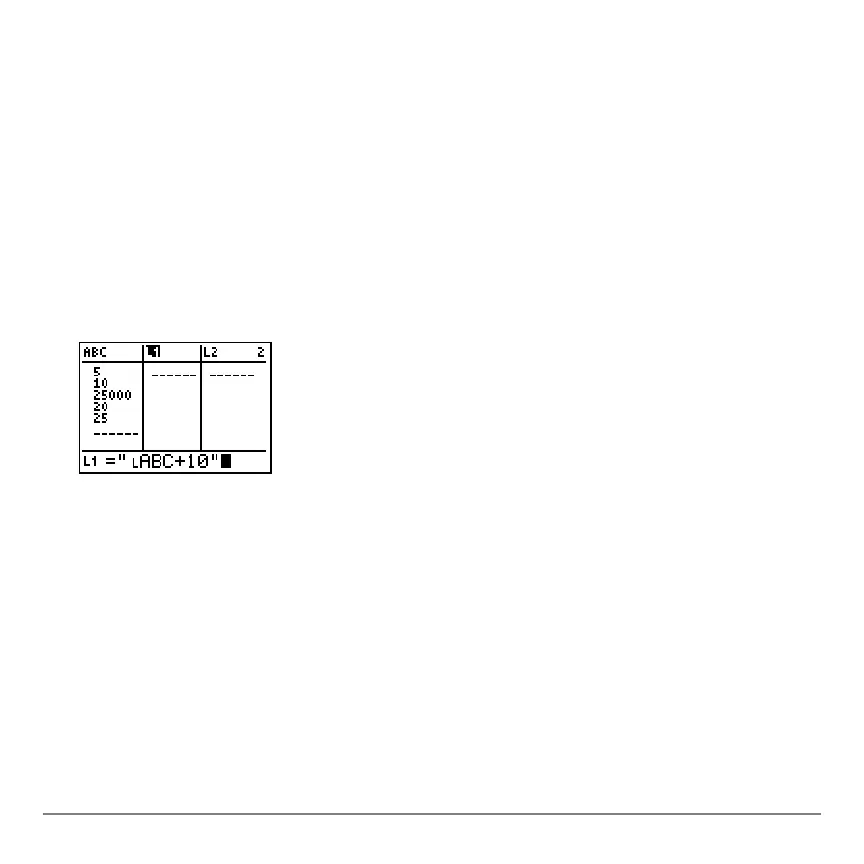
Note: If a formula in quotation marks is displayed on the entry line, then a formula is
already attached to the list name. To edit the formula, press Í, and then edit the
formula.
4. Press ƒ ããä, enter the formula, and press ƒ ããä.
Note: If you do not use quotation marks, the TI-84 Plus calculates and displays the
same initial list of answers, but does not attach the formula for future calculations.
Note: Any user-created list name referenced in a formula must be preceded by an Ù
symbol (Chapter 11).
5. Press Í. The TI-84 Plus calculates each list element and stores it to the list
name to which the formula is attached. A lock symbol is displayed in the stat list
editor, next to the list name to which the formula is attached.



 To Next Page
 Loading...













