122
FUNCTION SETTING USING SETTINGS SCREEN
SETTING OF EXTERNAL PRINTER (PRINT EXT)
PRINT EXT contains settings related to output from the external printer.
For details, see page 167.
COMM (DATA COMMUNICATION)
COMM contains settings related to data input/output with the external device.
NETWORK (LAN CONNECTION)
NETWORK contains settings related to data input/output in the LAN.
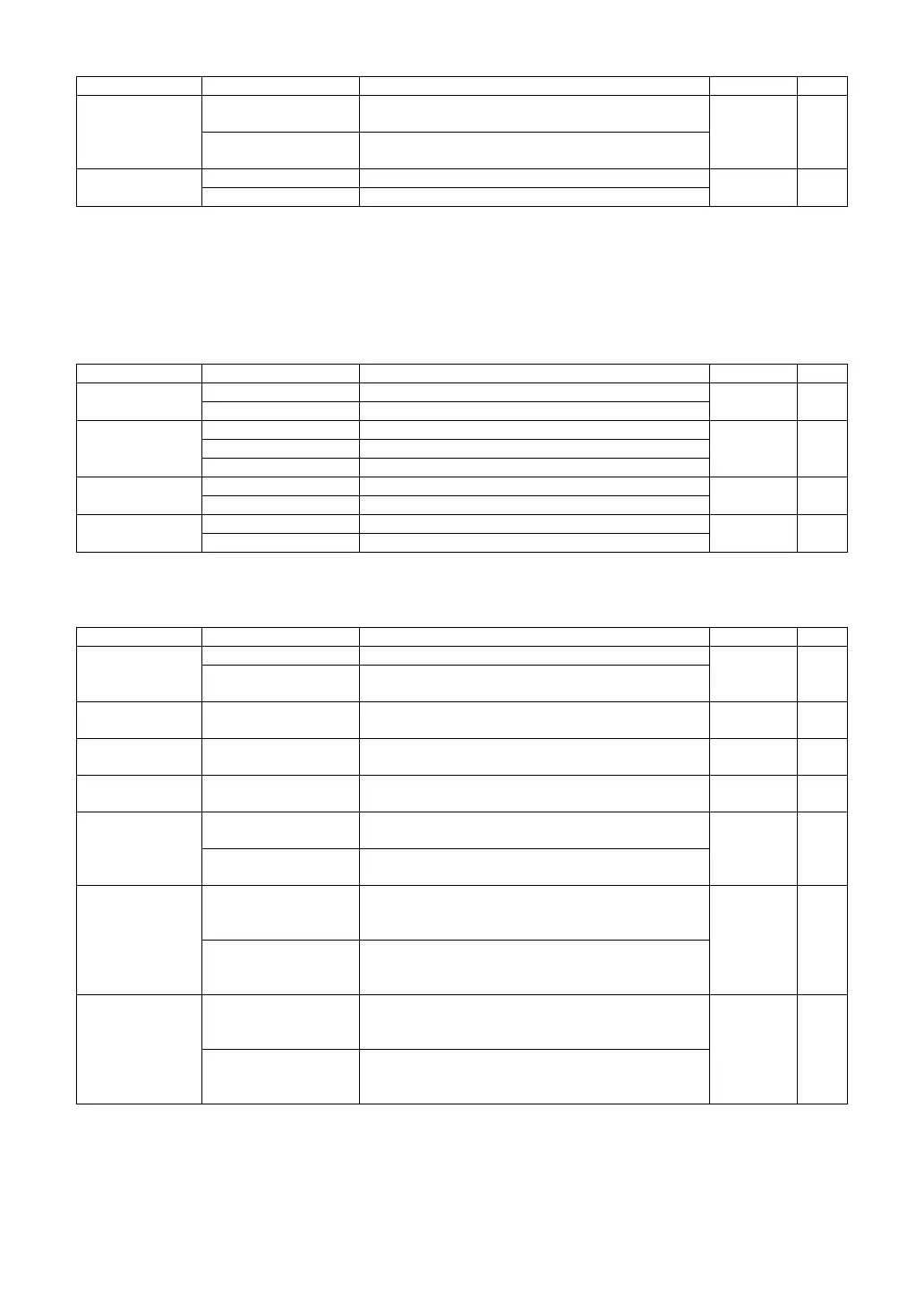
KRT CYL
ON
Corneal astigmatic power and axial angle are dis-
played in printout.
ON 166
OFF
Corneal astigmatic power and axial angle are
not displayed in printout.
TOPCON Logo
ON TOPCON logo is displayed in printout.
ON 166
OFF TOPCON logo is not displayed in printout.
Set item display Setting Change button Set contents Initial value Page
RS-232C
ON Communication is done by RS-232C.
OFF 168
OFF Communication is not done by RS-232C.
Output Data
REF Only REF data are outputted.
REF/KRT 169KRT Only KRT data are outputted.
R/K Both REF and KRT data are outputted.
RS Format
STD1 TOPCON STD1 format
STD1 169
STD2 TOPCON STD2 format
RS Baudrate
2400 TOPCON STD1 format
2400 170
9600 TOPCON STD2 format
Set item display Setting Change button Set contents Initial value Page
Data Transfer
Method
TCP/IP Transfer Data Transfer method is set to "TCP/IP Transfer."
TCP/IP
Transfer
171
Shared Folder
Transfer
Data Transfer method is set to "Shared Folder
Transfer."
Sever IP Address Set by ten-key display.
IP address of the PC connected for data output is
set.
NONE 171
Sever Port No. Set by ten-key display.
Server port No. of the PC connected for data output
is set.
50000 171
Shared Folder
Setting
Set by keyboard
display
Shared folder is set. NONE 172
Print image
output
ON
Print image is outputted when DATA OUT button is
pressed.
ON 172
OFF
Print image is not outputted when DATA OUT button
is pressed.
KR-1W data
output
ON
When DATA OUT button is pressed, internal printing
is done, and measurement value data are
outputted to the connected PC.
OFF 172
OFF
When DATA OUT button is pressed, internal printing
is done, but measurement value data are
not outputted to the connected PC.
Screen shot
output
ON
When DATA OUT button is pressed, internal printing
is done, and screen shot are outputted to the
connected PC.
OFF 172
OFF
When DATA OUT button is pressed, internal printing
is done, but screen shot data are not outputted
to the connected PC.
Set item display Setting Change button Set contents Initial value Page



 To Next Page