76
DISPLAYING THE MEASUREMENT RESULT
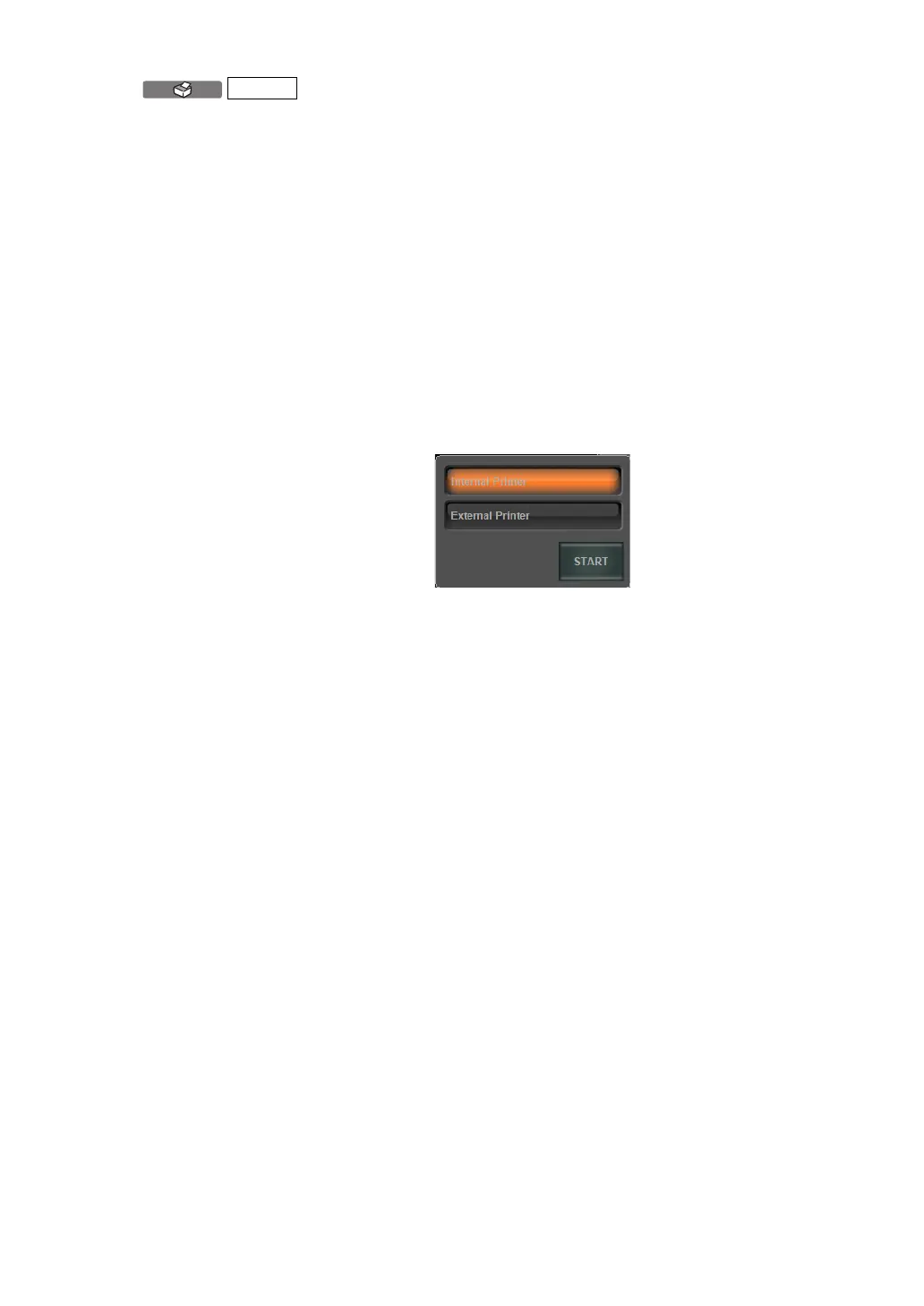
button Selected measurement data can be printed by the
internal printer or by the connected external printer.
The following two settings can be assigned to the
button:
(1) Internal thermal printer
(2) Connected external printer
Additionally, the data outputted to the external printer
are the left eye/right eye data framed in brown of the
Measurement Result List screen.
Also, by a long pressing of the PRINT button
(approx. 2 sec), the desired data to be outputted can
also be selected.
* The setting here is a temporary setting which will
not be reflected in the following operations. To con
-
tinuously change output data, set output data on the
SETTINGS screen. (See pages
133 and 134).
(4) Printed icon/output icon
A printer icon and a PC icon are displayed for printed data and output
data respectively.
PRINT



 To Next Page