4. SYSTEM MODE (For Service Persons and System Administrators) EO13-33005
4.9 Interface Setting
4- 80
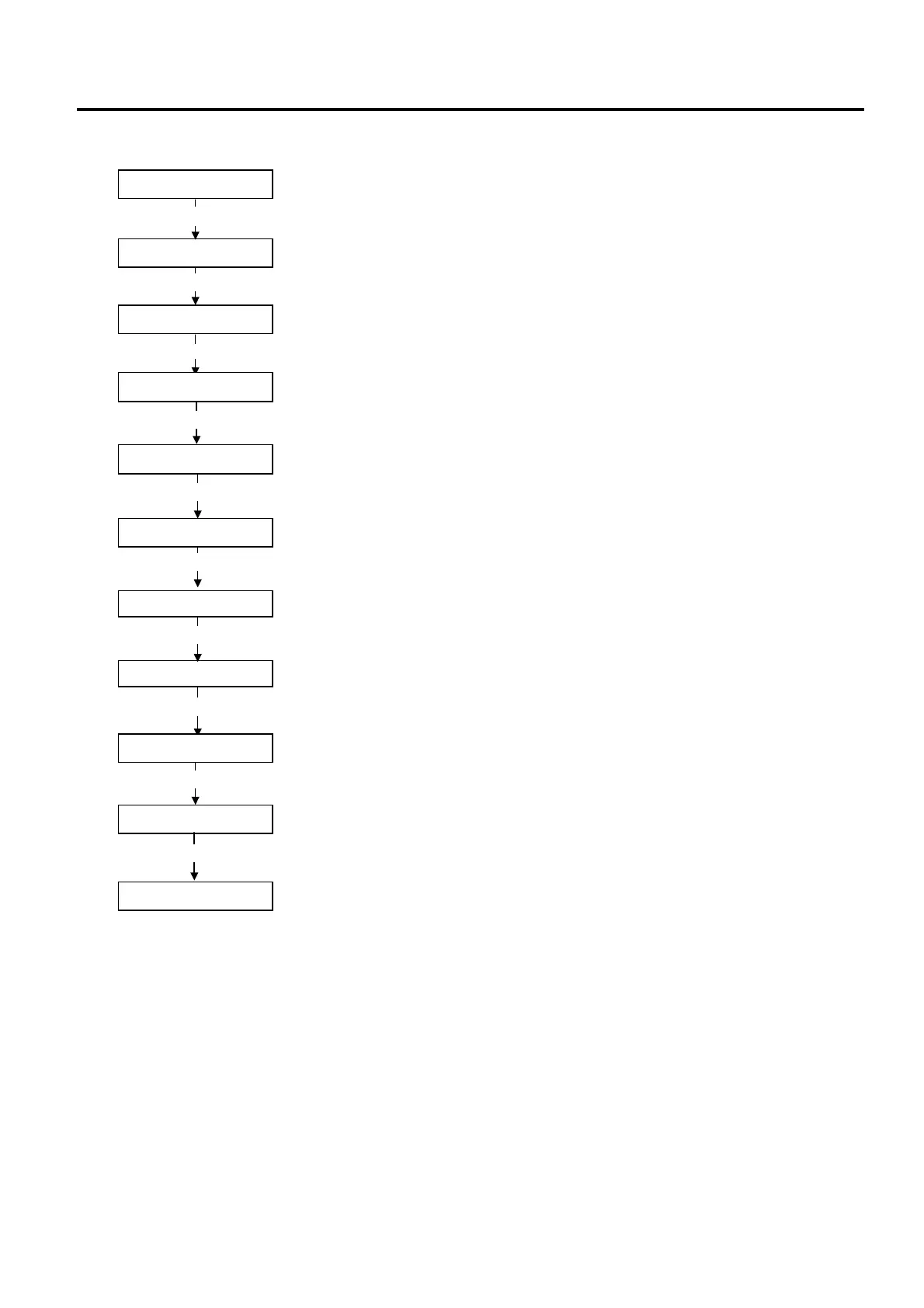
(3) IrDA, Wireless LAN model (including IrDA, RS-232C and Wireless LAN model.)
Note:
Displayed only when the RS-232C function is enabled.
System mode menu display (BASIC setting)
[FEED]
<9>BASIC SETTING
<0>SHUTDOWN
[FEED]
System mode menu display (Shutdown)
<8>I/F SETTING
System mode menu display (Interface setting)
[POWER]
<IrDA>
IrDA setting
<USB>
USB setting
[PAUSE]
<RS-232C>
<8>I/F SETTING
RS-232 setting
System mode menu display (Interface setting)
Power OFF
[FEED] and [POWER]
While holding down the [FEED] key, press the [POWER] key to turn the power
[PAUSE]
[FEED] and [PAUSE]
[POWER]
While holding down the [FEED] key, press the [PAUSE] key.
Hold down the [POWER] key for 3 seconds or more.
<0>SHUTDOWN
System mode menu display (Shutdown)
[POWER]
Power OFF
Press the [POWER] key.
The setting is updated at shutdown.
<WLAN>
Wireless LAN setting
[PAUSE]



 To Next Page
 Loading...










