4. SYSTEM MODE (For Service Persons and System Administrators) EO13-33005
4.4 Parametr Setting
4- 29
4.4.4 Font Zero Setting (ZERO CODE)
This setting determines how zero should be displayed/printed, “Ø” (with slash) or “0” (without slash).
Notes:
1. When the [FEED] key is pressed, the menu moves in the opposite direction from when the [PAUSE] key
is pressed.
2. When the [FEED] and [PAUSE] keys are simultaneously pressed, the display returns to the system
mode menu.
3. When the [FEED] key or [PAUSE] key is pressed for 0.5 seconds or more during this parameter setting,
repeat mode is enabled and the key pressed is repeatedly entered.
4. The change in the parameter setting becomes effective when the [POWER] key is pressed after setting,
then stored in the backup memory.
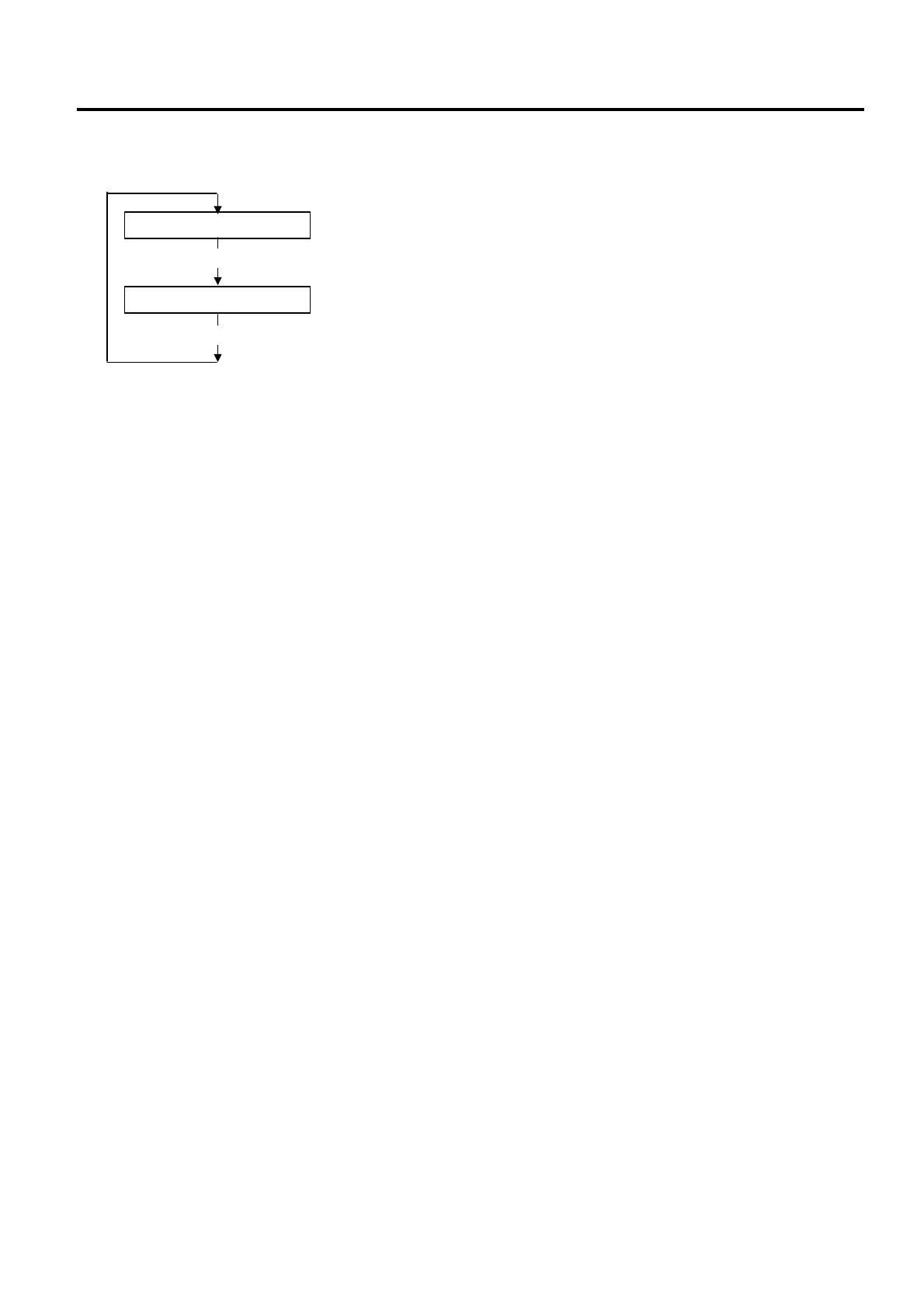
ZERO FONT 0
[PAUSE]
ZERO FONT Ø
[PAUSE]
0: Without slash (Factory default)
Ø: With slash



 To Next Page
 Loading...










