4. SYSTEM MODE (For Service Persons and System Administrators) EO13-33005
4.2 Diagnostic Test
4- 5
4.2.3 LED Check
This function is used to check for LED.
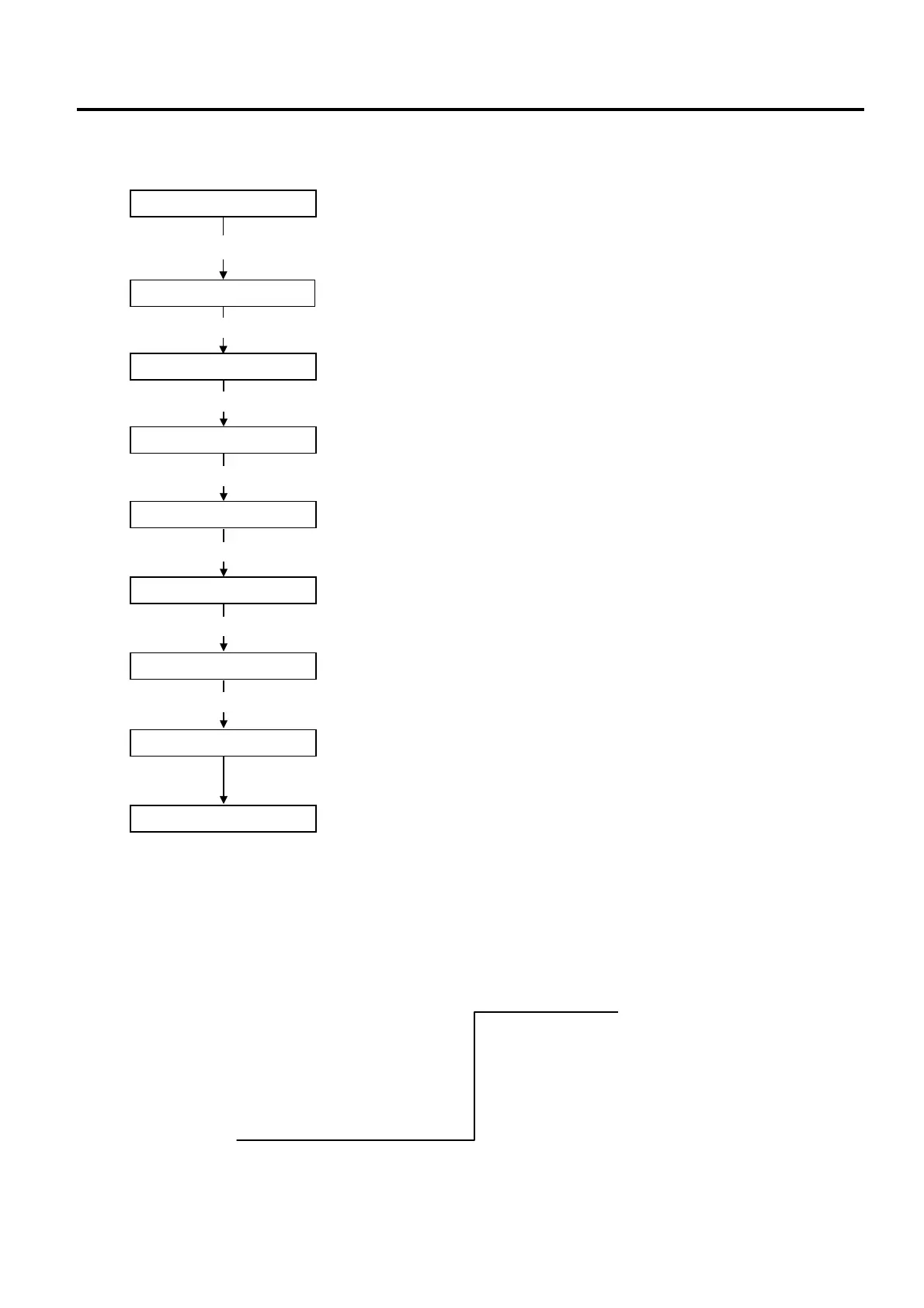
Note: LED Lighting Pattern
STATUS LED: Turns on for 3 sec. (green)
↓
STATUS LED: Turns off
↓
STATUS LED: Turns on for 3 sec. (red)
↓ ↓
STATUS LED: Turns off CHARGE LED: Turns on for 3 sec. (orange)
↓ ↓
STATUS LED: Turns on for 3 sec. (orange) CHARGE LED: Turns off
↓
STATUS LED: Turns off
↓
[PAUSE]
[POWER]
System mode menu display (Diagnostic)
Print mode for maintenance counter values and various parameter values
<0>SHUTDOWN
Power OFF
While holding down the [FEED] key, press the [POWER] key to turn the
power on.
[FEED] and [Power] Keys
System mode menu display (Shutdown)
<1>DIAGNOSTIC
MAINTENANCE CONT
[PAUSE]
AUTO DIAGNOSTIC
Automatic self-test mode
[PAUSE]
HEAD CHECK
Print head check for broken dots mode
[PAUSE]
LED CHECK
LED check mode
[POWER]
CHECKING
Start of LED check
<1>DIAGNOSTIC
System mode menu display (Diagnostic)
LED turns ON.



 To Next Page
 Loading...










