7. PROGRAM DOWNLOAD MODE EO13-33005
7.3 Starting Up And Exiting The Download Program For B-EP
7- 3
7.3 Starting Up And Exiting The Download Program For B-EP
7.3.1 Starting Up The Download Program For B-EP
(1) Click on the [Start] button on the Windows task bar.
(2) Choose the [All Programs], [TOSHIBA TEC], [B-EP], [DWNLD], and [Download Program for B-EP], in
order.
(3) The download program starts up, then the following screen is displayed.
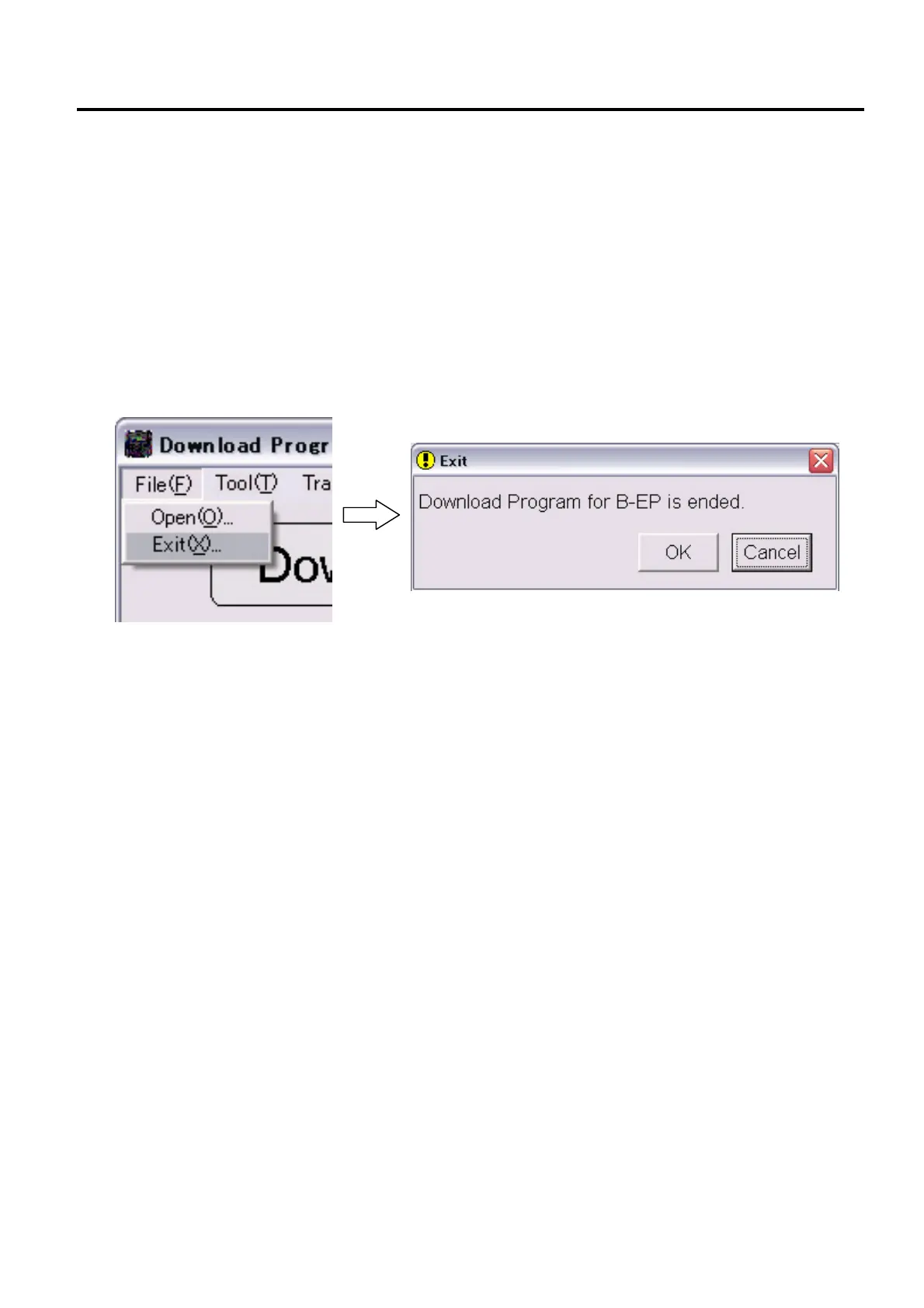
7.3.2 Exiting The Download Program For B-EP
To exit the Download Program for B-EP, click on the [File(F)] menu, and choose [Exit(X)]. When the following
screen appears, click on the [OK] button.



 To Next Page
 Loading...










