7. PROGRAM DOWNLOAD MODE EO13-33005
7.1 General Description
7- 1
7. PROGRAM DOWN LOAD MODE
This section provides step-by-step instructions on how to setup and download the firmware to the B-EP
series portable printer. The firmware download will be made from a PC via the USB interface
and IrDA interface of the printer.
7.1 General Description
This software is used for downloading the firmware or the character generator data to the B-EP series.
[Downloading of the Program or Character Generator Data]
The program and the character generator data have been written onto the flash ROM. In the case of
program upgrading due to additions or changes of the specification, it is possible to download the latest
program or character generator data from the PC to the printer via the USB or the IrDA communication.
7.2 Software Installation
To download the firmware or the character generator data, the Download Program for B-EP needs be
installed in the PC.
7.2.1 System Requirements
(1) OS: Windows XP (No operations under the other OS are guaranteed.)
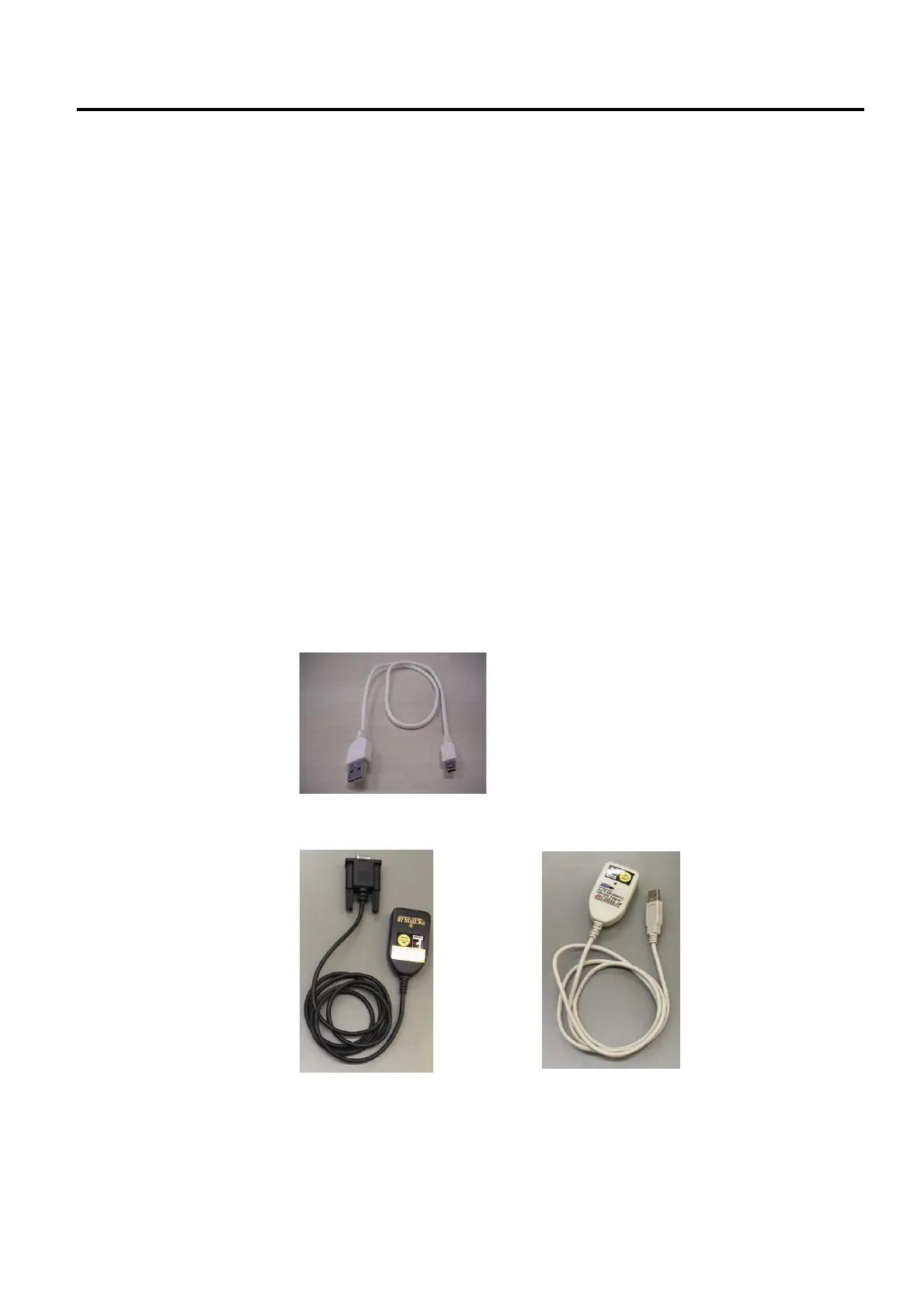
(2) Interface: USB (Type A to Type mini B connector)
IrDA (TEC protocol) IrDA(IrCOMM)
ACTiSYS corp. ACT-IR220L+
ACTiSYS corp. ACT-IR2000UL
(3) Memory: 16 MB or more (32 MB or more recommended)
(4) Hard disk free space: 10 MB or more



 To Next Page
 Loading...










