4. SYSTEM MODE (For Service Persons and System Administrators) EO13-33005
4.6 Test Print
4- 51
4.6 Test Print
In the Test Print mode, you can print the test patterns and set print conditions for a test print. This is useful
to check the print quality of new media.
4.6.1 Test Print Operation Example
(1) Normal Test Print
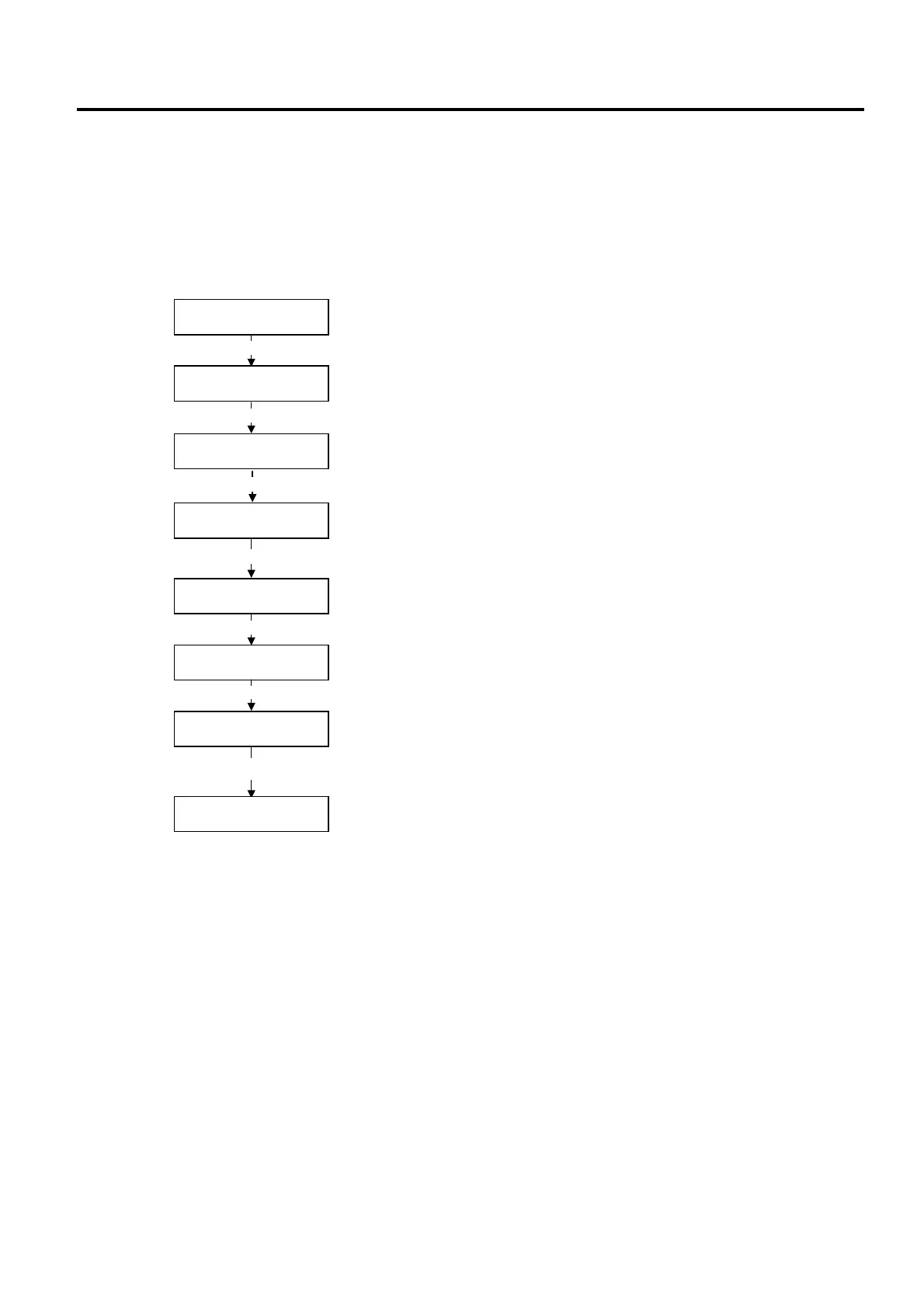
Test print condition parameter setting mode
1-dot slant line print mode
3-dot slant line print mode
Character print mode
Bar code print mode
[POWER]
PRINT CONDITION
SLANT LINE(1DOT)
SLANT LINE(3DOT)
CHARACTERS
BARCODE
<5>TEST PRINT
[PAUSE]
[PAUSE]
[PAUSE]
PAUSE
[PAUSE]
Non-printing mode
NON-PRINTING
[FEED] and [PAUSE]
<5>TEST PRINT
System mode menu display (Test Print)
System mode menu display (Test Print)
While holding down the [FEED] key, press the [PAUSE] key.



 To Next Page
 Loading...










