5. SYSTEM MODE (For users, availbale menu items are limited) EO13-33005
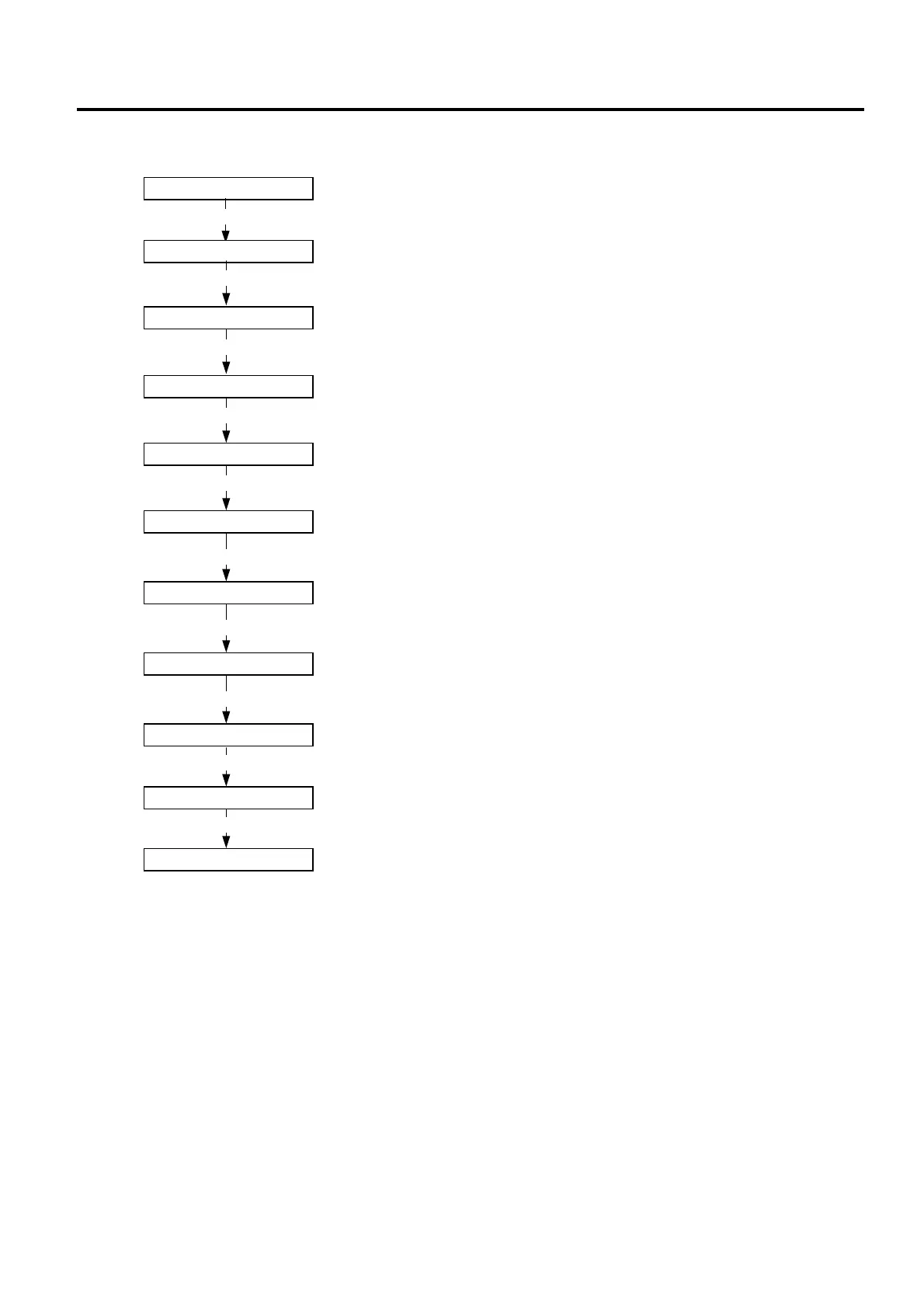
5.5 Flowchart of Printer Parameter Fine Adjustment Setting
5- 4
5.5 Flowchart of Printer Parameter Fine Adjustment Setting
<3>ADJUST SET
[POWER]
FEED ADJ. +0.0mm
X ADJUST +0.0mm
TONE ADJUST +0
THRESHOLD<R>1.0V
THRESHOLD<T>1.4V
<3>ADJUST SET
Feed amount fine adjustment
Refer to Section 4.5
X-coordinate fine adjustment
Refer to Section 4.5
Print tone fine adjustment
Refer to Section 4.5
Reflective (Black mark) sensor manual threshold fine adjustment
Refer to Section 4.5
Transmissive (Feed gap) sensor manual threshold fine adjustment
Refer to Section 4.5
[POWER]
[POWER]
[POWER]
[POWER]
[POWER]
Hold down the [POWER] key for 3 seconds or more.
[POWER]
<0>SHUTDOWN
[POWER]
Power OFF
Press the [POWER] key.
The settin
is u
dated at shutdown.
PEEL ADJ. +0.0mm
Strip position fine adjustment
Refer to Section 4.5
[POWER]
PAPER SIZE 114mm
Paper size for ESC/POS setting
Refer to Section 4.5
[POWER]



 To Next Page
 Loading...










