4. SYSTEM MODE (For Service Persons and System Administrators) EO13-33005
4.9 Interface Setting
4- 91
(4) Gateway IP Address Setting (GATEWAY IP ADRES)
This setting is gateway IP address.
Notes:
1. Factory default is “000.000.000.000”.
2. When the [FEED] key is pressed, the menu moves in the opposite direction from when the [PAUSE]
key is pressed.
3. When the [FEED] and [PAUSE] keys are simultaneously pressed, the display returns to the system
mode menu.
4. When the [FEED] key or [PAUSE] key is pressed for 0.5 seconds or more during this setting, repeat
mode is enabled and the key pressed is repeatedly entered.
5. The change in the parameter setting becomes effective when the [POWER] key is pressed after
setting, then stored in the backup memory.
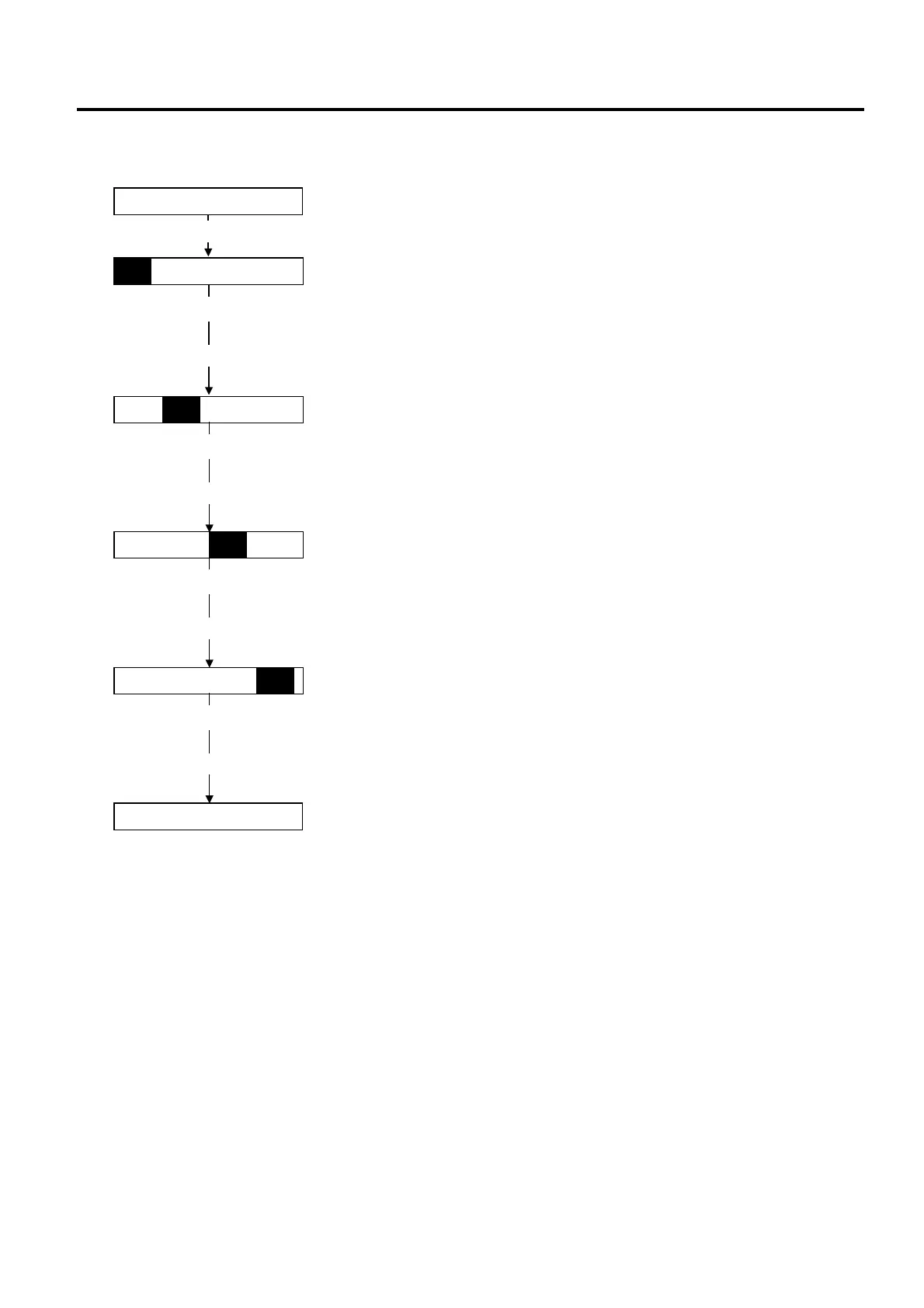
GATEWAY IP ADRES
Gateway IP address setting
[POWER]
First 8bits setting
[POWER]
1 9 2 . 0 0 0 . 0 0 0 . 0 0 0
0 0 0
[PAUSE] or [FEED]
Press the [PAUSE] or [FEED] key to set the value.
Range of set value is 0 to 255.
Press the [POWER] key to determine the value.
(Moves to the 2nd 8 bits.)
2nd 8bits setting
0 0 0 . 1 6 8 . 0 0 0 . 0 0 0
0 0 0
[POWER]
[PAUSE] or [FEED]
Press the [PAUSE] or [FEED] key to set the value.
Range of set value is 0 to 255.
Press the [POWER] key to determine the value.
(Moves to the 3rd 8 bits.)
3rd 8bits setting
0 0 0 . 0 0 0 . 2 5 4 . 0 0 0
0 0 0
[POWER]
[PAUSE] or [FEED]
Press the [PAUSE] or [FEED] key to set the value.
Range of set value is 0 to 255.
Press the [POWER] key to determine the value.
(Moves to the last 8 bits.)
Last 8bits setting
0 0 0 . 0 0 0 . 0 0 0 . 2 5 4
0 0 0
[POWER]
[PAUSE] or [FEED]
Press the [PAUSE] or [FEED] key to set the value.
Range of set value is 0 to 255.
Press the [POWER] key to determine the value.
SUBNET MASK
Moves to the next setup screen.



 To Next Page
 Loading...










