3. ONLINE MODE EO13-33005
3.7 Parameter Setting
3- 11
Continued from the previous page.
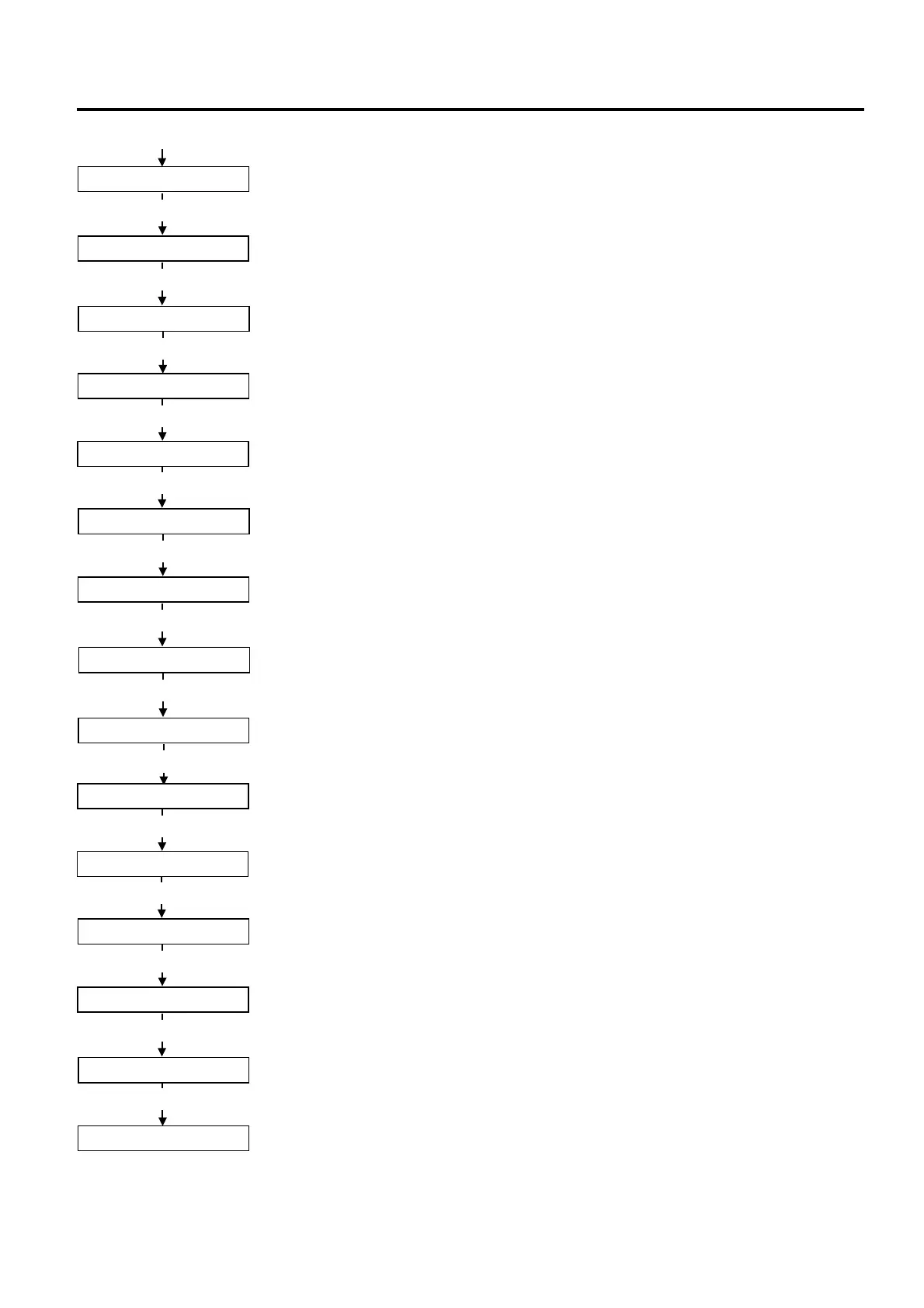
CODE AUTO
[POWER]
Control code setting
Press the [POWER] key.
EURO CODE B0
[POWER]
EURO font code setting
Press the [POWER] key.
MAXI CODE B0
[POWER]
MaxiCode specification setting
Press the [POWER] key.
AUTO OFF 120min
[POWER]
Auto power-off timing setting
Press the [POWER] key.
SLEEP 3sec
[POWER]
Power save mode timing setting
Press the [POWER] key.
LCD OFF 3sec
[POWER]
LCD backlight off timing setting
Press the [POWER] key.
AUTO HD CHK OFF
[POWER]
Automatic print head check for broken dots setting
Press the [POWER] key.
HEAD CHECK OFF
[POWER]
Print head check for broken dots after cover close setting
Press the [POWER] key.
HEAD ERR PRT OFF
[POWER]
Resume printing after broken dots error setting
Press the [POWER] key.
FEED CHECK OFF
[POWER]
Feed to top of feed after cover close setting
Press the [POWER] key.
BEEP VOL 1
[POWER]
Beep volume setting
Press the [POWER] key.
XML OFF
[POWER]
XML setting
Press the [POWER] key.
<3>PARAMETER SET
[POWER]
System mode menu display (Parameter setting)
<1>RESET
[POWER]
Press the [POWER] key.
ON LINE
Press and hold the [POWER] key for at least 3 seconds or more.
The reset menu is displayed.
The printer returns to the same state as when the power is turned off and on again.



 To Next Page
 Loading...










