Installing the Encompass 4 Reader
4-33
To connect the colored-wire cable using RS
–422 interface
1. Connect the yellow wire (transmit +) from the yellow
and red wire pair to the
host receive (+) signal.
2. Connect the red wire (transmit
–) from the yellow and red wire pair to the host
receive (
–) signal.
3. Connect the black wire (receive +) from the red and black wire pair to the host
transmit (+) signal.
4. Connect the red wire (receive
–) from the red and black wire pair to the host
transmit (
–) signal.
Wiegand Interface
Wiegand interface signals are supplied by three wires from the Encompass 4 Reader
communications cable. The Encompass 4 Reader with RS
–232 or RS–422 comes with
the Wiegand option built in. The Wiegand interface can only be used by the reader to
output valid Wiegand tag reads. All reader commands and responses are issued
through the serial interface.
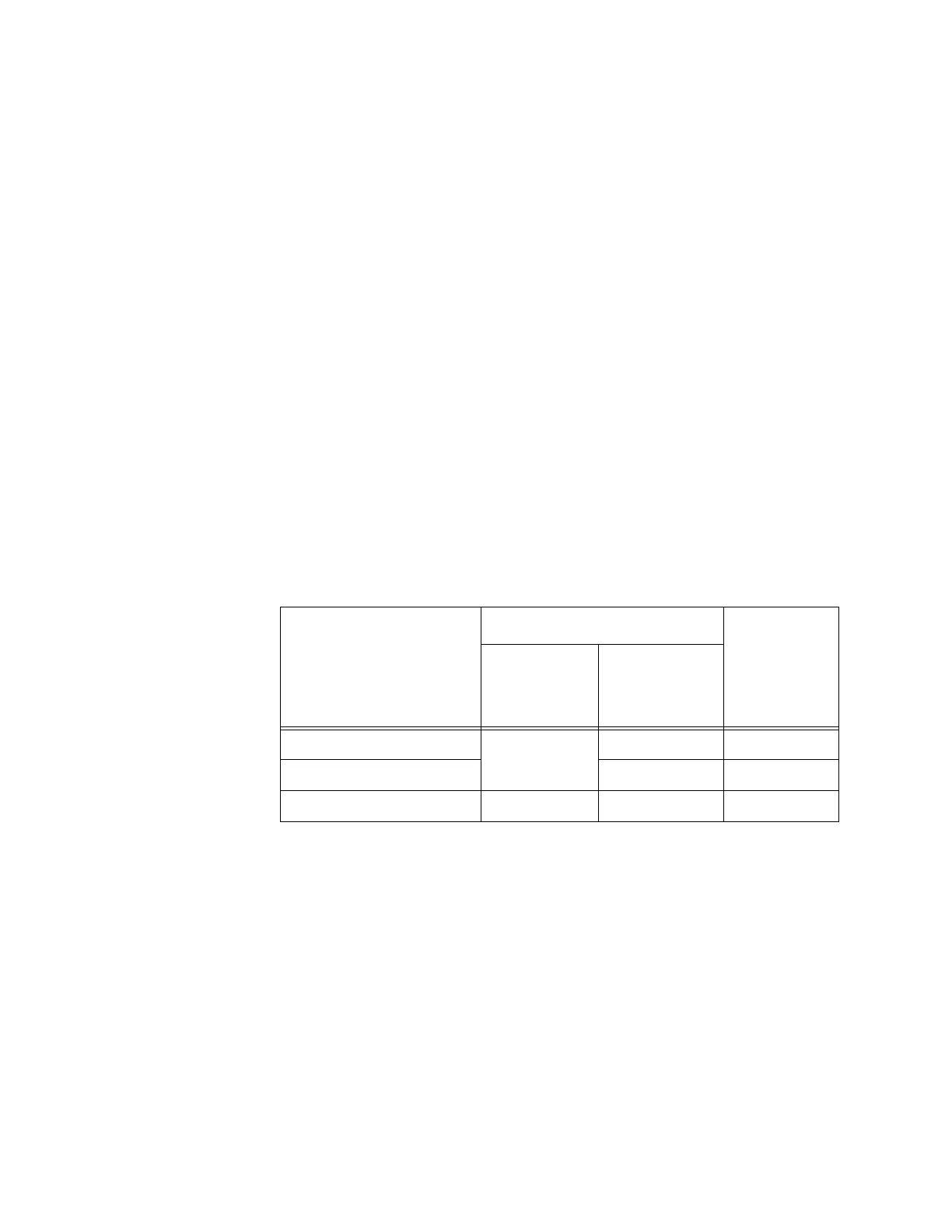
Table 4-8 shows the Wiegand signals and the interface wires.
Table 4-8 Wiegand Interface Signal Wiring for Colored-Wire Pair Cable
Signal from Encompass
4 Re
ader
Colored-Wire Pair Cable
Connect to
Signa
l from
Host
Wire Pair
fro
m
Encompass
4 Reader
Color Used
Wiegand Zero Output Blue/Red Blue Data0
Wiegand One Output Red Data1
Signal Ground Yellow/Black Yellow or black Ground
To connect Wiegand interface
1. Connect the blue wire (data0)
from the blue and red wire pair to the data0 wire of
the Wiegand device.
2. Connect the red wire (data1) from
the blue and red wire pair to the data1 wire of
the Wiegand device.
3. Connect either the yellow or black wire
from the yellow and black pair to the
Wiegand device’s signal ground.
Note: The RS
–232 or RS–422 interface is still included on the Encompass 4
Reader even when you use the Wiegand configuration. If serial communication is
not needed, TransCore recommends leaving the DB9 or DB25 connected to the
cable for future use.



 To Next Page