Encompass 4 Reader System Guide
8-8
• Bits per second: 9600 baud
• Data bits: 8
• Parity: None
• Stop bits: 1
• Flow control: None
Click OK.
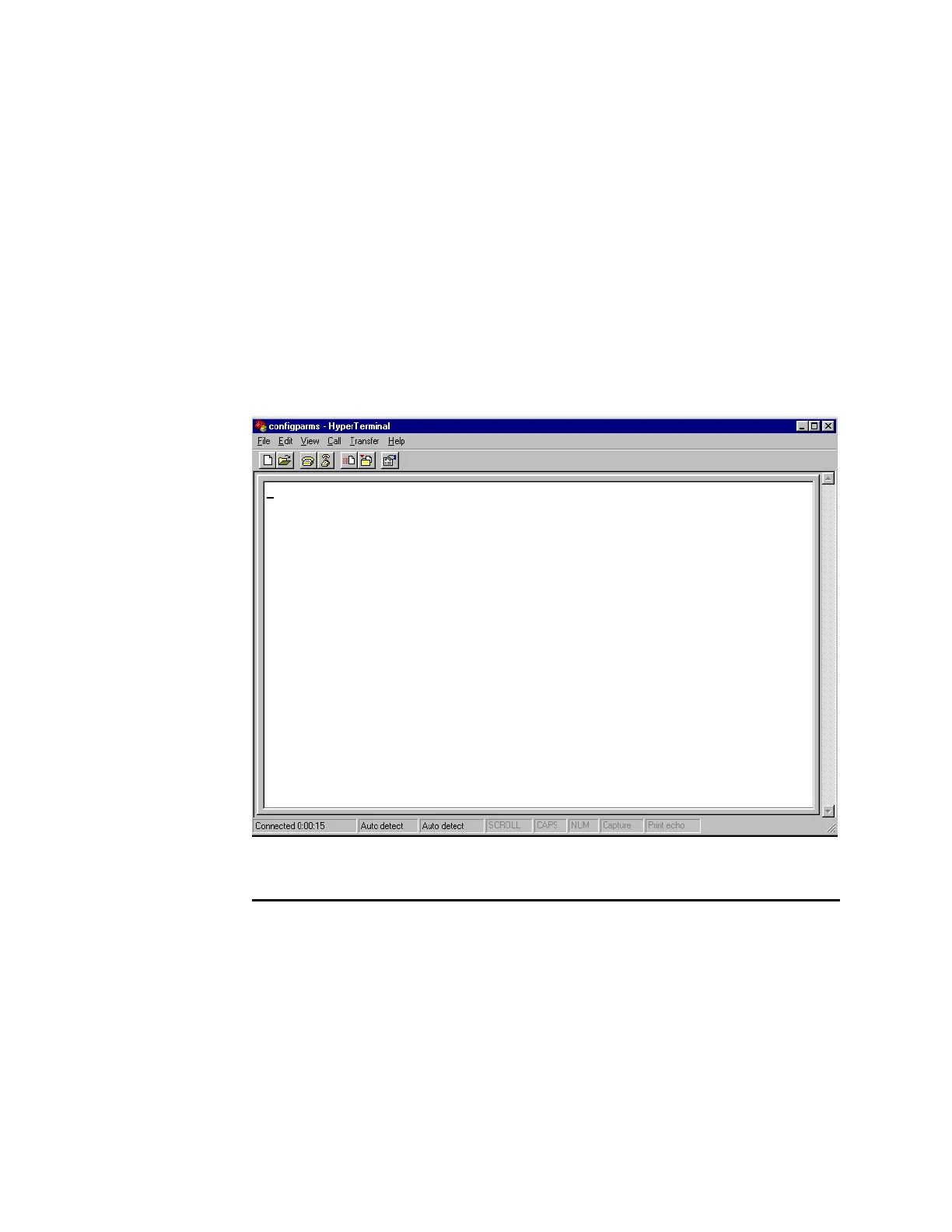
The application displays the c
onfigparms - Hyper Terminal main screen as
shown in Figure 8-4.
Figure 8-4 Hyper Terminal Main Screen
Verifying Communications
You must verify that the Encompass 4 Reader and the PC or laptop are communicat-
ing.
To verify communications
1. Start the terminal emulation application as described previously in “Starting the
Terminal Emulation Software” on page 8-6.
Note: W
hen testing the Encompass 4 Reader using a laptop, TransCore recommends
that you configure laptop communication parameters to match those of the host com-



 To Next Page