Configuring the Encompass 4 Reader
8-11
To verify tag read capability
1. Once communications are verified as
described in “Verifying Communications”
on page 8-8, enter the following sequence of commands t
o turn on continuous
RF:
• #01
• #6401
• #40
• #00
2. Pass one test tag in front of the unit. If the
Encompass 4 Reader reads the tag, the
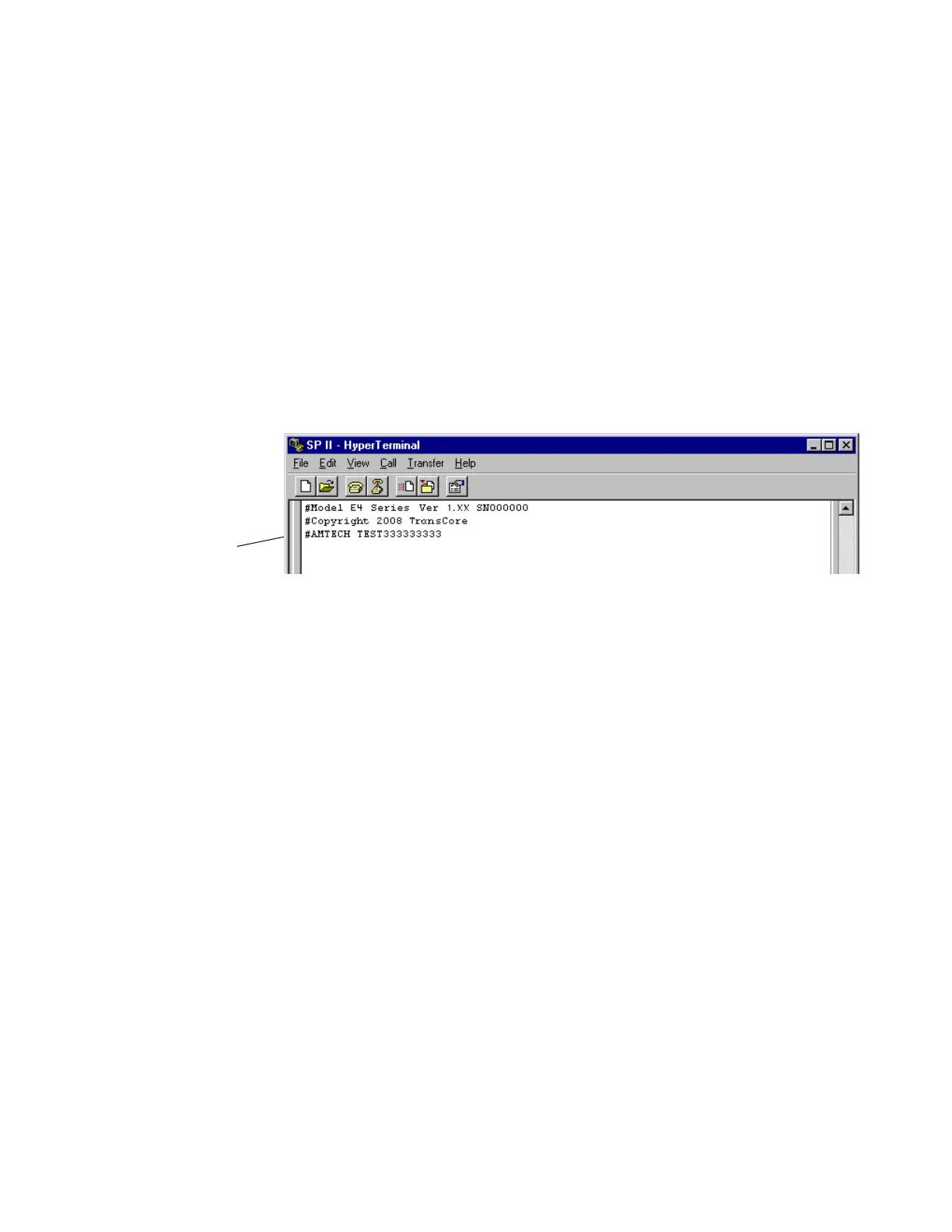
terminal emulation application displays the tag information on the screen as
shown in Figure 8-6.
Figure 8-6 Successful Tag Read
If the tag ID is not displayed, perform the following actions:
• Verify that the Encompass 4 Reader is in data mode (command
#00 Switch to Data Mode).
• Ensure that the tag you are using is compatible with the
Encompass 4 Reader. The Encompass 4 Reader can read tag
types that are compatible with the reader model.
• An Encompass 4 Reader displays the tag read for any tag that is
compatible with the reader programming. Table 8-1 shows how to
determine which tag protocol(s) your Encompass
4 reader
supports.
• Using the audible circuit tester as described in “Testing the
Encompass 4 Reader Using an Audible Circuit Tester” on page 4-
5, verify that the reader is capable of reading the tag in the read
zone. If it is, the problem is probably in
the communications
between the Encompass 4 Reader and the host.
3. Pass a different reader-compatible test tag in
front of your Encompass 4 Reader.



 To Next Page