Installing the Encompass 4 Reader
4-7
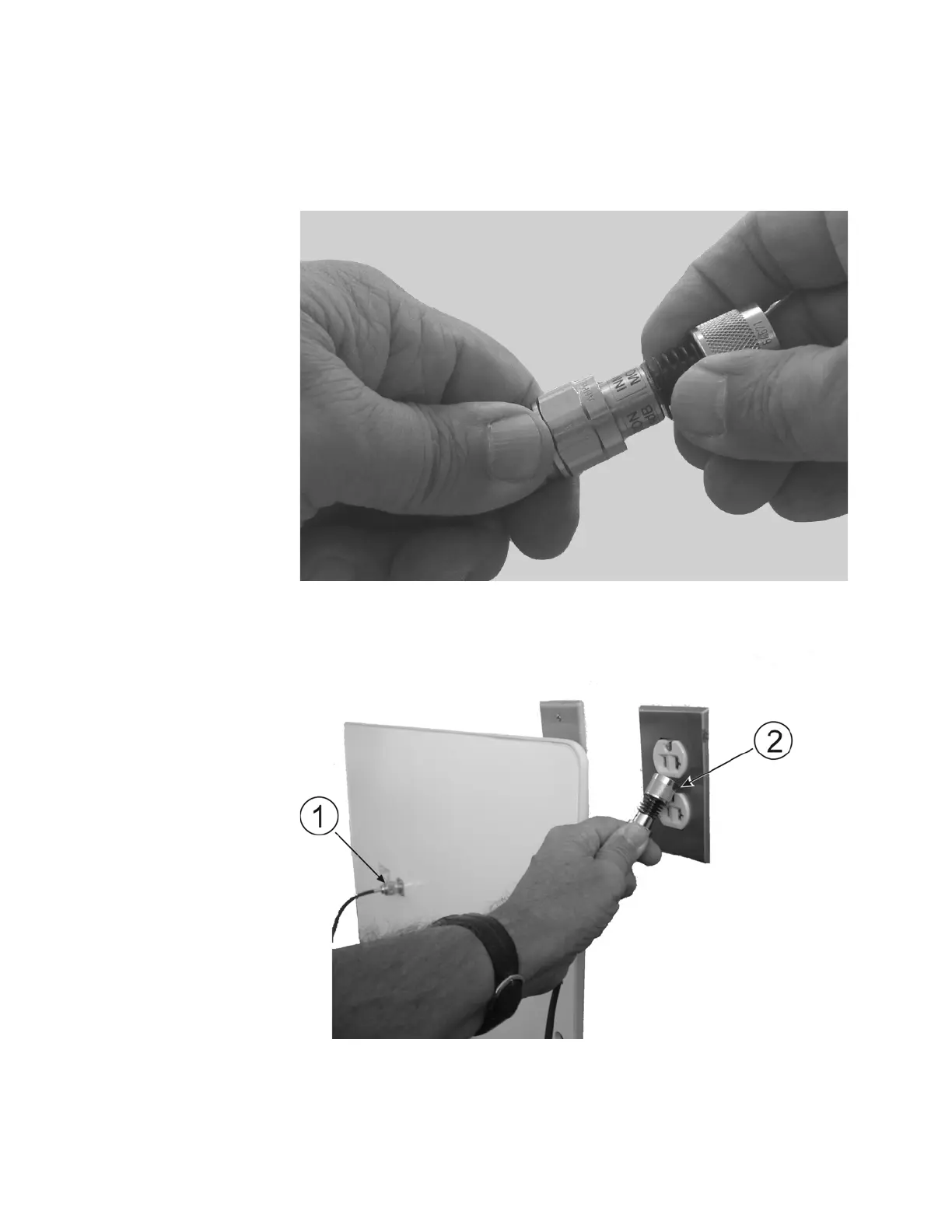
1. Terminate the reader end of the RF cable with
any N-type load or RF attenuator
(Figure 4-2).
Figure 4-2 Connect RF N-type Load or Attenuator to Reader Cable End
2. Connect the RF cable to the antenna (see item 1 in Figure 4-3).
Figure 4-3 Short Load to Earth Ground



 To Next Page