Encompass 4 Reader System Guide
7-24
displays for readers in IAG applications.
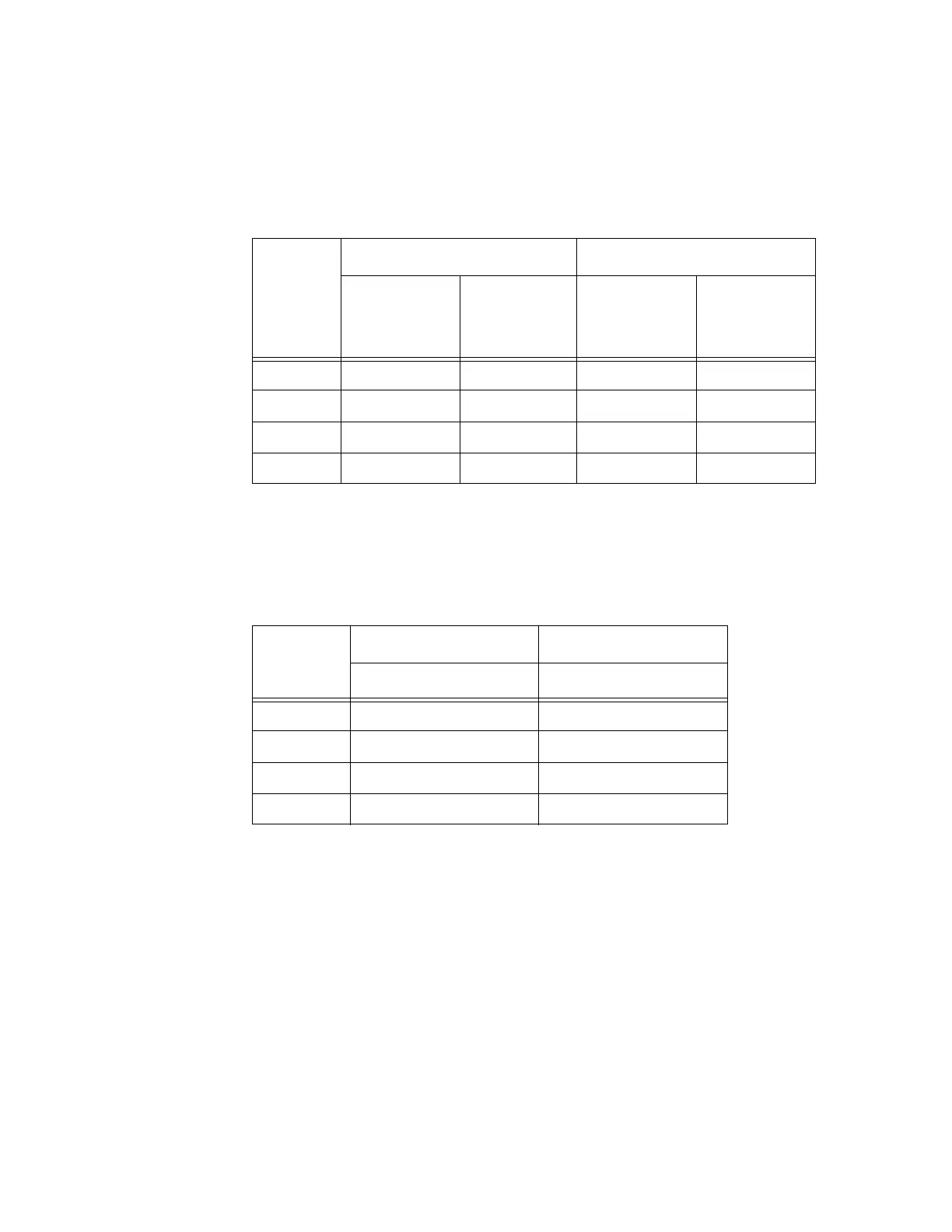
Table 7-9 Open/Closed Conditions for Output Status (IAG Applications)
Output
Status
Output0 Wire Pair Output1 Wire Pair
Orange
Jumpe
r to
Black of
Brown/Black
Brown/Black
White
Jumper to
Black of
Green/Black
Green/Black
O0 Closed Open Closed Open
O1 Open Closed Closed Open
O2 Closed Open Open Closed
O3 Open Closed Open Closed
Table 7-10 shows the input0 and inp
ut1 open/closed conditions for the input status
displays.
Table 7-10 Open/Closed Conditions for Input Status
Input
Status
Input0 Wire Pair Input1 Wire Pair
Green/Red Blue/Black
I0 Open Open
I1 Closed Open
I2 Open Closed
I3 Closed Closed
527 Display RF Status
Command #527 displays the current status of the RF module. The reader response
indicates whether RF is controlled externally by the host, set by command #640N RF
Control, or internally by input set by command #641. Command #527 also displays
the current RF status and the uniqueness timeout.
Note: If you enter
RF frequency settings using command #642NN, the display com-
mand for RF output frequency, F is “Fxx” and indicates use of the backwar
d-compat-
ible frequency en
try method.
Reader message:
RFST C<0 to 1> O<0 to 1> T<1 to 3> Fxxx Rxx Gxx Axx Ixx
where



 To Next Page