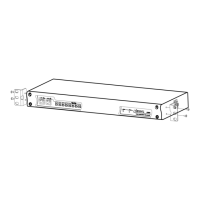
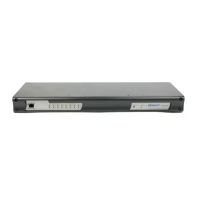
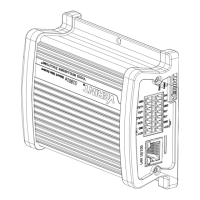
► Perform the following steps:
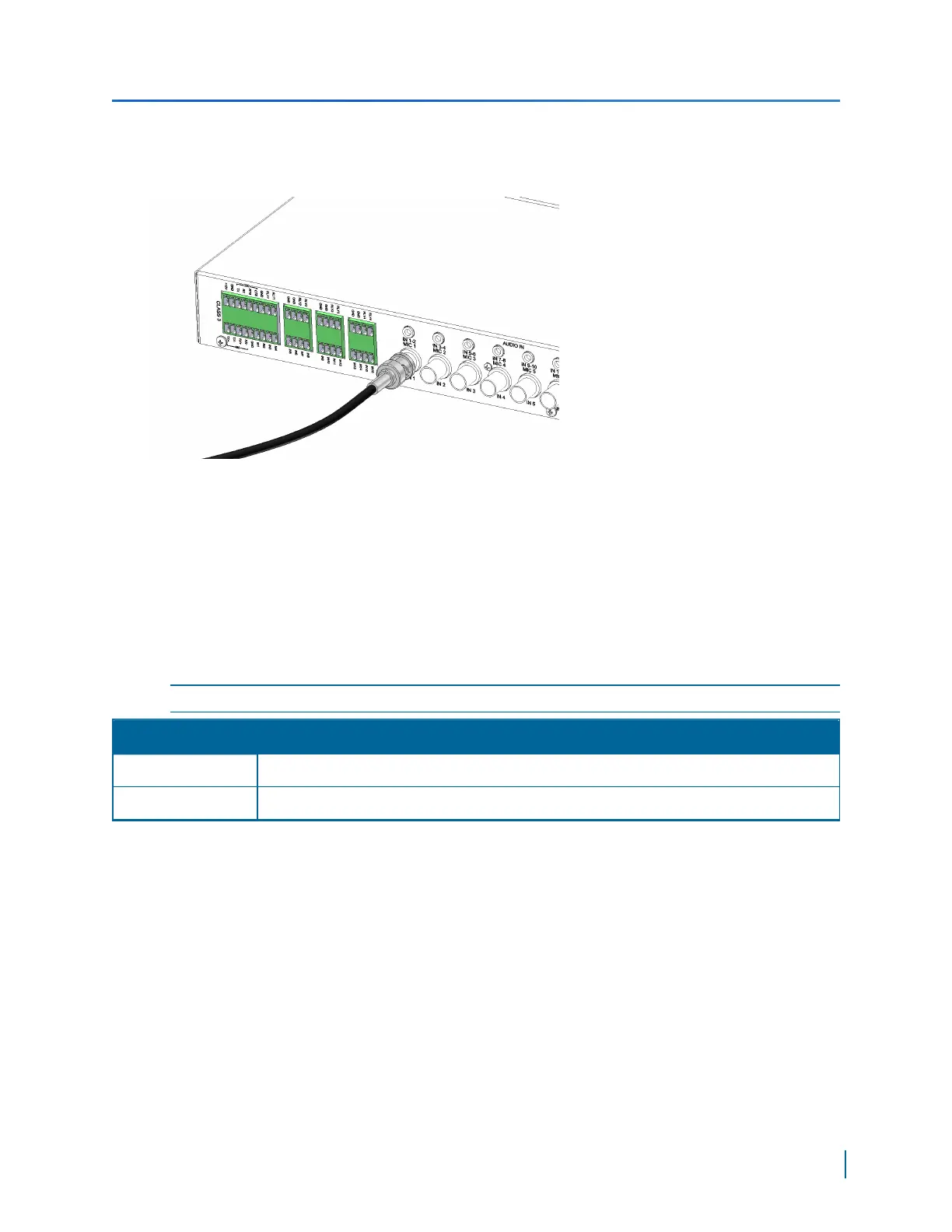
1. Connect the video cables from the analog cameras to the BNC connectors on the rear of the
device.
Connecting Network Cables
The primary network interface (LAN-1) on the S1800e series is for the main connectivity to the LAN.
The secondary network interface (LAN-2) on the S1800e series encoder is used by support for
debugging purposes. The default IP address of LAN 2 is set to 172.29.204.254 with subnet mask
255.255.255.252. Any computer connecting to the S1800e series encoder must use the following IP
address 172.29.204.253.
NOTE: LAN-2 is not available on the S1816e-SR model.
Connection Purpose
LAN-1 Primary LAN/WAN connectivity.
LAN-2 Secondary LAN connectivity used by Verint support.
► Perform the following steps:
1. Plug a straight-through Ethernet cable to the LAN1 connector on the rear.
Connecting a Serial Device
RS-232, RS-422 and RS-485 are communication standards between a Data Terminal Equipment
(DTE) and a Data Circuit-terminating Equipment (DCE) using the asynchronous serial
communication method.
Chapter 3: Installing the S1800e Series Multiport Devices
Verint Video Intelligence Solutions
45



 To Next Page
 Loading...