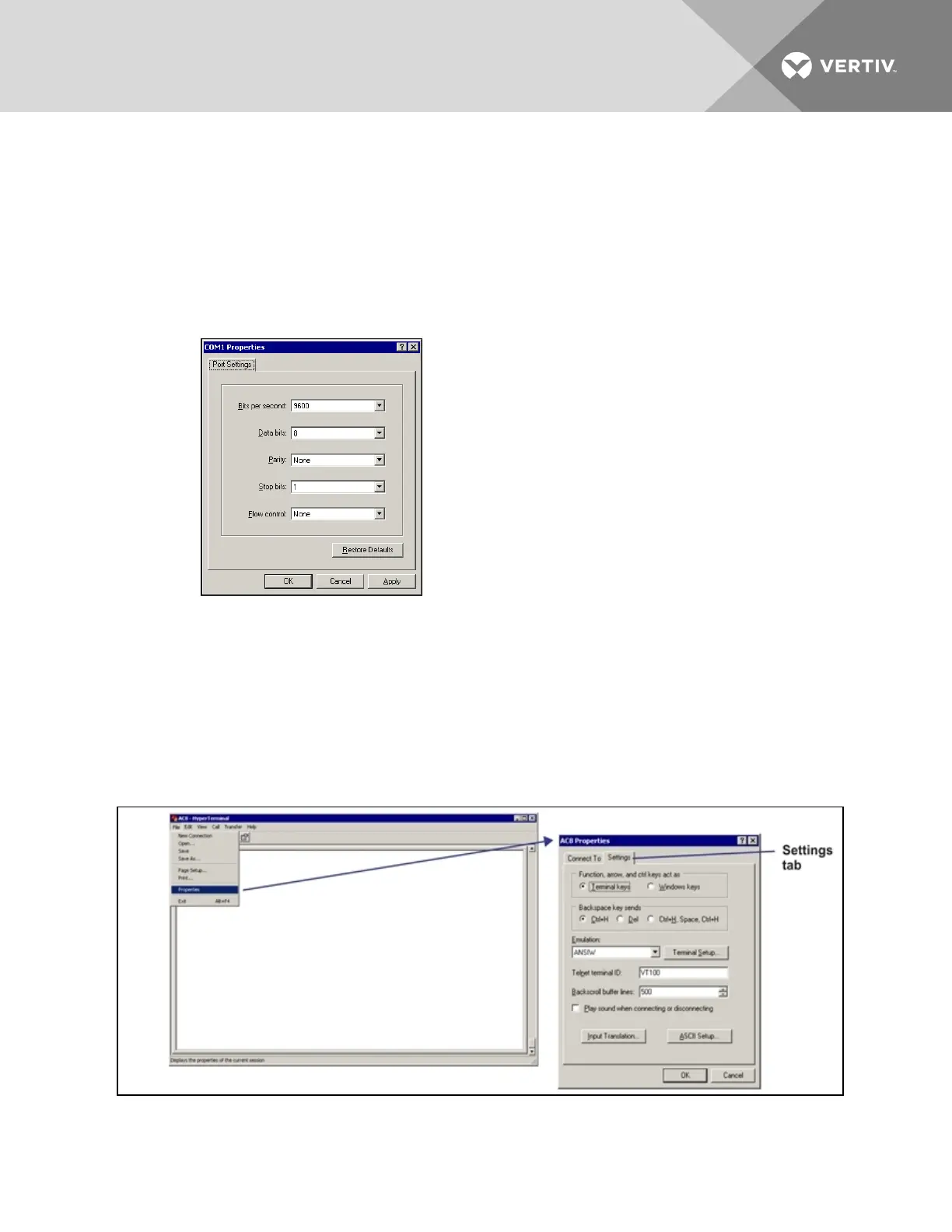
COM1 Port Setup
6. In the COM1 Properties window, shown below, make the following selections:
• Bits per second: 9600
• Data bits: 8
• Parity: None
• Stop bits: 1
• Flow control:
7. Click OK. When the connection is open, the connection name appears in the title bar of the
HyperTerminal window. To complete the setup, continue with Step 8 (next section).
Set Up the Connection’s Properties
The following steps are needed for both direct and remote connection to the Liebert AC8.
Properties Setup
8. Open the Properties window by clicking on File, then on Properties, as shown below left.
Vertiv | Liebert® AC8 User Manual | 114



 To Next Page