2N® EasyGate IP User Manual
•
•
•
•
The Preset and update button always sets the Profile number (without checking the Profile
number and Submitted profile number for a match) and then the Intercom identification
number.
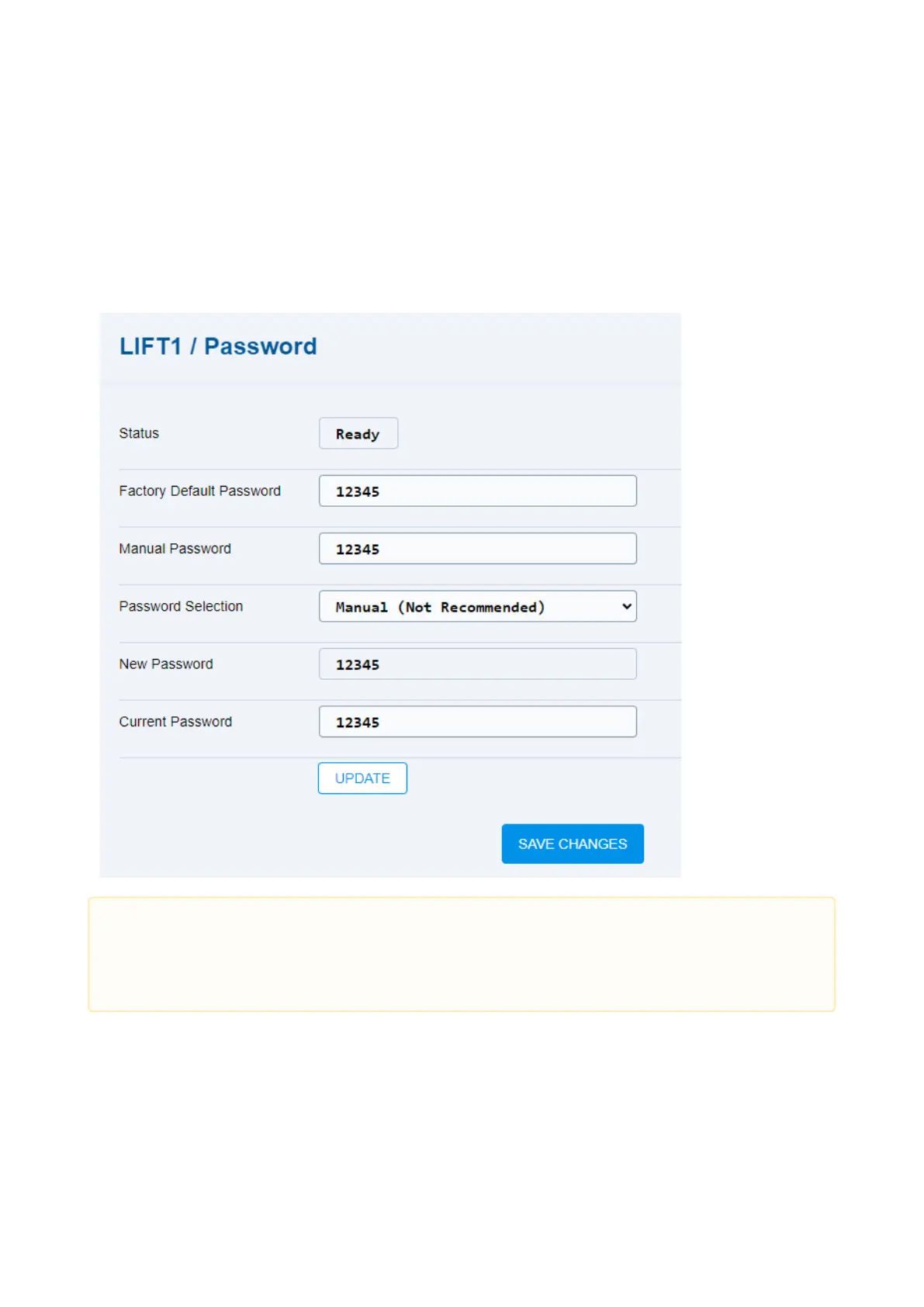
5.6.4 Password
The Password folder helps you display and set the 2N Lift1 password.
Status – display the 2N Lift1 password status.
OK – the password is OK.
Busy – communication between 2N EasyGate IP and 2N Lift1 is in progress.
Bad password – neither the Current password, nor the Factory default password
can be used – the passwords are wrong.
•
Caution
If a value is changed in a setting, you have to press Save changes before
performing further actions.



 To Next Page