Defining VLAN Membership 145
■ LAG — Indicates the LAG membership.
■ Interface — Displays the port or LAG number included in the VLAN.
■ Interface Status— Displays the port-based for each Interface.
The Membership Modify Page contains a table that maps VLAN
parameters to ports. Ports are assigned VLAN membership by toggling
through the Port Control settings.
To modify VLAN Membership:
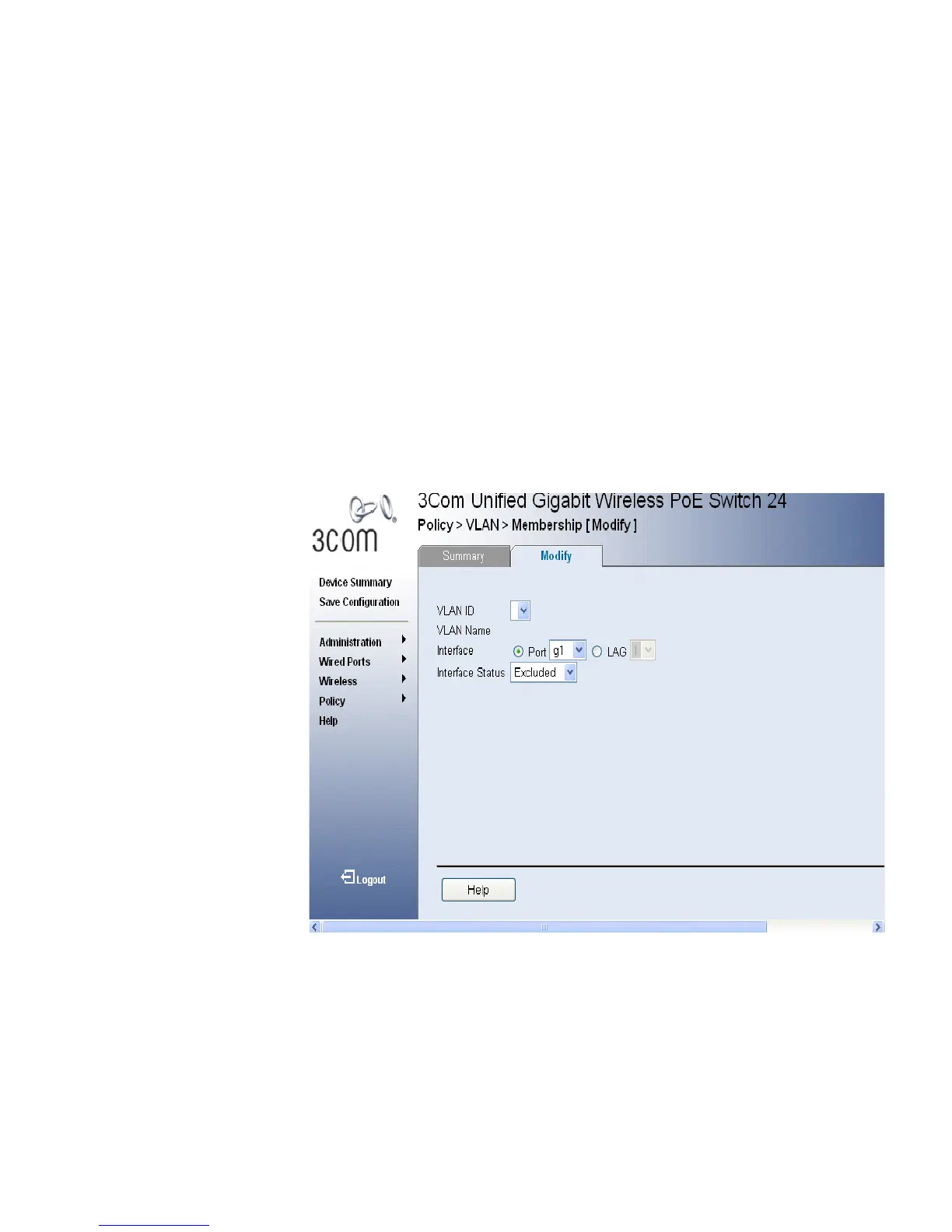
1 Click Policy > VLAN > Membership > Modify. The VLAN Membership
Modify Page opens:
Figure 71 VLAN Membership Modify Page
The VLAN Membership Modify Page contains the following fields:
■ VLAN ID — Displays the user-defined VLAN ID.
■ VLAN Name — Displays the name of the VLAN
■ Interface — Displays the port or LAG number included in the VLAN.
■ Interface Status— Displays the port-based for each Interface.












 To Next Page