180 CHAPTER 8: DEFINING WLAN
balancing, QoS and VLAN are belonged to this ESS. Viewing Wireless
Profiles:
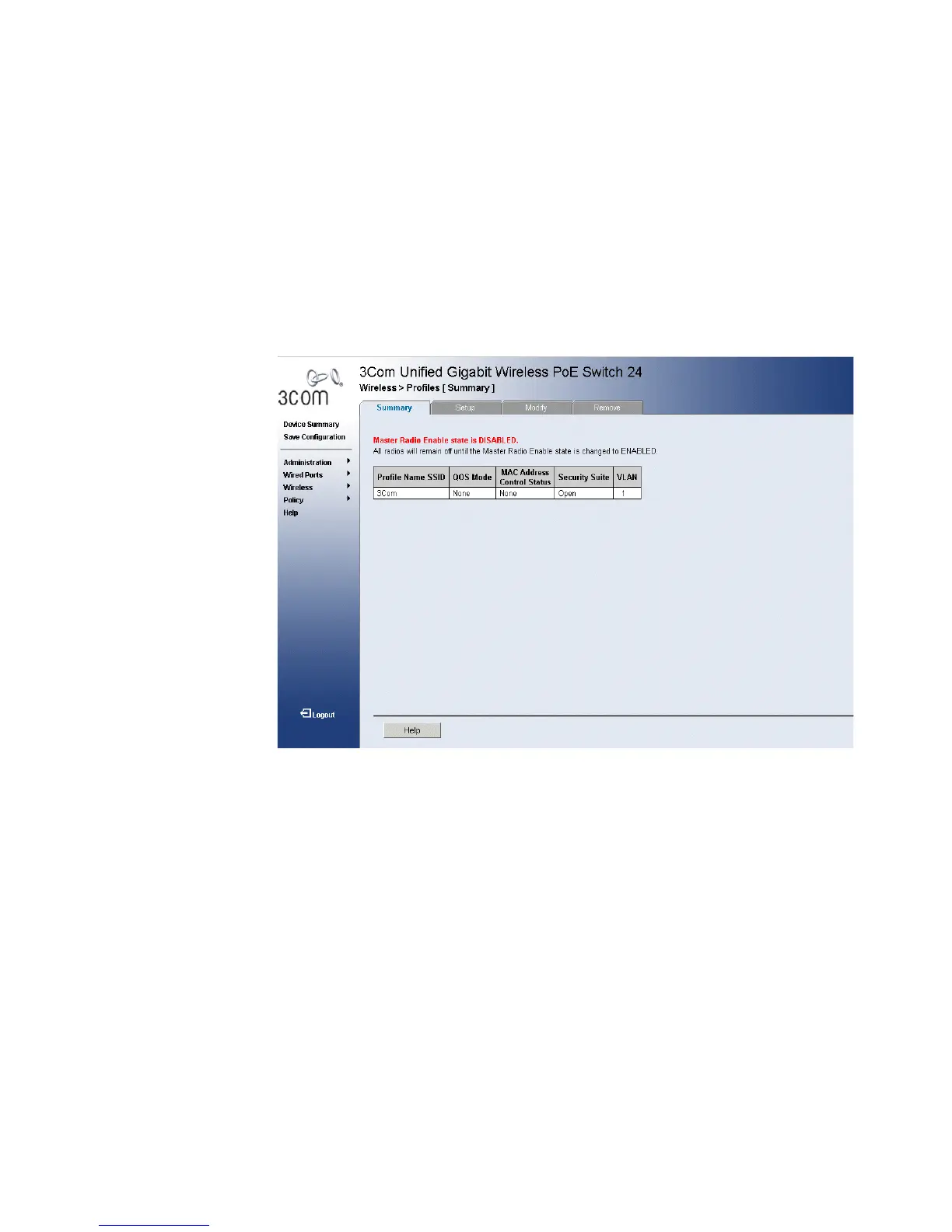
1 Click Wireless > Profiles> Summary . The Profiles Summary Page
Profiles Summary Page opens:
Figure 91 Profiles Summary Page
■ Profile Name SSID —Displays the Profile Name.
■ QoS Mode — Determines the QoS mode on the interface. The
possible values are:
■ WMM — Indicates that QoS is enabled for Wi-Fi Multimedia
(EDCF).
■ None — Indicates that QoS mode is disabled.
■ MAC Address Control Status —Indciates the MAC address control
status.
■ Security Suite — Defines the WLAN Security method applied.
■ VLAN — Defines the VLAN associated with the access point.












 To Next Page