196 CHAPTER 9: CONFIGURING IP INFORMATION
■ Clear ARP Table Entries — Specifies the types of ARP entries that are
cleared. The possible values are:
■ None — Maintains the ARP entries.
■ All — Clears all ARP entries.
■ Dynamic — Clears only dynamic ARP entries.
■ Static — Clears only static ARP entries.
2 Define the fields.
3 Click . The ARP parameters are defined, and the device is
updated.
Removing ARP Entries To remove ARP Entries:
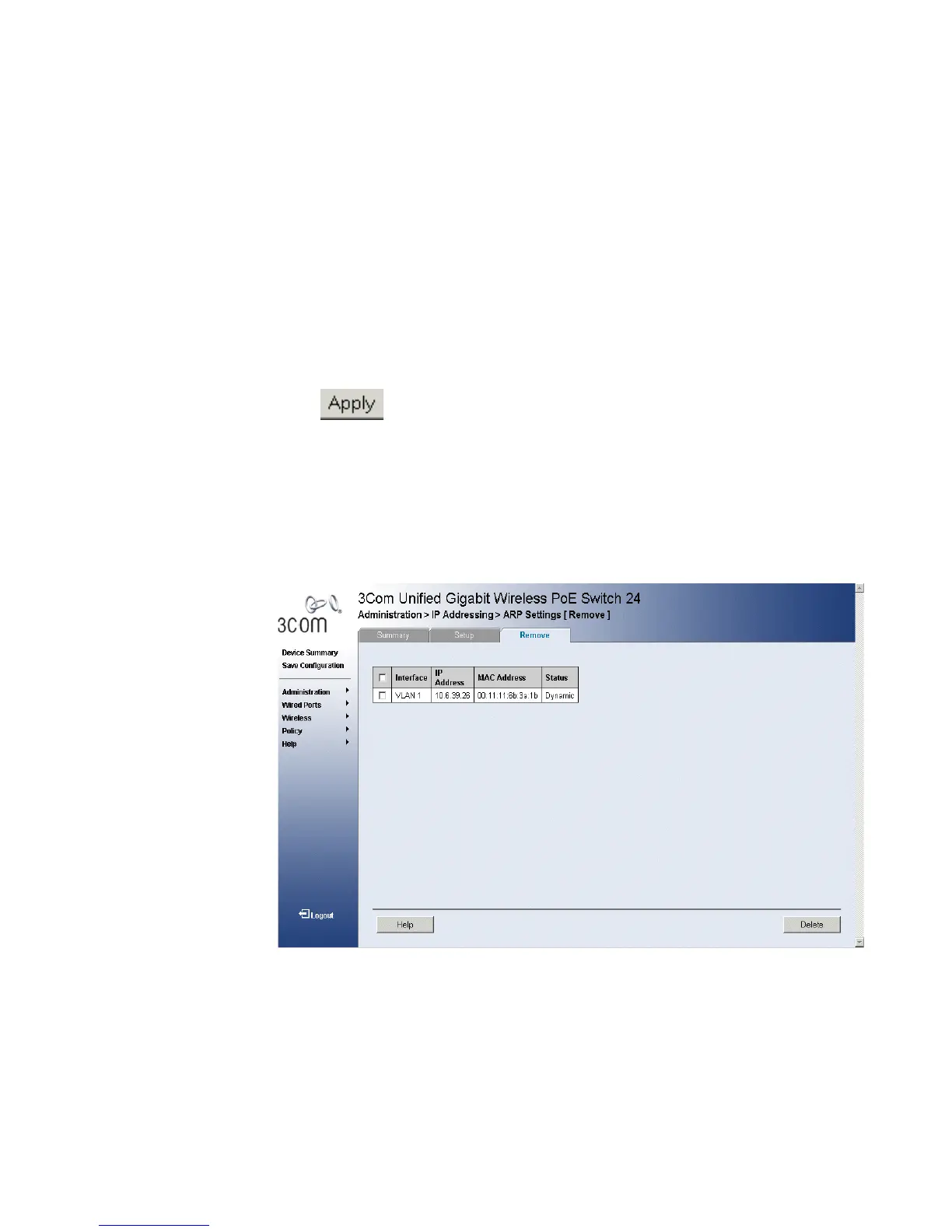
1 Click Administration > IP Addressing > ARP Settings > Remove. The
ARP Settings Remove Page opens:
Figure 101 ARP Settings Remove Page
The ARP Settings Remove Page provides parameters for removing ARP
entries from the ARP Table. The ARP Settings Remove Page contains the
following fields:
■ Remove — Removes a specific ARP entry. The possible field values
are:
■ Checked — Removes the selected ARP entries.












 To Next Page