216 CHAPTER 10: CONFIGURING MULITCAST FORWARDING
■ Excluded — Excludes the interface from the Multicast group.
■ None — Indicates the port is not part of a Multicast group
To modify Multicast Router Group Status:
1 Click Policy > Multicast > Router Group. The Multicast Router Group
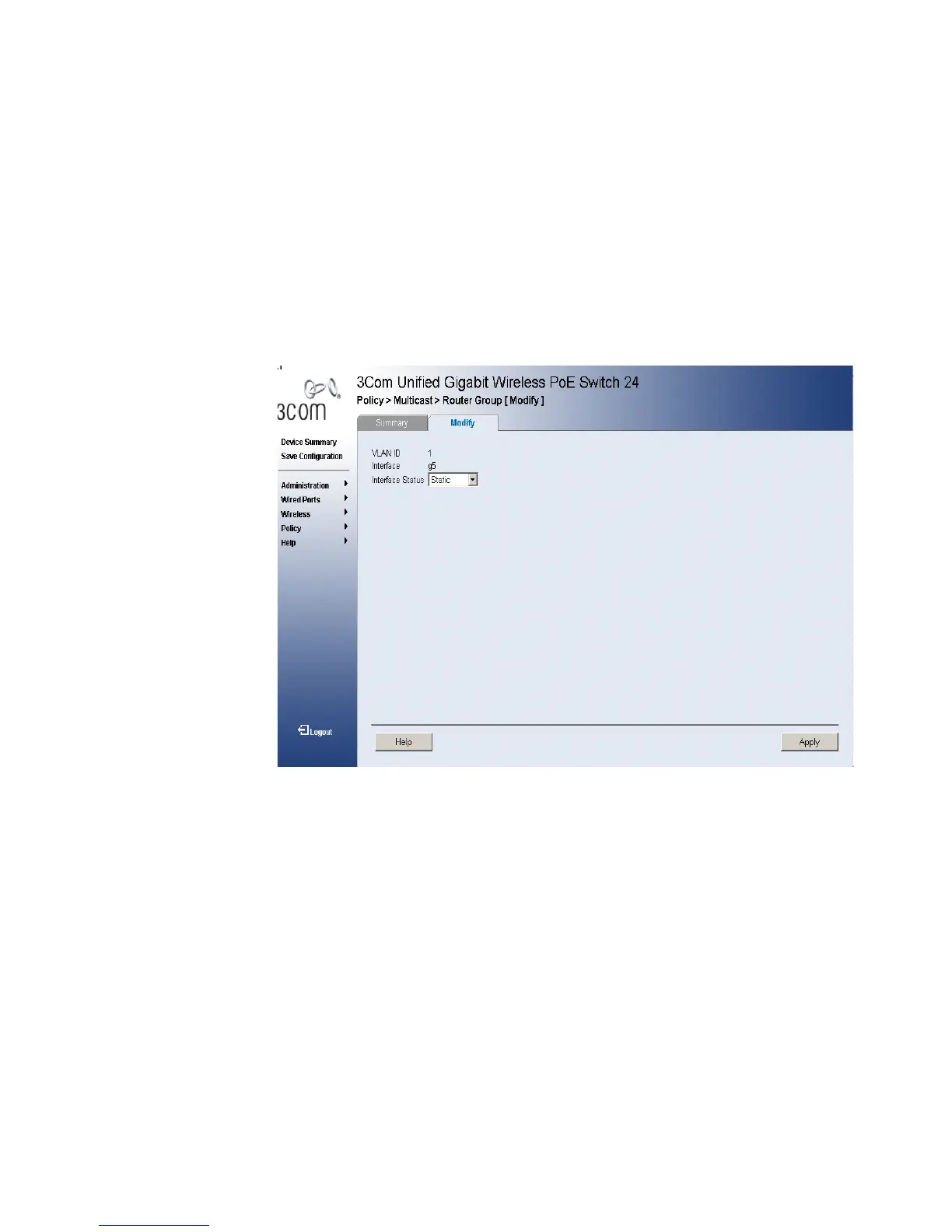
Modify Page opens:
Figure 113 Multicast Router Group Modify Page
The Multicast Router Group Modify Page contains the following
information:
■ VLAN ID — Identifies a VLAN and contains information about the
Multicast group address.
■ Interface — Displays the port number.
■ Interface Status— Indicates the port status. The possible field values
are:
■ Static — Attaches the port to the Multicast group as static member.
■ Forbidden — Indicates the port is not included in the Multicast group,
even if IGMP snooping designated the port to join a Multicast group.
■ Excluded — Excludes the interface from the Multicast group.
■ None — Indicates the port is not part of a Multicast group.












 To Next Page