Defining Management Access 41
To configure Management Access:
1 Click Administration > Management Access > Setup. The
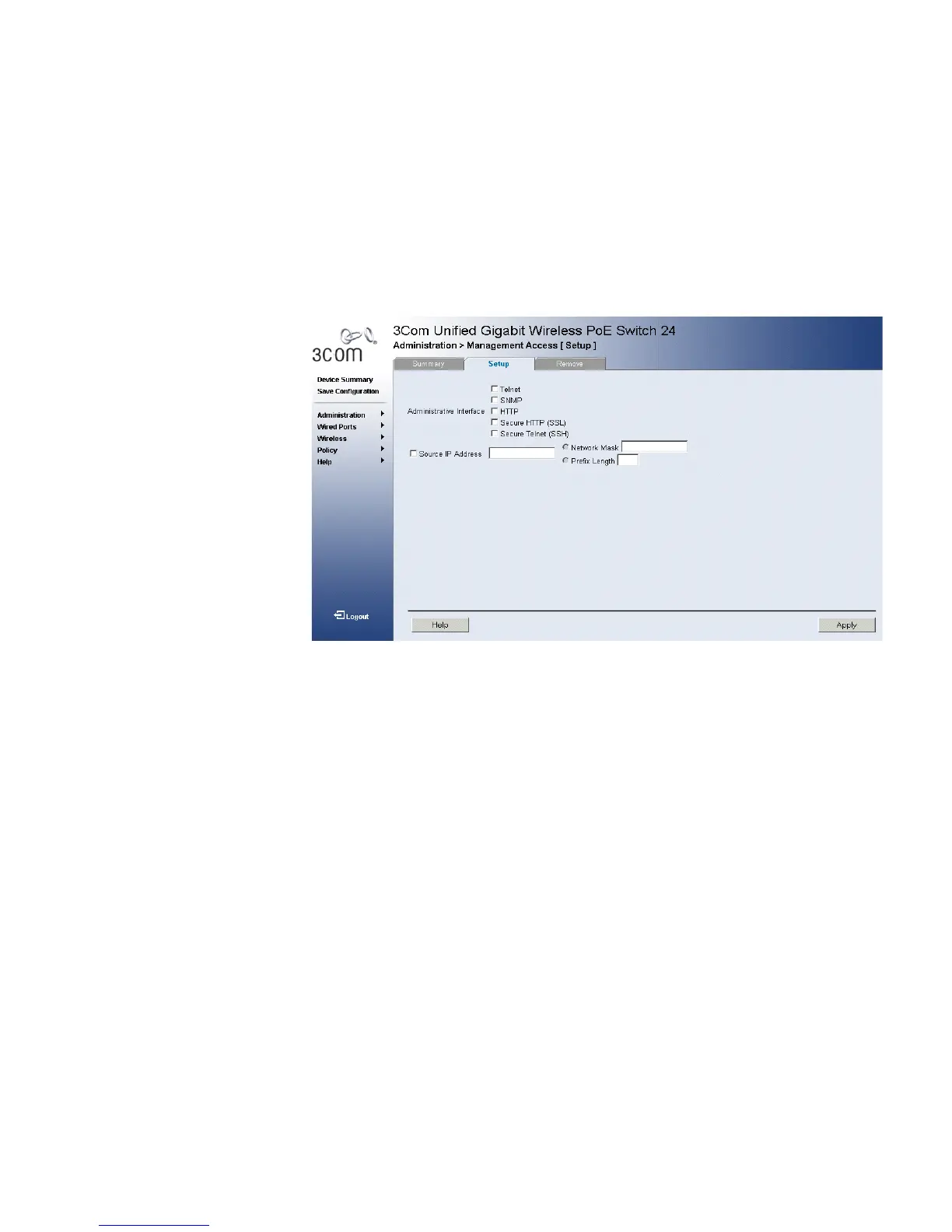
Management Access Setup Page opens:
Figure 21 Management Access Setup Page
The Management Access Setup Page contains the following fields:
■ Administrative Interfaces — Defines the management access
methods. The possible field values are:
■ Telnet — Assigns Telnet access to the rule. If selected, users
accessing the device using Telnet meeting access profile criteria are
permitted or denied access to the device.
■ SNMP — Assigns SNMP access to the rule. If selected, users
accessing the device using SNMP meeting access profile criteria are
permitted or denied access to the device.
■ HTTP — Assigns HTTP access to the rule. If selected, users
accessing the device using HTTP meeting access profile criteria are
permitted or denied access to the device.
■ Secure HTTP (SSL) — Assigns SSL access to the rule. If selected,
users accessing the device using SSL meeting access profile criteria
are permitted or denied access to the device.
■ Secure Telnet (SSH) — Assigns SSH access to the rule. If selected,
users accessing the device using Telnet meeting access profile
criteria are permitted or denied access to the device.












 To Next Page