14
Functional description of components is as follows.
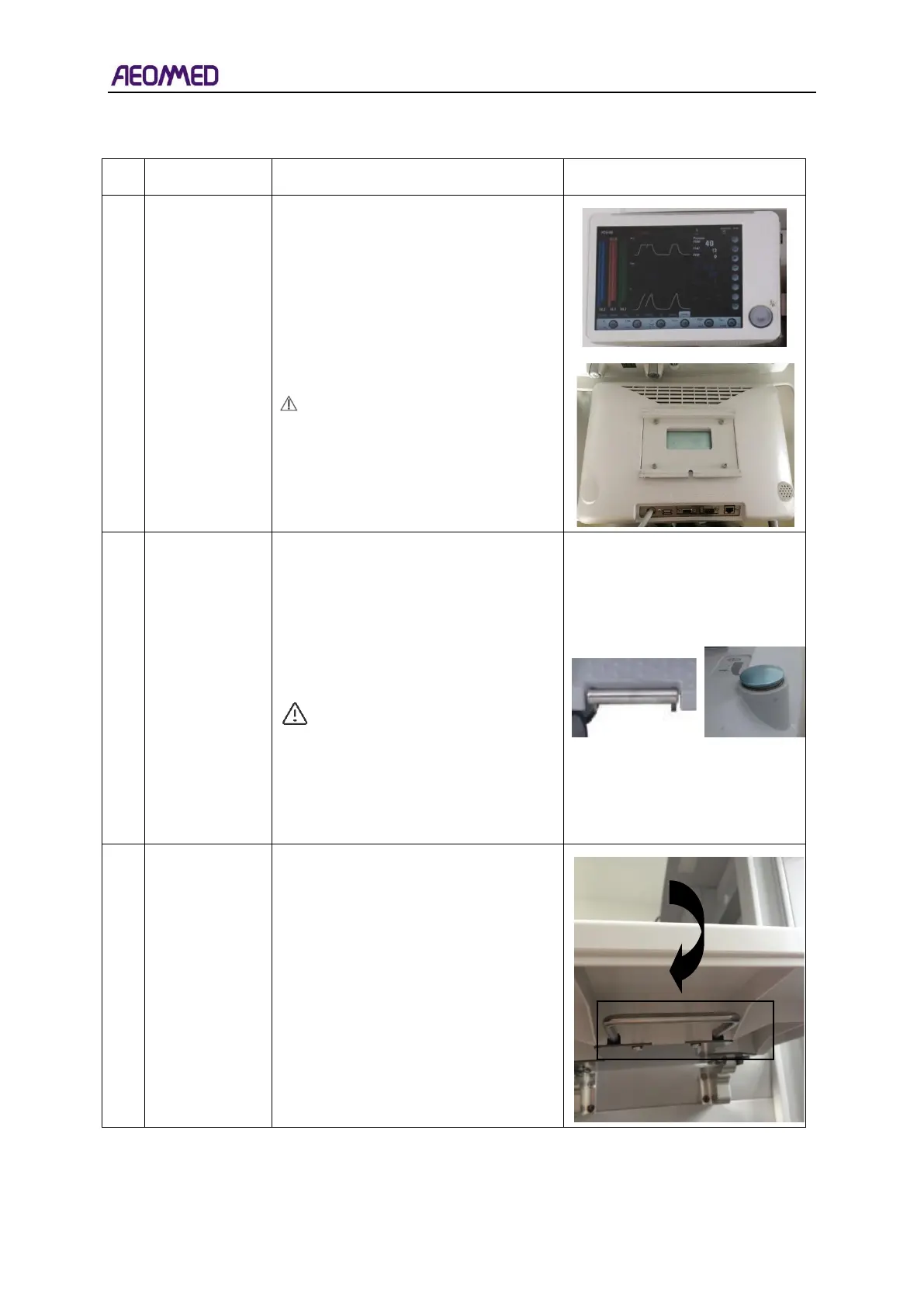
15-inch touch screen is adopted. The
front panel of the display is equipped
with two keys, manual/auto control
keys and mute keys. The rear side of
the display includes a USB interface,
RS-232 interface, network interface,
VGA interface, etc.
Note: the USB interface of the
Anaesthetic Workstation is not
suitable for connecting mobile
phones, tablet computers, and
other external devices.
1. To lock the castors, press the
castor brake pedal down with your
foot (See figure on the right).
2. To unlock the castors, press the
unlock button down with your foot.
(See figure on the left).
WARNING: The unlocking
button and the pedal cannot be
operated at the same time.
When the unlocking button is
operated, hands and feet
cannot be placed above the
pedal.
The handle is under the auxiliary work
table.
Pull the handle to open the auxiliary
work table.



 To Next Page