Programming Control
17.
Vend Price #6
"AtS6"
This option allows the owner to set the vend price for a
penn
press/cold wash. This vend price will
be
shown
in the display when PERM PRESS and COLD are
selected.
How
to
Program the Vend Price #6
1.
Control must be in Manual Mode. Refer to
Entering the Manual Mode.
2.
Press the DELICATESIBULKY
(1\)
or the
COLD
(v)
keypad until
"Prog"
appears in the
display. Press the START (enter) keypad and
"AtS1" will appear in the display.
3. Press the DELICATESIBULKY
(1\)
or
the
COLD
(v)
keypad to scroll through the
programmable options until
"AtS6" appears in
the display. The PERM PRESS and COLD LEDs
will
be
lit to show which cycle/temperature price
is being programmed.
4. When
"AtS6" appears
in
the display, press the
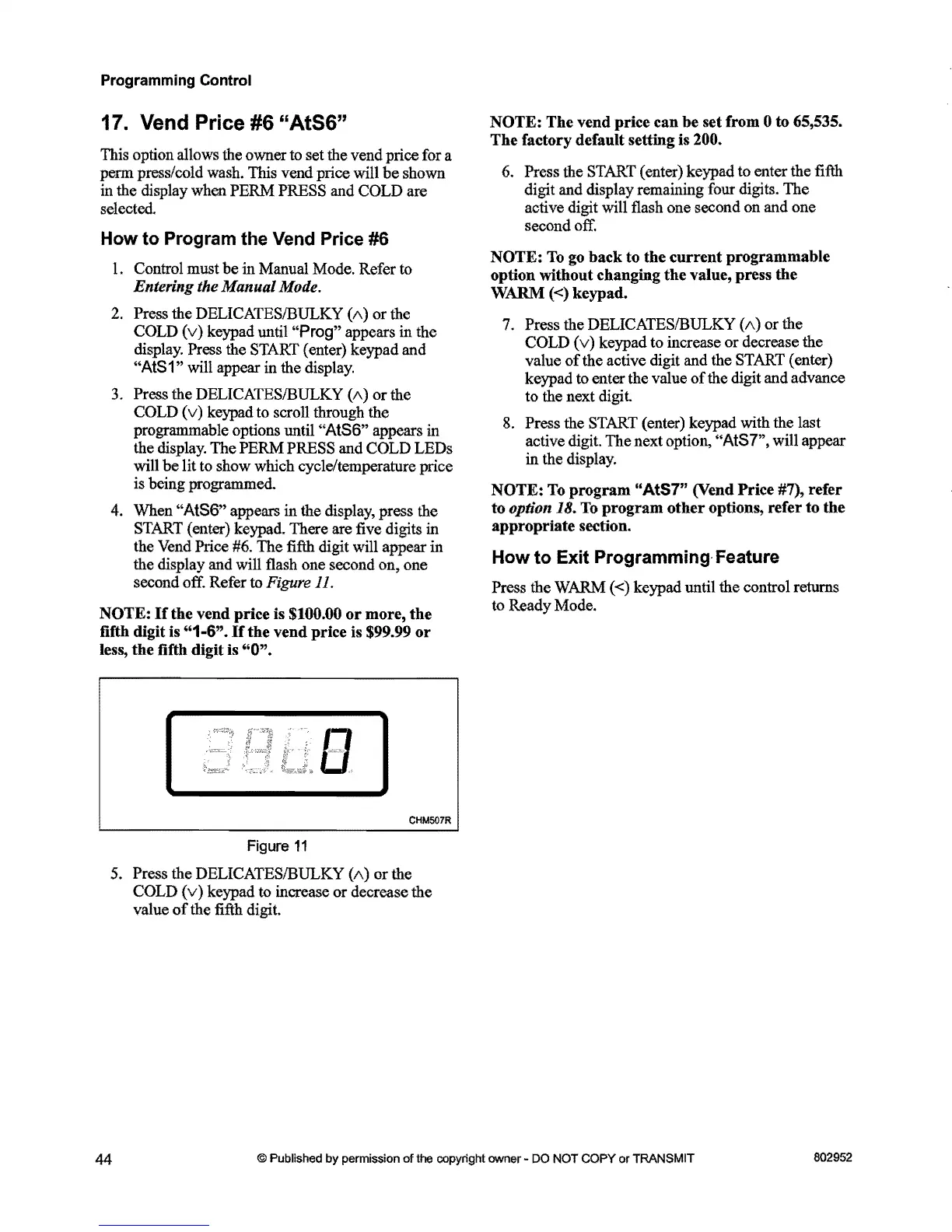
START (enter) keypad. There are five digits in
the Vend Price #6.
The
fifth digit will appear in
the display and will flash one second on, one
second off. Refer
to Figure 11.
NOTE:
If
the
vend
price
is $100.00
or
more,
the
fifth digit is
"1-6".
If
the
vend
price
is $99.99
or
less,
the
fifth digit is
"0".
[
]
CHM507R
Figure
11
5. Press the DELICATESIBULKY
(1\)
or
the
COLD
(v)
keypad to increase
or
decrease the
value
of
the fifth digit.
NOTE:
The
vend
price
can
be
set from 0 to 65,535.
The
factory default setting is 200.
6. Press the START ( enter) keypad to enter the fifth
digit and display remaining four digits.
The
active digit will flash one second on and one
second off.
NOTE:
To go
back
to
the
current
programmable
option without changing
the
value, press
the
WARM «) keypad.
7. Press the DELICATESIBULKY
(1\)
or
the
COLD
(v)
keypad to increase or decrease the
value
of
the active digit and the START (enter)
keypad to enter the value
of
the digit and advance
to the next digit.
8.
Press the START (enter) keypad with the last
active digit.
The
next option, "AtS7", will appear
in the display.
NOTE:
To
program
"AtS7"
(Vend
Price
#7),
refer
to
option 18. To
program
other
options,
refer
to
the
appropriate
section.
How
to
Exit
Programming-Feature
Press the WARM
«)
keypad until the control returns
to Ready Mode.
44
© Published
by
permission
of
the copyright owner - DO NOT
COPY
or
TRANSMIT
802952


 To Next Page
 Loading...





