CPS100 SERIES OPERATION MANUAL
SECTION 10:
LAN Interface Configuration
Entire Contents Copyright 2018 by Adaptive Power Systems, Inc. (APS) • All Rights Reserved • No reproduction without written authorization from APS.
APS CPS100 Series Power Source Operation Manual Page 201 of 231 PN 160953-10
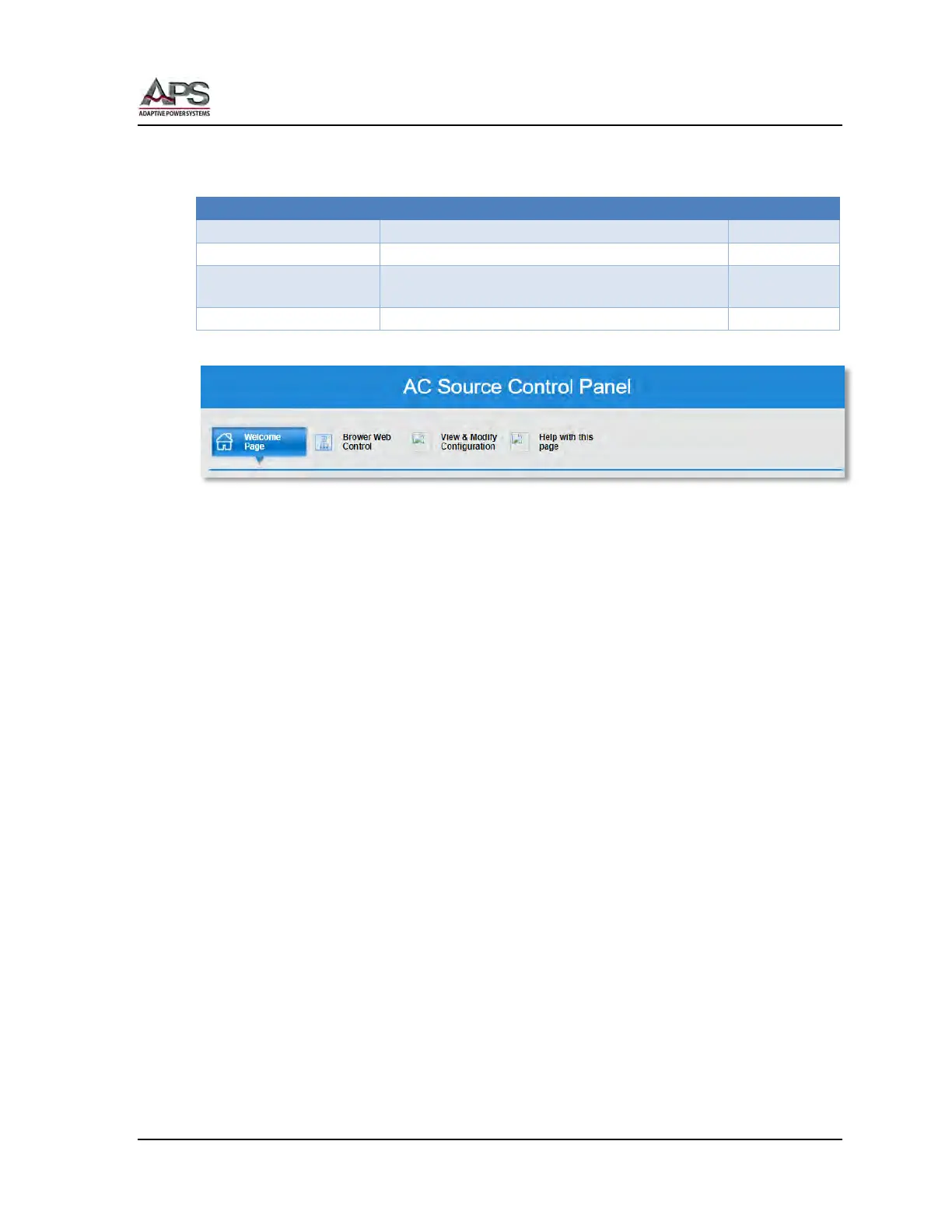
At the top of the Home page are four controls including the “Welcome Page” control. They
are:
Welcome page
Used to configure LAN settings
View & Modify
Configuration
Used to control power source settings and display
measurement read back data
Basic information about the power source
The three control screens are covered in the following sub-sections.



 To Next Page