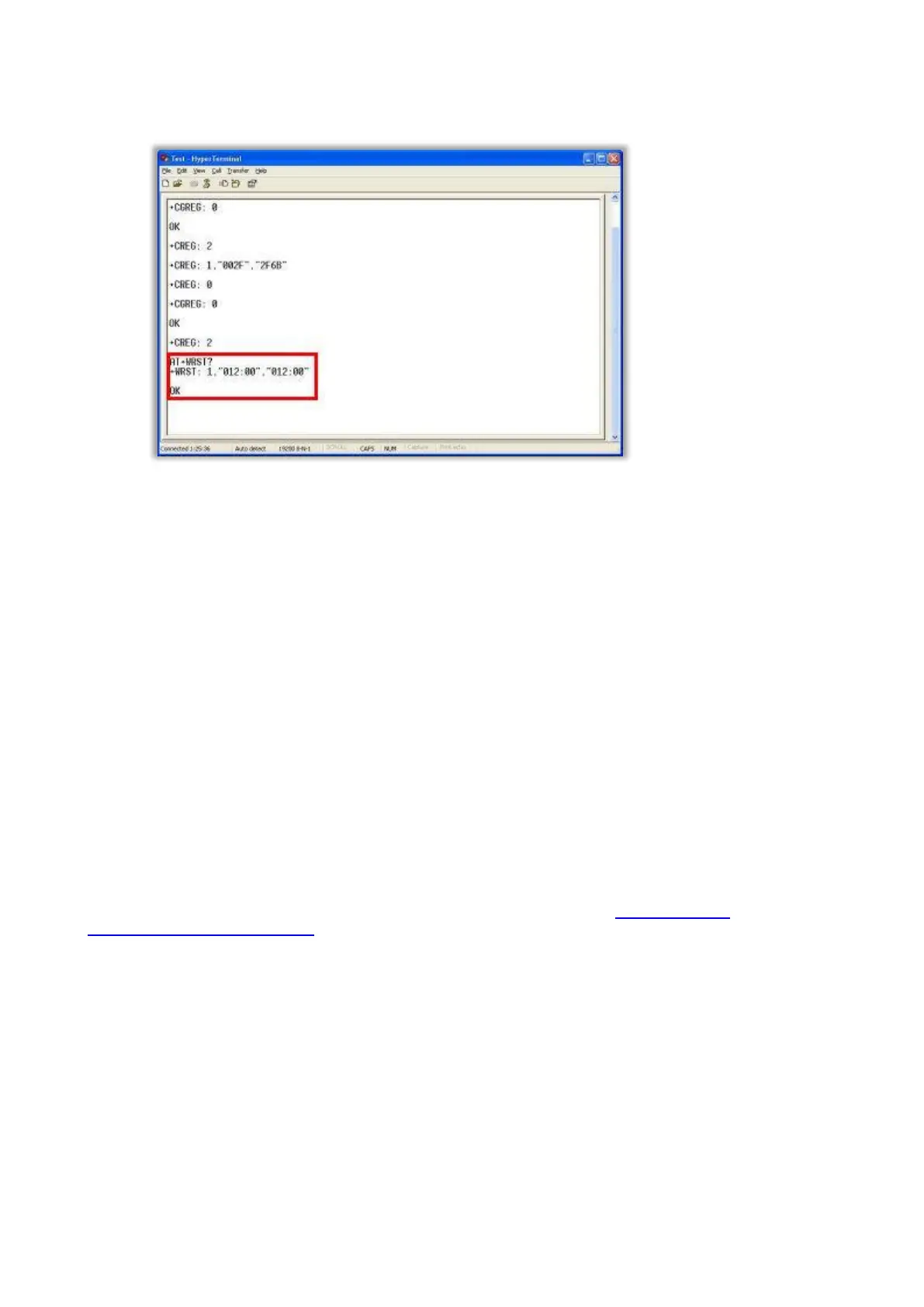
TIP: To find out what the current settings are, type AT+WRST? and the Fastrack Supreme should
output the settings.
NOTE: To disable the auto restart type AT+WRST=0.
2. Once entered, type AT+CFUN=1, the Fastrack Supreme will restart and the countdown timer will begin. Once
restarted, the Fastrack Supreme should output:
+CREG: 0
+CGREG: 0
3. You may now close the HyperTerminal and disconnect the data cable from the PC and reconnect it to the
Traka cabinet. If you desire to use an separate power supply for the Fastrack Supreme you may now connect
it up accordingly.
NOTE: If you for example you setup a 24 hour auto restart and the last power cycle or restart was done at
3pm, the modem will reset itself at 3pm each day. If this is likely to be a period in which heavy
communications occur, it is better to re-cycle the power to the modem during a non-busy period.
NOTE: When the modem auto restarts, it is not intelligent enough to know if it’s currently communicating
and so if you are in the middle of communicating and the restart timer hits 0, the communications will cut
off. This may cause an Internal Error in Traka32, however no data will be lost. Simply retry the command
and it will resume.
Traka32 Software
NOTE: (for 8bit Users Only) Before attempting to communicate, ensure the 8bit Control PCB
Communication Jumper Settings are set to RS232.
The Fixed IP Address SIM Card will have been supplied with Public IP Address. To configure Traka32 to talk to the
Fastrack Supreme, set the Communications Settings to Network and set the IP Address to be the Public IP Address.
The Port Number should be set to that specified in the GPRS Configuration section. The example used for this
document was 4001.
1. In Traka32 right click the image of your cabinet and select Configure System.



 To Next Page