7. Enter a Login Name.
8. Enter a Login Password.
9. Re-type the password into the Verify Password field.
10. Select the User Type. This is the Software Access Group that was defined above.
11. Enter a Password Expiry date or select the Password Never Expires option.
12. Click on Save and Close.
Logging into Traka32
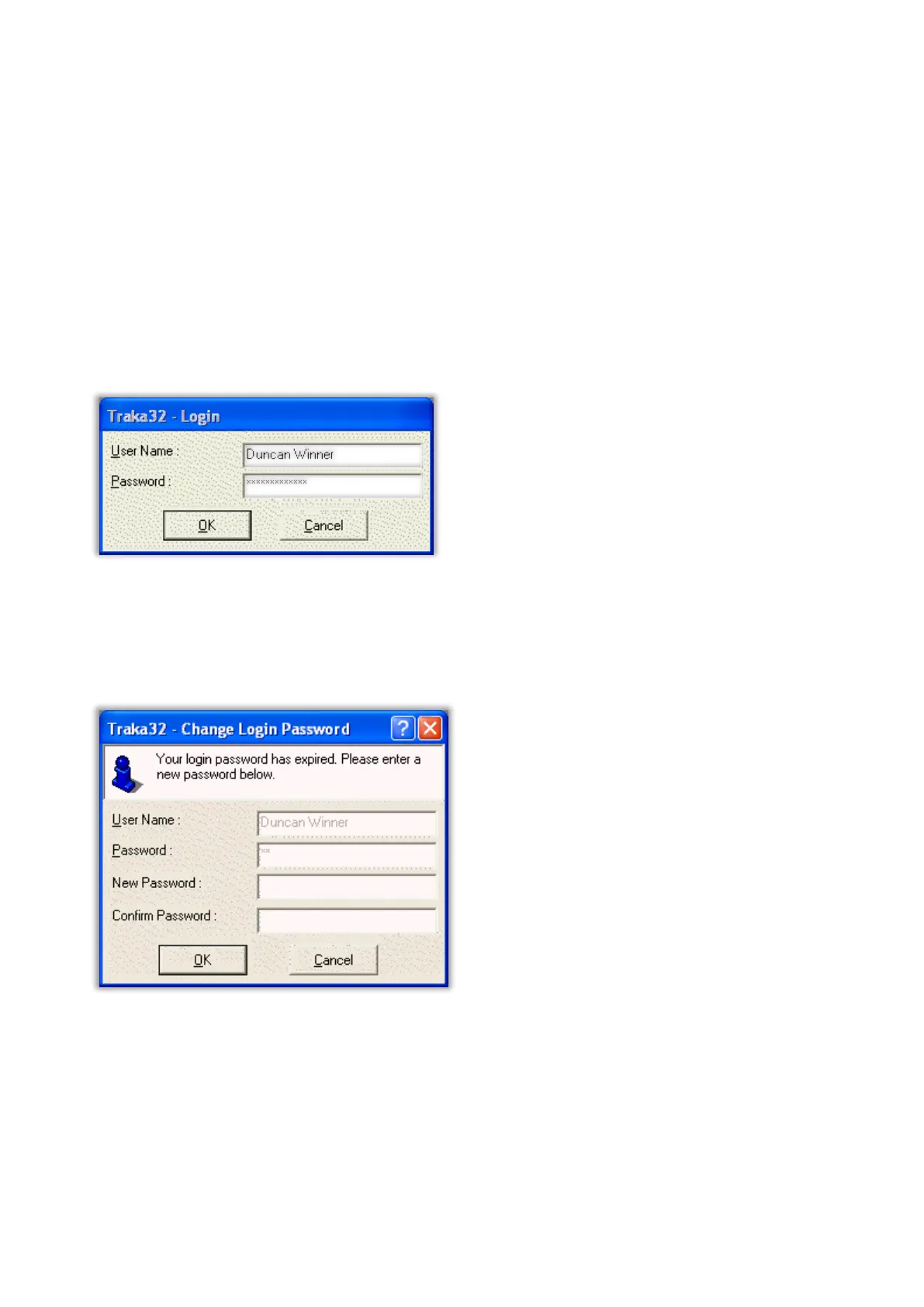
When one or more user records have been setup with Software Access, the Traka32 software will prompt for a user
login when open:
Password Expiry
When a user logs into Traka32 and if their password has expired, Traka32 will prompt for a new password. Simply
enter a new password and re-type the password into the Verify Password field:



 To Next Page