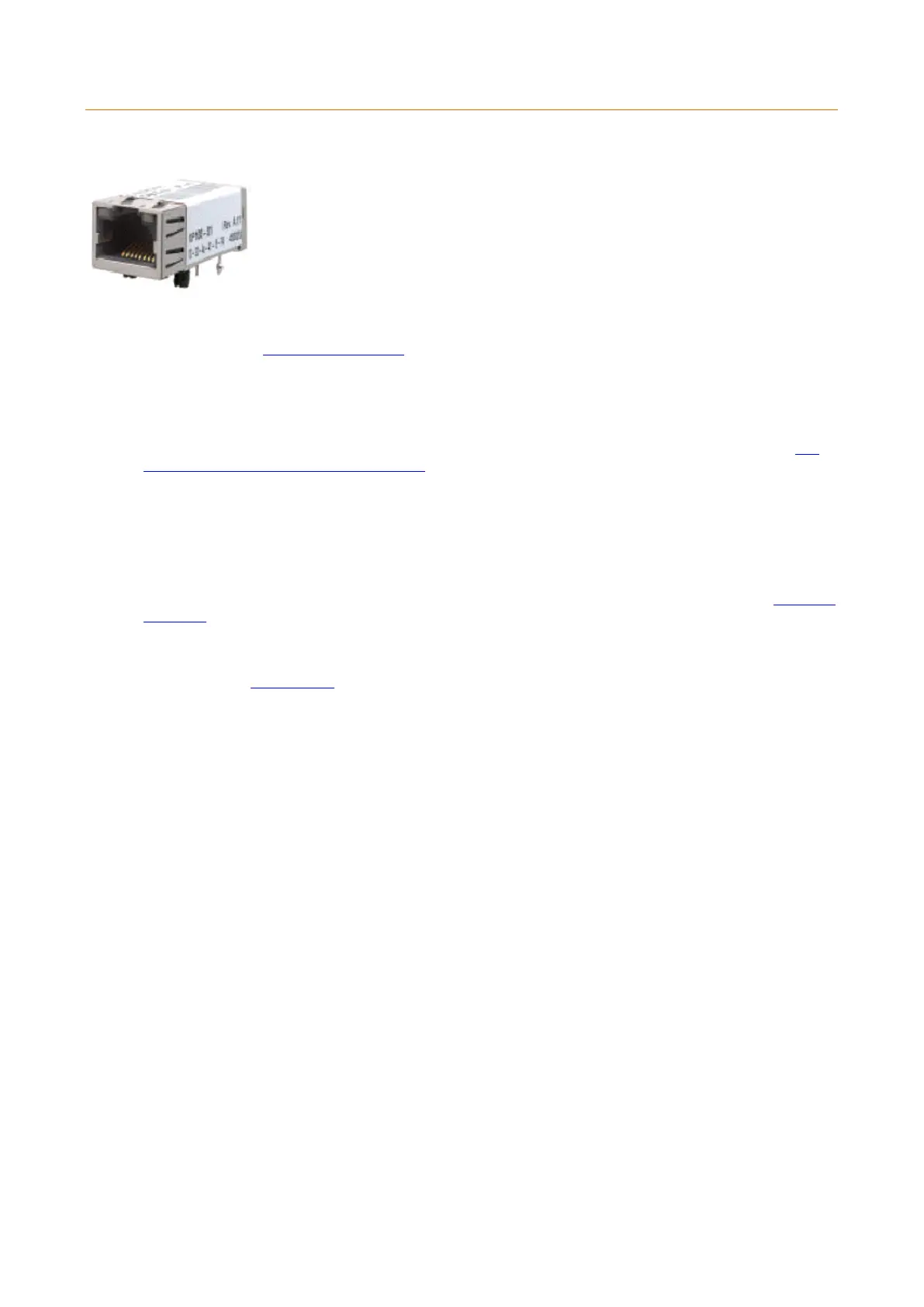
2.4.4.2.2 XPORT INSTALLATION
The Traka XPort Ethernet Device (TXED) is an optional device that comes pre-installed on Control PCBs. If the device
is not fitted, please contact Traka for advice.
In order to set up and configure the TXED you must first connect them to the network.
1. Please refer to the Anti Static Precautions before configuring the Traka systems.
2. Using the Master Key, unlock the Control Panel and tilt forward to gain access to the system electronics.
3. Set the On/Off switch on the Control PCB to Off.
4. If your system is 8bit, ensure the jumper settings are set to Ethernet on the Control PCB. Refer to the 8bit
Control PCB Communication Jumper Settings.
5. Connect the TXED to your Ethernet using a straight-through Ethernet cable. In some cases a cross-over cable
may be required.
6. Set the On/Off switch on the Control PCB to On.
7. Check that there is LED activity. If there is no activity, re-check your connections to the Control PCB, Wall
Port, Patch Panels and Switch/Hub. For details of the LED indicators and their meanings refer to the XPort LED
Indicators section.
8. Close the Control Panel carefully and lock with the Master Key.
9. Now refer to the Configuration section.



 To Next Page