3.21.5 STARTING AND STOPPING THE SERVICE
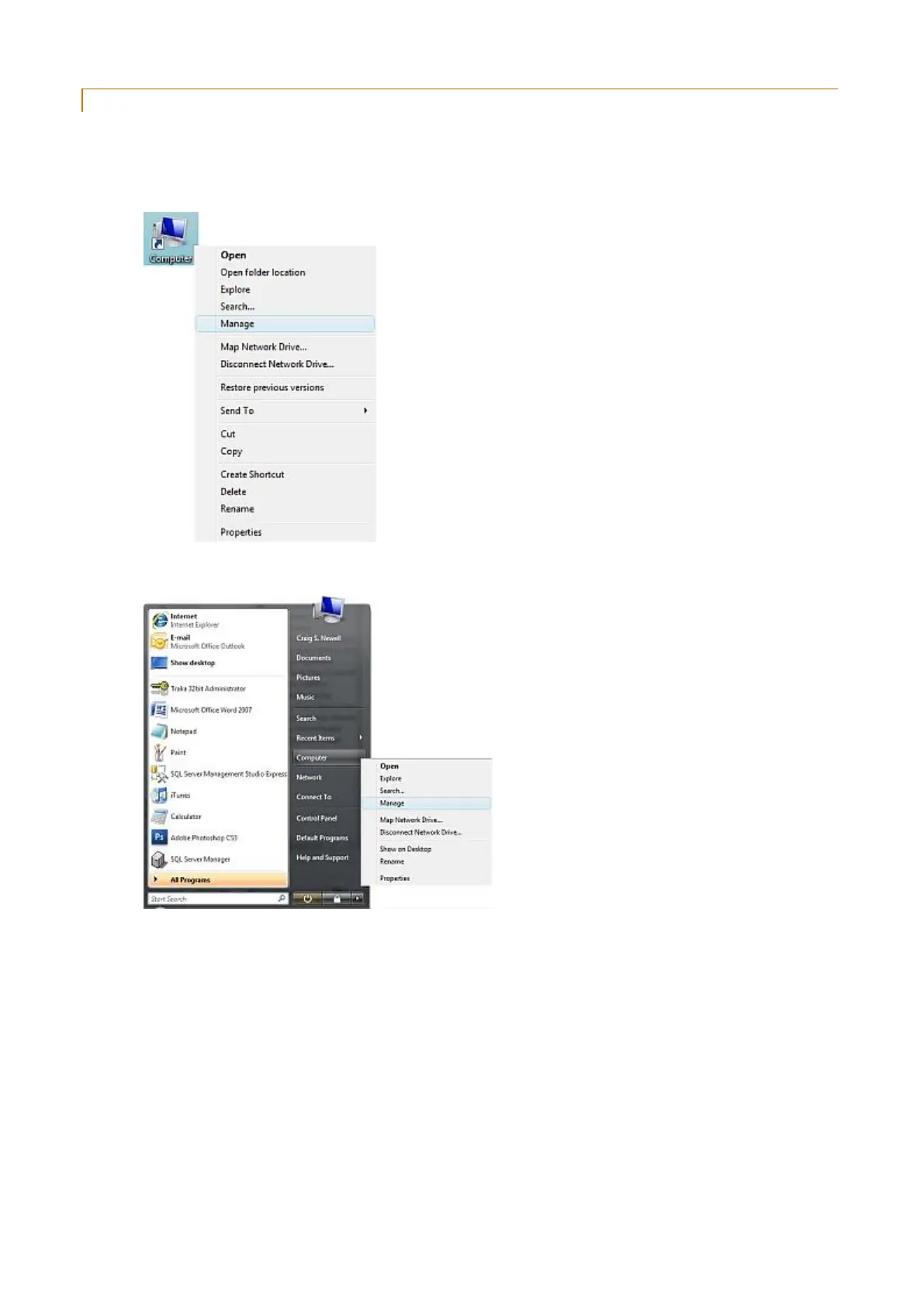
To Start, Pause, Continue, Restart or Stop the service under XP, you should use the Windows’ Computer Management
tool. This is available by:
1. Right-clicking the My Computer icon.
or right-clicking any link to My Computer.
2. Choose Manage from the context menu.
This will load the Computer Management program:



 To Next Page