Allow user to remove faults
Check this box to allow the logged in user to be able to delete fault records.
Allow user to set faults
Check this box to allow the logged in user to log new faults against an iFob. This option is useful for
engineers who wish to record faults and prevent users from taking iFobs / keys with faults logged against
them.
Allow user to clear faults
Check this box to allow the logged in user to clear logged faults from an iFob. This option is useful for
engineers who wish to record faults and prevent users from taking iFobs / keys with faults logged against
them.
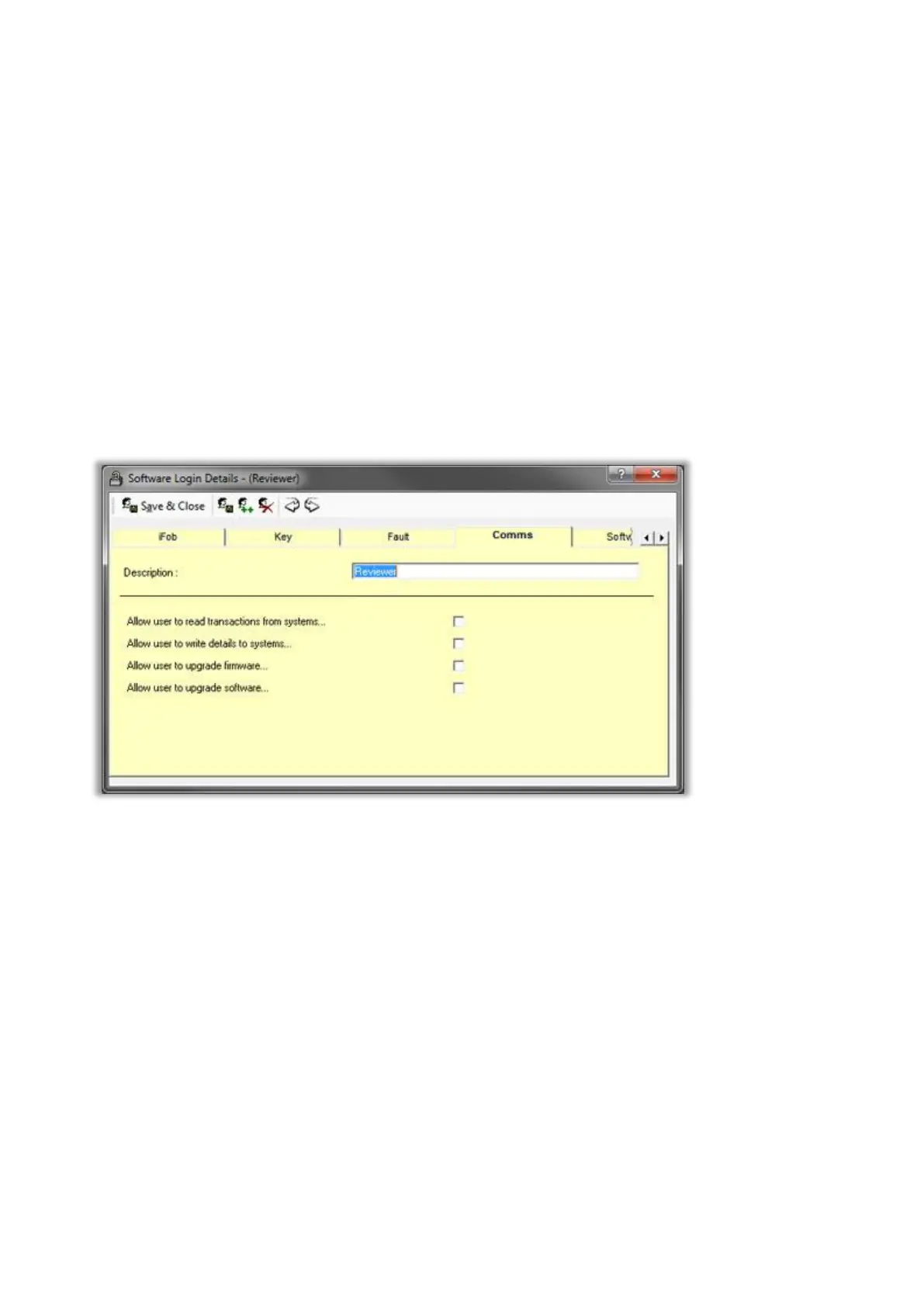
Comms
Allow user to read transactions from system
Check this box to allow the logged in user to be able to read all the transactions and alarm data from the
Traka Systems. This option should be made available to all users.
Allow user to write details to system
Check this box to allow the logged in user to be able to write data such as user records, iFob records, the
date & time etc. to the Traka Systems. This option should only be available to administrators.
Allow user to upgrade firmware
Check this box to allow the logged in user to be able to upgrade the firmware of the Traka Systems. This
option should only be available to administrators.
Allow user to upgrade software
Check this box to allow the logged in user to be able to upgrade the Traka32 software. This option should
only be available to administrators.



 To Next Page