2.6.3 ADDING A NEW 16BIT SYSTEM
When adding a new 16bit Traka System to a database, the 16bit Control PCB must be registered to the database
with a configuration file.
Because the 16bit application firmware is generic and not customer specific (like the 8bit firmware), a configuration file
is required to customise the firmware for each system. The configuration file contains the configurable parts to the
system such as the number of receptor strips and card reader settings as well as the cost options.
Without a configuration file, a Traka System can be used as normal, however no cost options will be enabled and the
card reader settings will remain as they were last programmed into the Control PCB.
The communications between Traka32 and the Traka System will also be possible for up to 30 days, but every time
communications is initiated, Traka32 will prompt for a configuration file first.
NOTE: When adding a new 16bit System, it is very important to set the Control Version in the System
Settings window to 16bit.
Adding a New 16 bit System
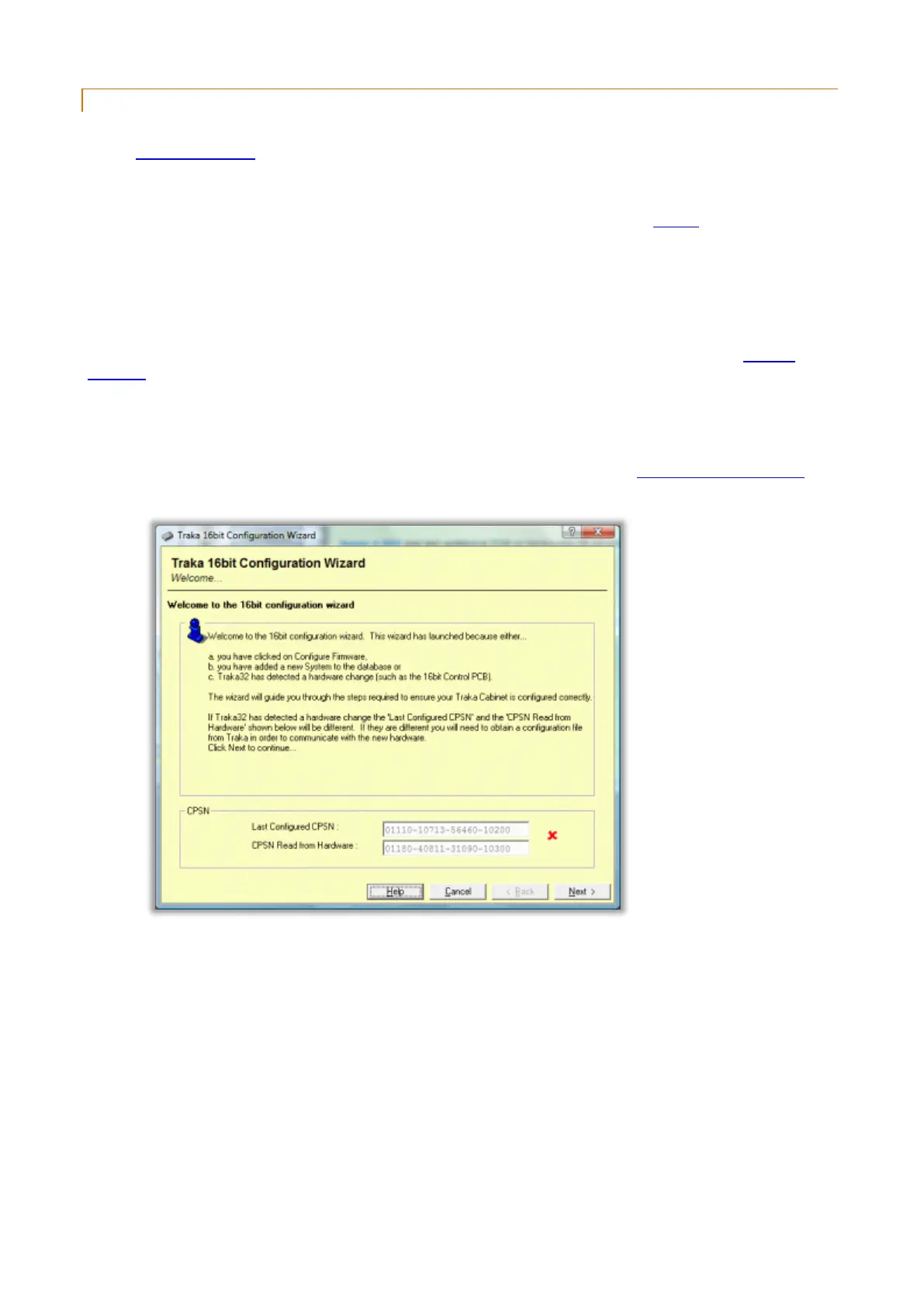
1. When adding in a new 16bit System and communicating for the first time, the 16bit Configuration Wizard will
be displayed.
2. Click on Next.



 To Next Page