3.19.17.2 KEY BOOKING FORM
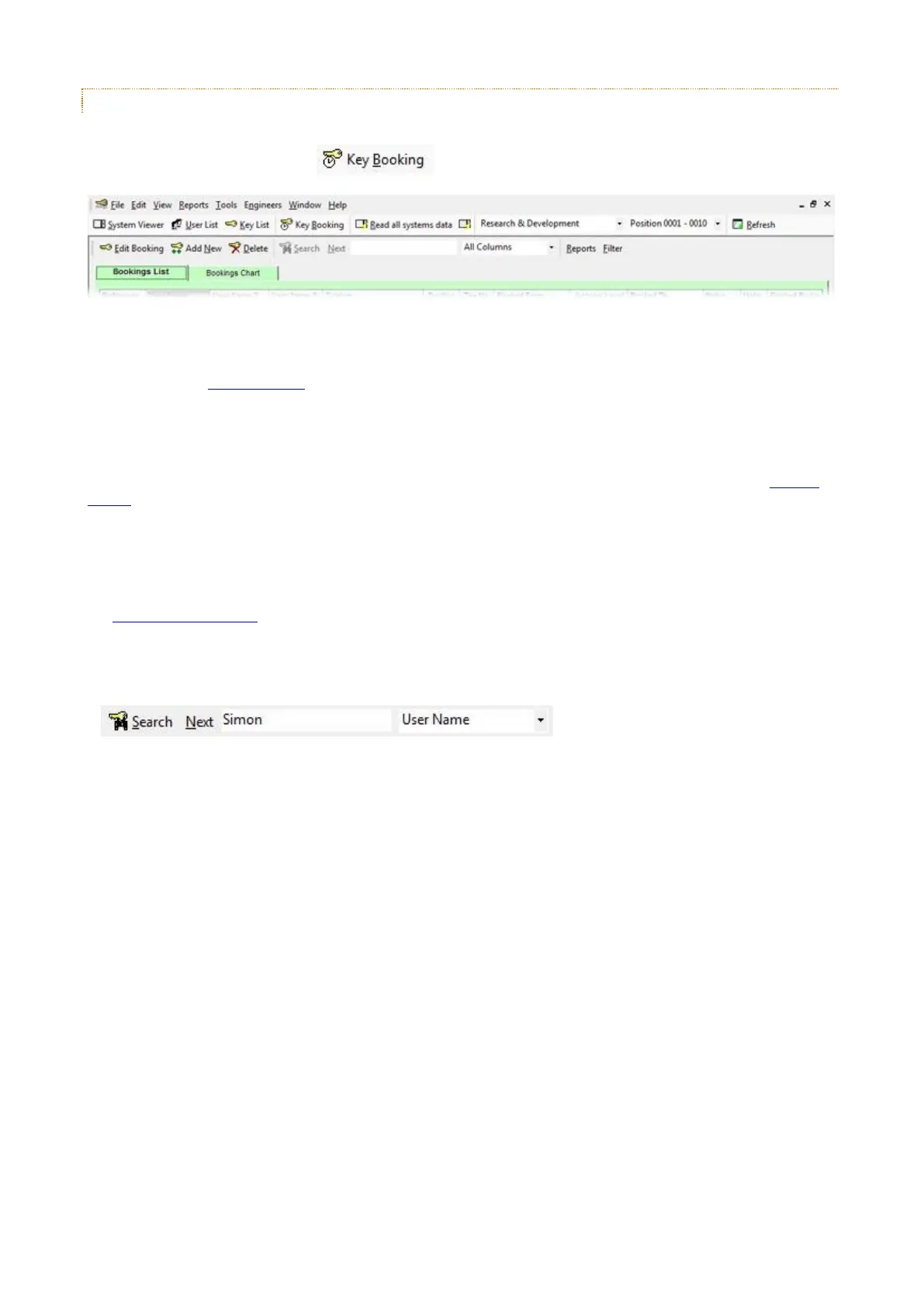
This topic will detail the main tools of Key Booking and how they work. The main page of key booking is the Booking
List, to access the booking list click from the main menu.
Edit Booking
Selecting this while highlighting an existing booking will allow you to make changed to that booking. For more details
please refer to the Booking Wizard topic.
Add New
Selecting this button will allow you to add a new booking to the system. For more details please refer to the Booking
Wizard topic.
Delete
Selecting this while highlighting an existing booking will allow you delete that booking. For more details please refer to
the Deleting a Key Booking topic.
Search
The search feature applies to the each column and line within the Booking List & Booking Chart. You can search for
users who have keys booked to them or the system the key is booked from.


 To Next Page