2.3.6.4 S-SERIES SERVICING
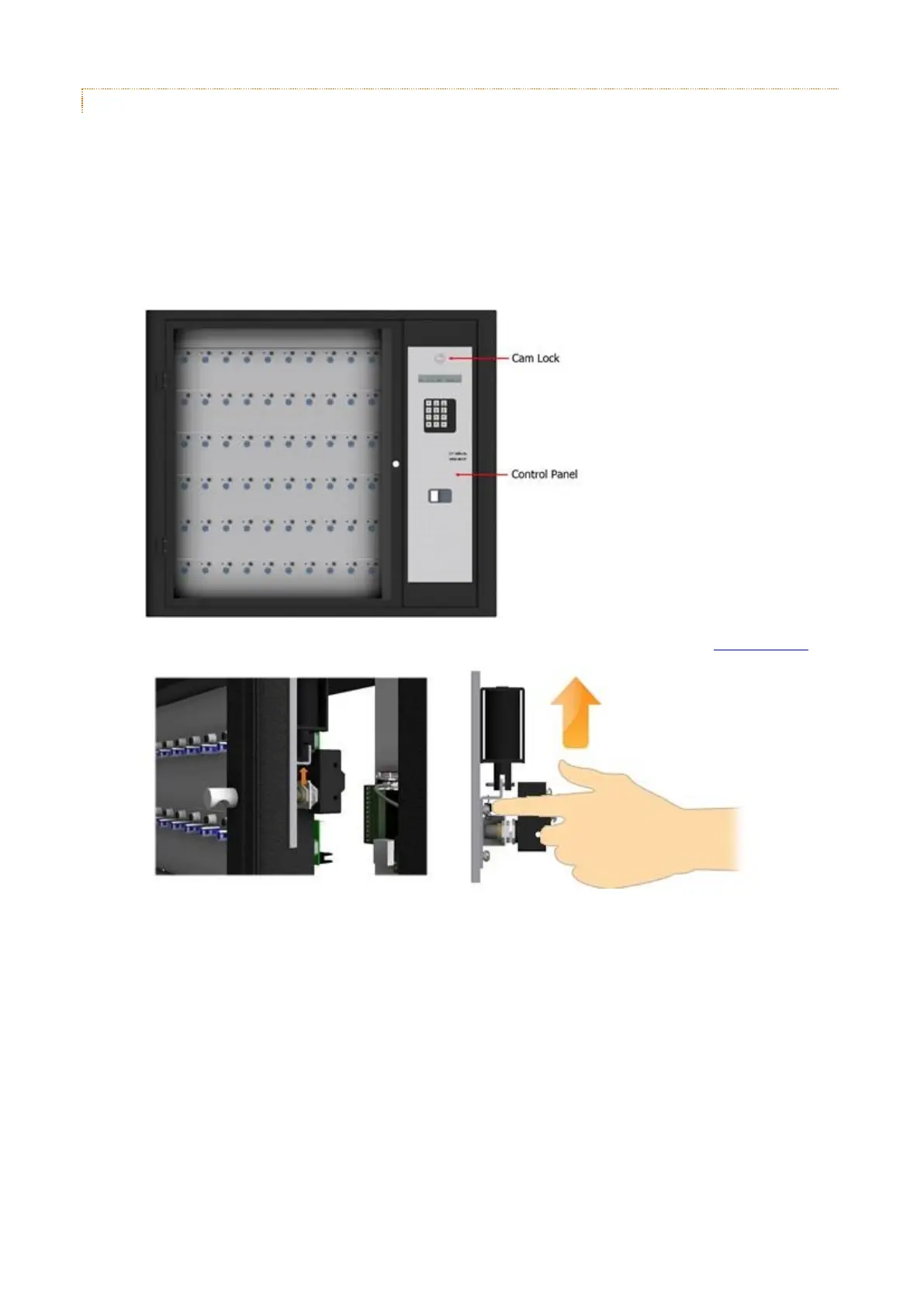
To access the internal part of the S-Series Traka System follow the procedure below...
To open the Control Panel Door...
1. Ensure the system is disconnected from the mains power before continuing.
2. The Control Panel is hooked in at the bottom and locked at the top. Using the Master Key, unlock the Control
Panel Cam Lock.
3. Tilt the Control Panel forward and reach inside and open the door manually by moving the door lock catch up.



 To Next Page