For more details please refer to the Access Levels section.
To Add All access levels to the Current List, click on
To Add Selected access levels, select the appropriate levels from the Available List and click on
To Remove Selected access levels, select the levels from the Current List and click on
To Remove All access levels from the Current List, click on
Tips:
To select a group of access levels, click on the first access level, hold down the Shift key and click on
the last access level in the group.
To select several individual access levels hold down the Ctrl key and clock on the access levels in the
group.
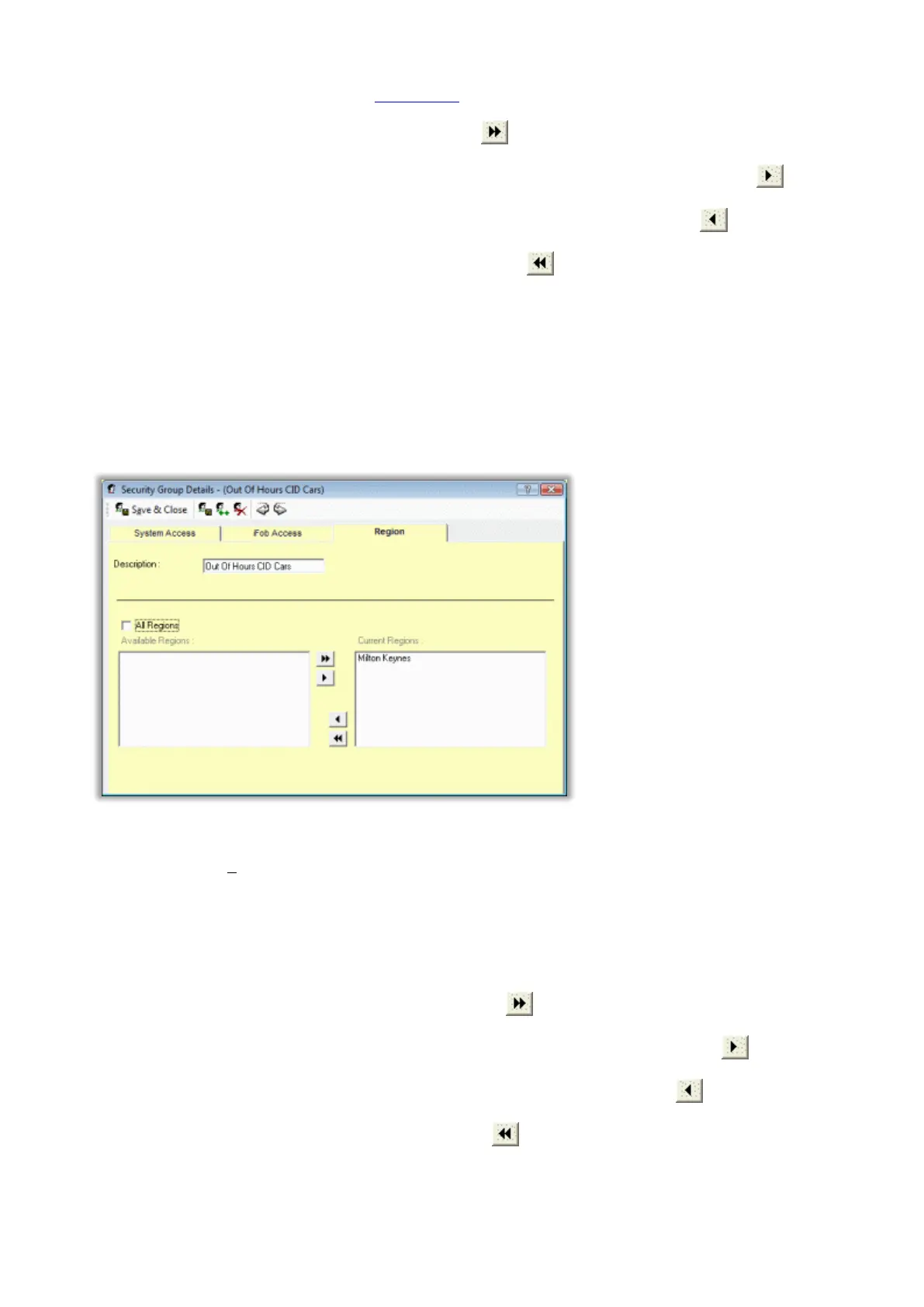
Region
All Regions
Select if the Users within the security group are to have access to All Regions. Note this tick box is only
available to edit if the logged in User is an All Regions Administrator.
Available / Current Regions
Each security group can belong to one or more Regions or No Regions. Note that only the Regions matching
that of the logged in Traka32 Administrator will be displayed.
To Add All available regions to the Current List, click on
To Add Selected regions, select the appropriate levels from the Available List and click on
To Remove Selected regions, select the regions from the Current List and click on
To Remove All regions from the Current List, click on



 To Next Page