Key Vendor
When adding a new Key Vendor user, in addition to adding the required details on the User Details tab the user will
also need to be given access to the Traka System(s) and the Traka32 software.
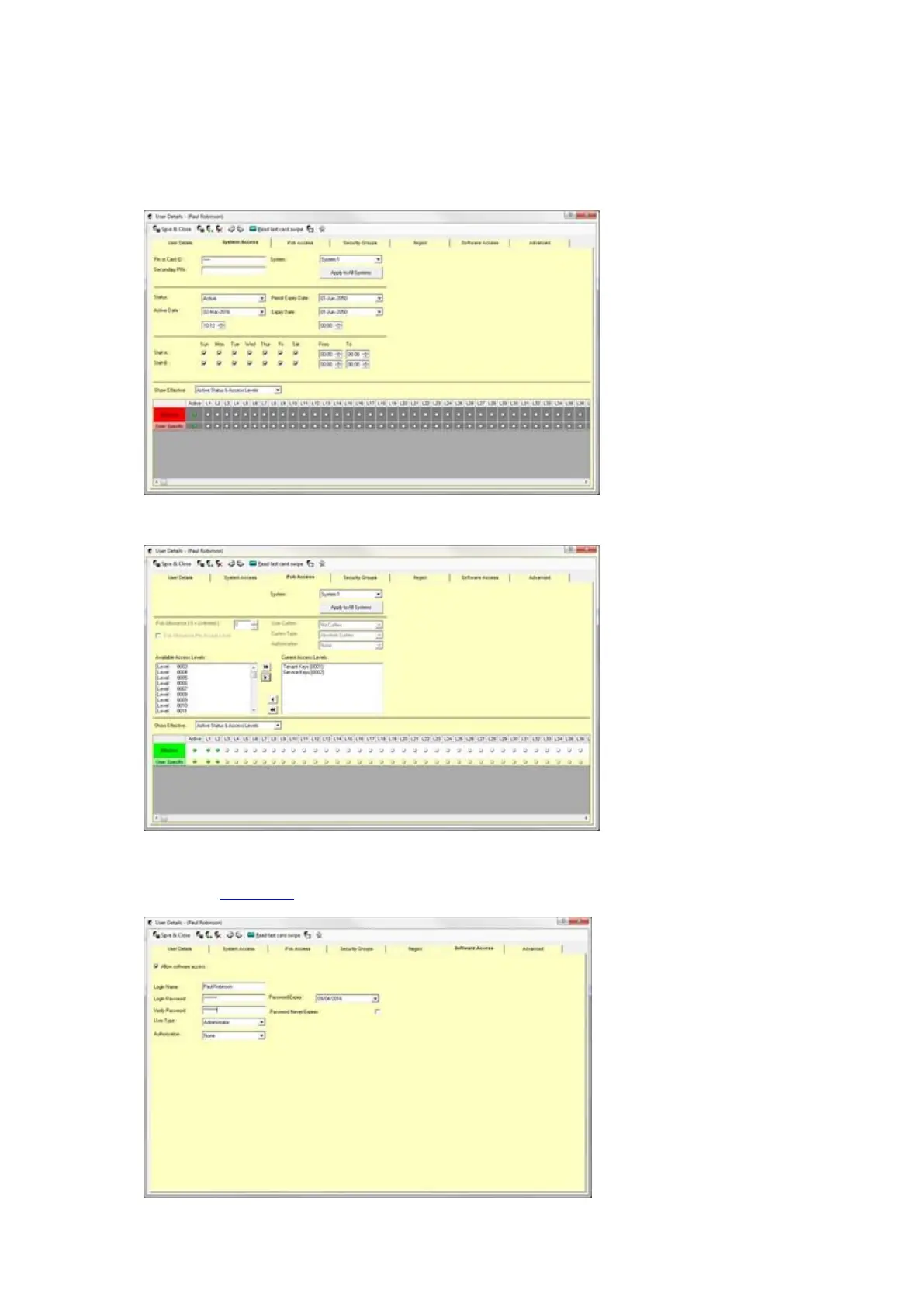
1. Enter the user’s Pin or Card ID on the System Access tab and set the Status to ‘Active’.
2. From the iFob Access tab, assign both the Tenant Key and Service Key access levels to the user.
3. On the Software Access tab, tick the ‘Allow Software Access’ tick box and enter login details for the user.
Enter any other required details and click Save & Close. For more information on assigning software access
refer to the User Details section of this guide.



 To Next Page