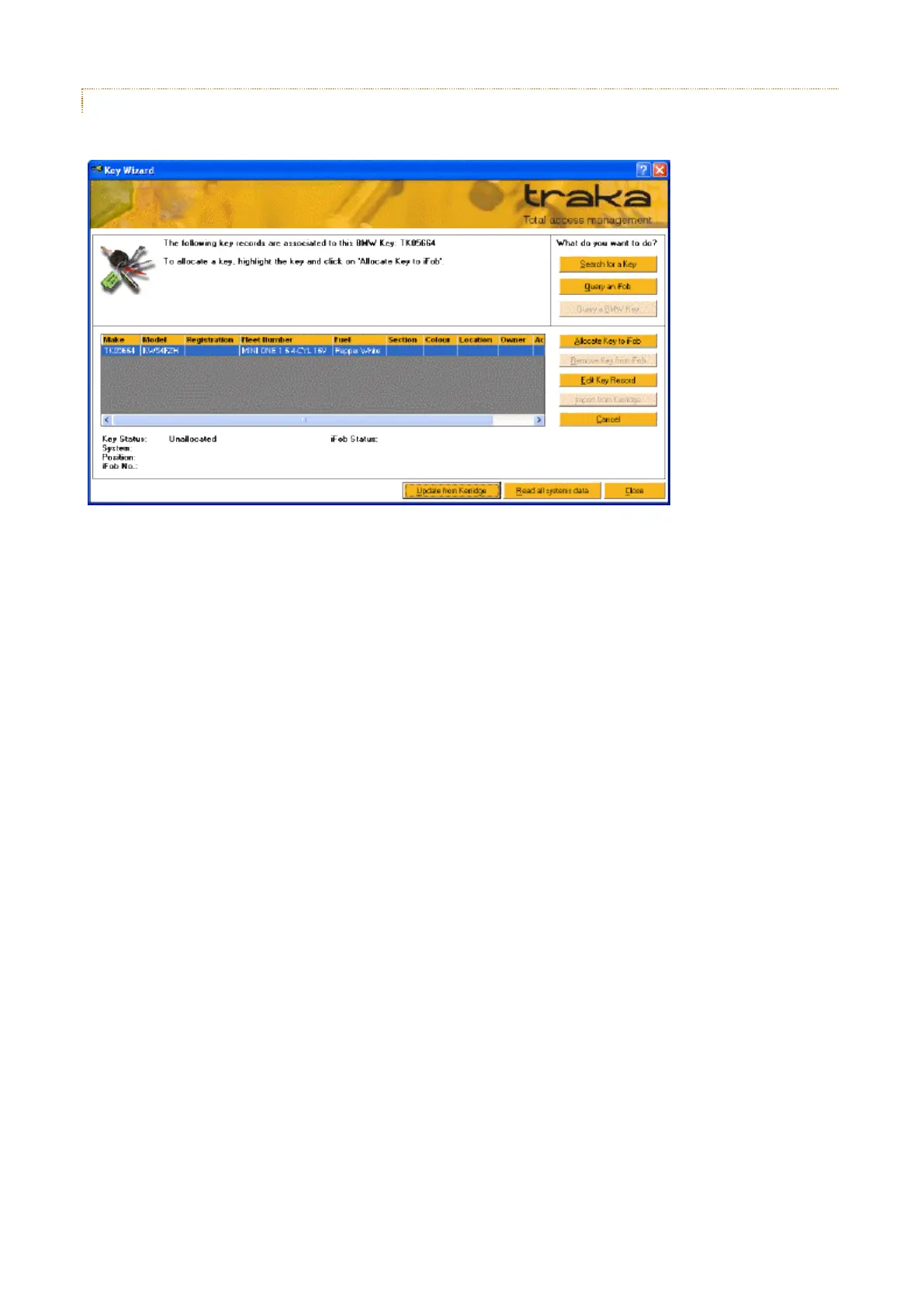
3.19.21.5 QUERY A BMW KEY
It is possible to search for a Key in the Traka Database using the BMW Key Reader.
1. Click on Query a BMW Key
2. Insert a BMW or Mini Key into the BMW Key Reader.
3. If no keys were found, you can do the following...
a. Click on Search for a Key or Query a iFob to search for a key record.
b. Click on Import from Kerridge to import a key record from Kerridge based upon a BMW Key's
Chassis Number.
Simply confirm the chassis number and click on OK.
Traka32 will attempt to find a match in Kerridge.
If a match was found then click on Save to save the new record or Cancel to discard the new key
record.
4. If the key was found, you can do the following...
a. Insert an iFob into the Traka Desktop iFob Programmer and click on Allocate Key to iFob to
allocate the key to an iFob.
If there is no Traka Desktop iFob Programmer, select and iFob and click on Allocate Key to iFob.
b. Insert an iFob into the Traka Desktop iFob Programmer (if available) and click on Remove Key from
iFob to de-allocate the key to an iFob.
c. Click on Edit Key Record to edit the key record.
Simply amend details and click on Save to save the new record or Cancel to discard the new key
record.



 To Next Page