Specify a new name for the layout
Enter the name of the new layout and click OK. Note: You cannot have more than one layout with the same name.
Overwrite an existing layout
If you wish to overwrite an existing layout, select the overwrite option, select the layout from the list and click OK.
Rename Layout
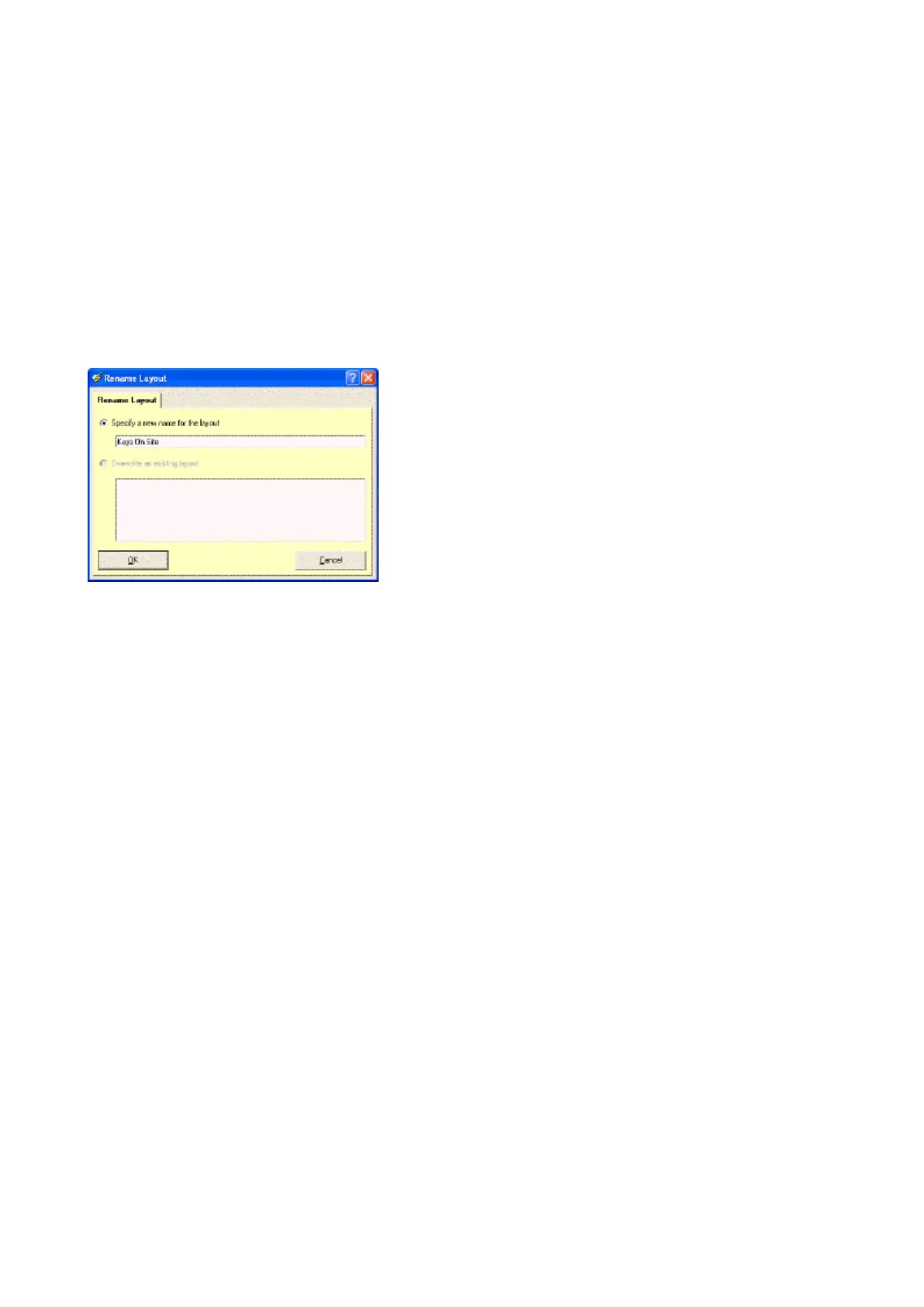
To rename a saved layout simply select the layout that you want to rename from the Layout List and click on Rename
Layout. Specify a new layout name and click on OK to rename.
Specify a new name for the layout
Enter a new name for the layout and click OK. Note: You cannot have more than one layout with the same name.
Delete Layout
To delete a saved layout simply select the layout that you want to delete from the Layout List and click on Delete
Layout.
Layout List
To load a saved layout, simply select the layout required from the drop down Layout list.
NOTE: Whenever you open a new window, the Default layout is automatically selected.



 To Next Page