Microsoft SQL Database
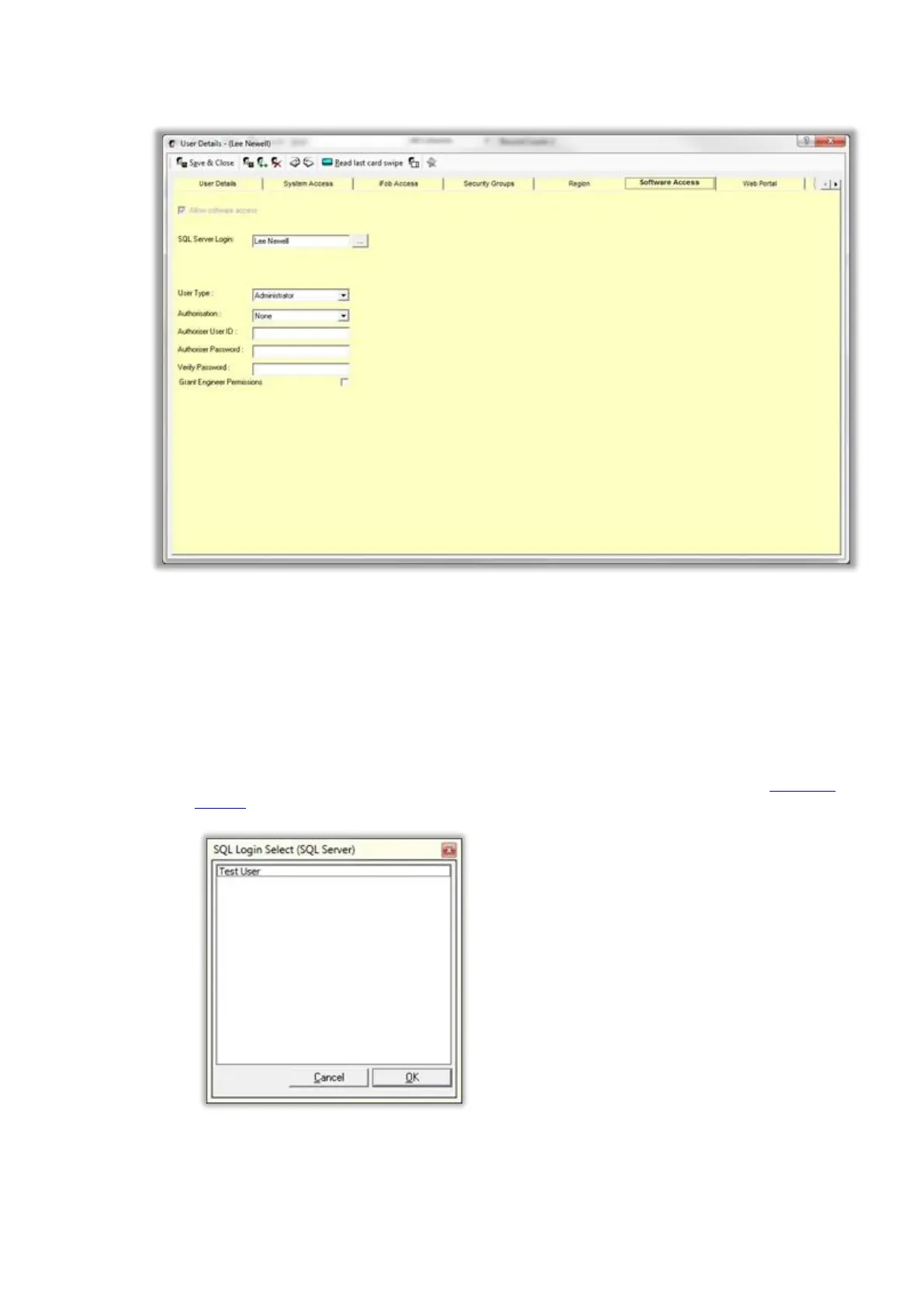
To grant user’s access to Traka, you must first create a user record in the Traka database and then associate
a SQL Login to that user.
NOTE: The user in Traka does not need to be granted access to any cabinets.
SQL Server Login
Enter the appropriate SQL Login used to access the database.
Click on the ... button to search for the users. The list that appears will depend on whether Integrated
Security has been enabled from the Properties window.
If integrated security has been enabled then a list of Domain Users will appear.
If integrated security has not been enabled, then a list of SQL Server Users will appear.



 To Next Page