Notification Rule Name
Provide a meaningful name for the Notification Rule.
11. Click on Apply followed by Finish to save it to the database.
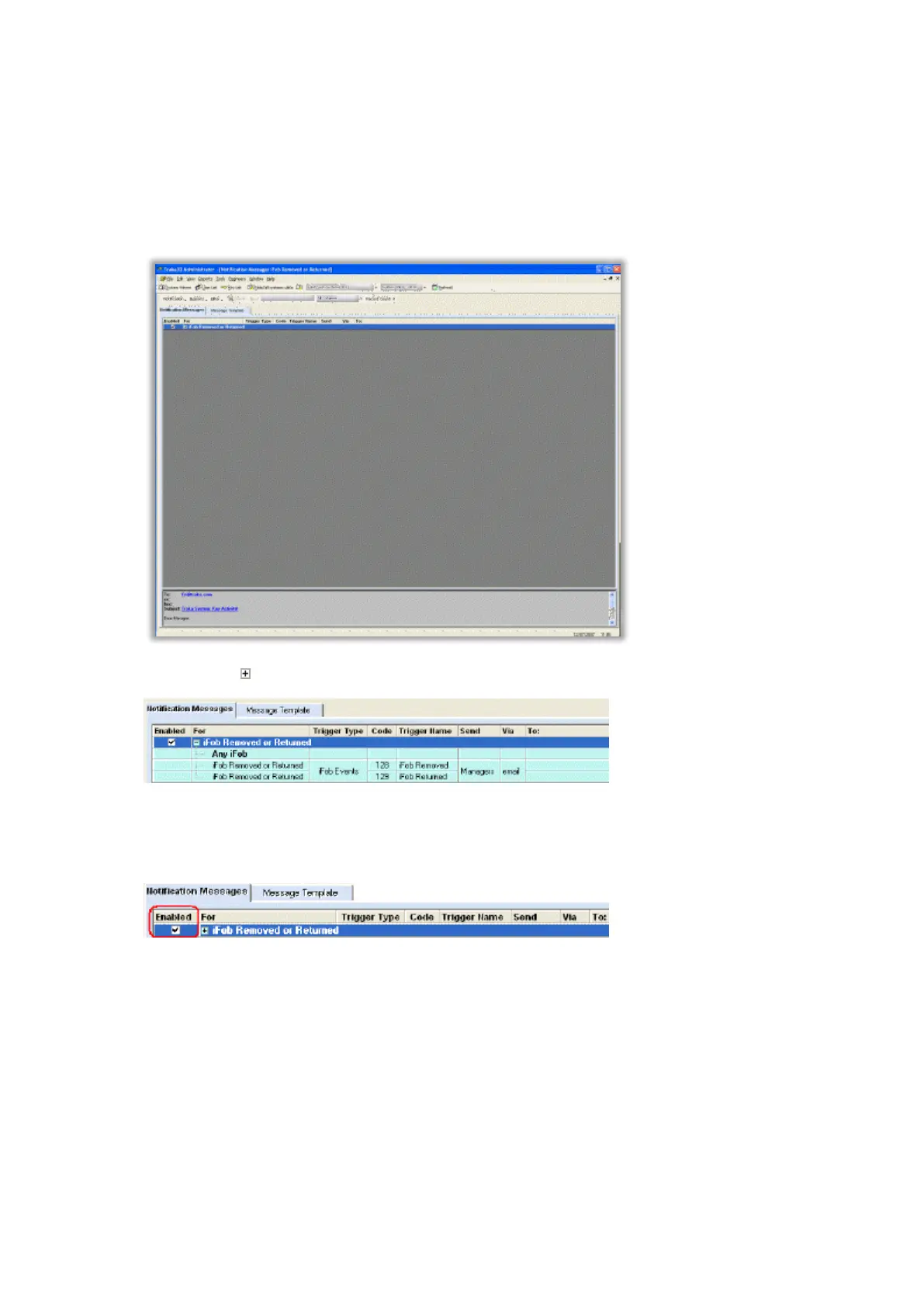
12. The Notification Message Rule will now be viewable in the Notification Messages list.
Tip 1. Click on next to the Rule name to expand the Rule and display the details.
Tip 2. Double click on the Rule to edit from from the Notification Rule Wizard.
Tip 3. Click the Rule Enabled tick box to easily toggle the Notification Rule ON and OFF as required without
entering the wizard.



 To Next Page