3.8.8.3 EDITING ACCESS LEVELS FROM THE ACCESS GRID
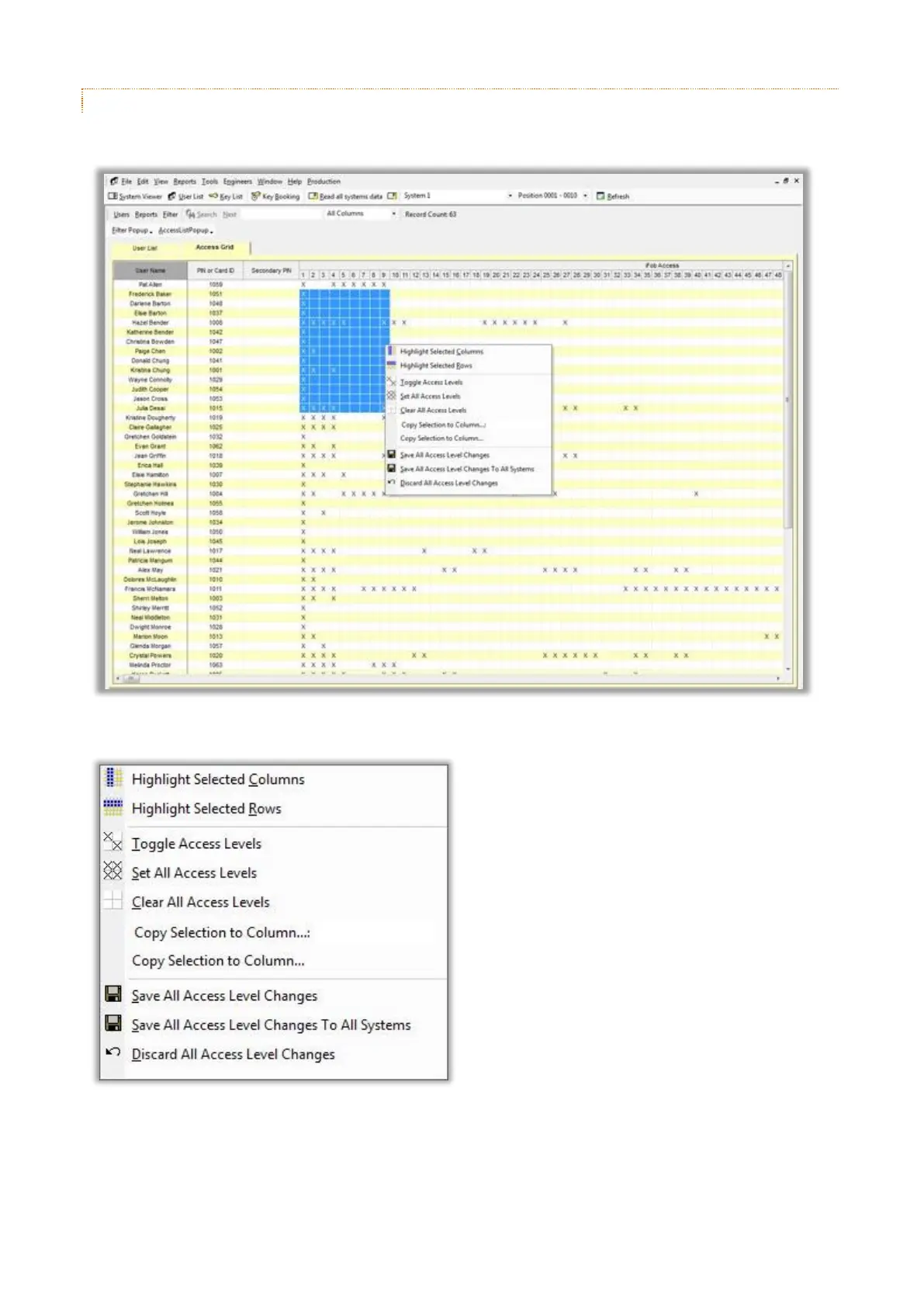
It is possible to edit a user’s access levels from the grid.
A pop-up menu is available on the Access Grid by right clicking over the grid.
The pop-up menu can be used to highlight rows and columns on the grid, toggle access level statuses for the
highlighted rows and columns and also save and discard any changes.



 To Next Page