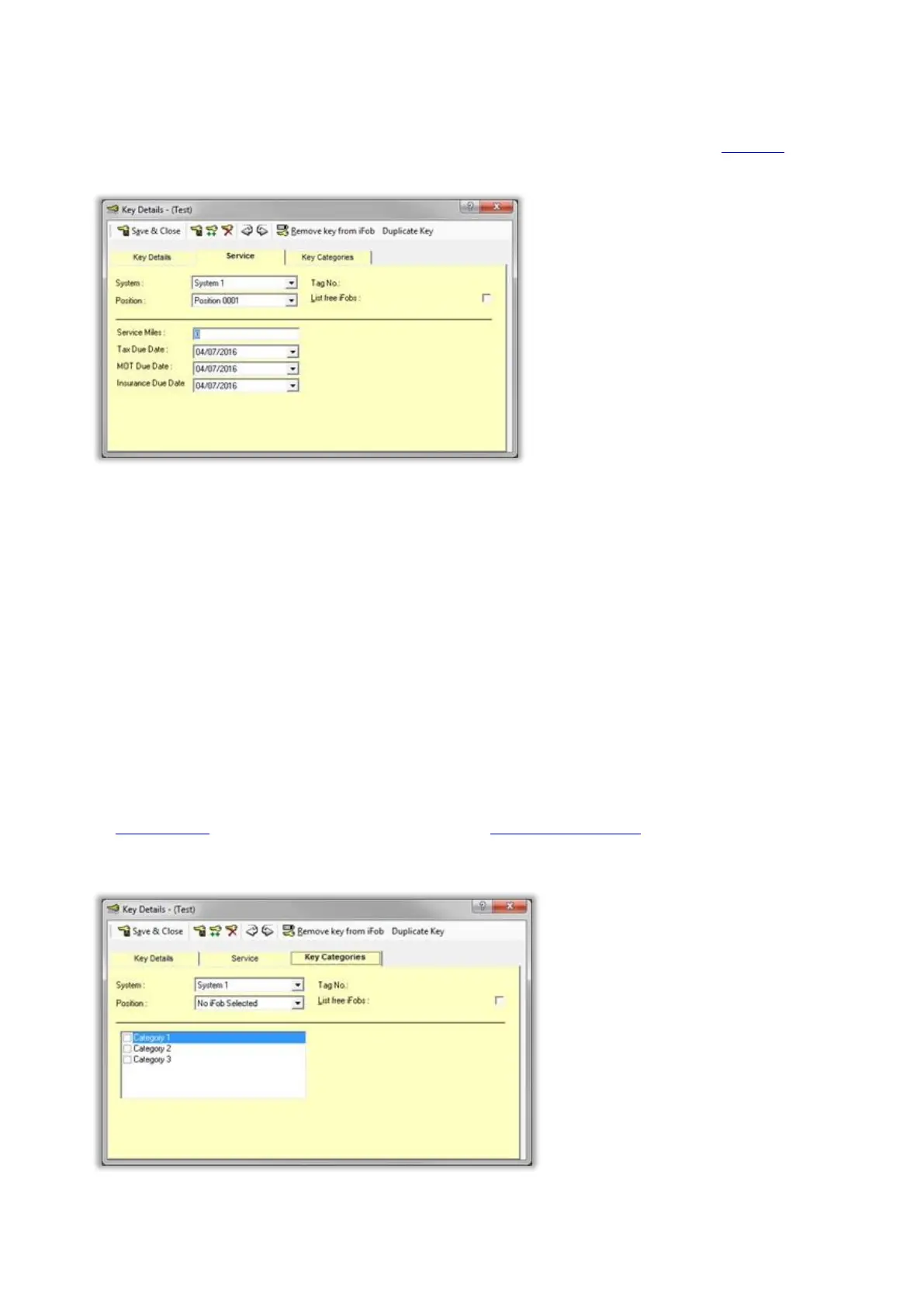
Service
This tab is called 'Service' by default, however it can be renamed along with the 4 fields to suit customer
requirements. To rename this tab and the fields refer to the Service section of the Key Details in the Properties
window.
The following fields are defined by default:
Service Miles
This allows a user to enter how many miles the vehicle needs to travel until its next service.
Tax Due Date
Allows the user to select a date for the next time the vehicles Tax is due.
MOT Due Date
Allows the user to select a date for the next time the vehicle MOT is due.
Insurance Due Date
Allows the user to select a date for the next time the vehicles insurance is due.
Key Categories
The Key Categories tab is for use in conjunction with the option Key Booking Web Portal. Here you can select a
category or multiple categories that a key belongs to from a user definable list. This allows multiple keys to be
grouped together to narrow down searches. The categories can be defined in File>Options>Key Categories.



 To Next Page