Configuration
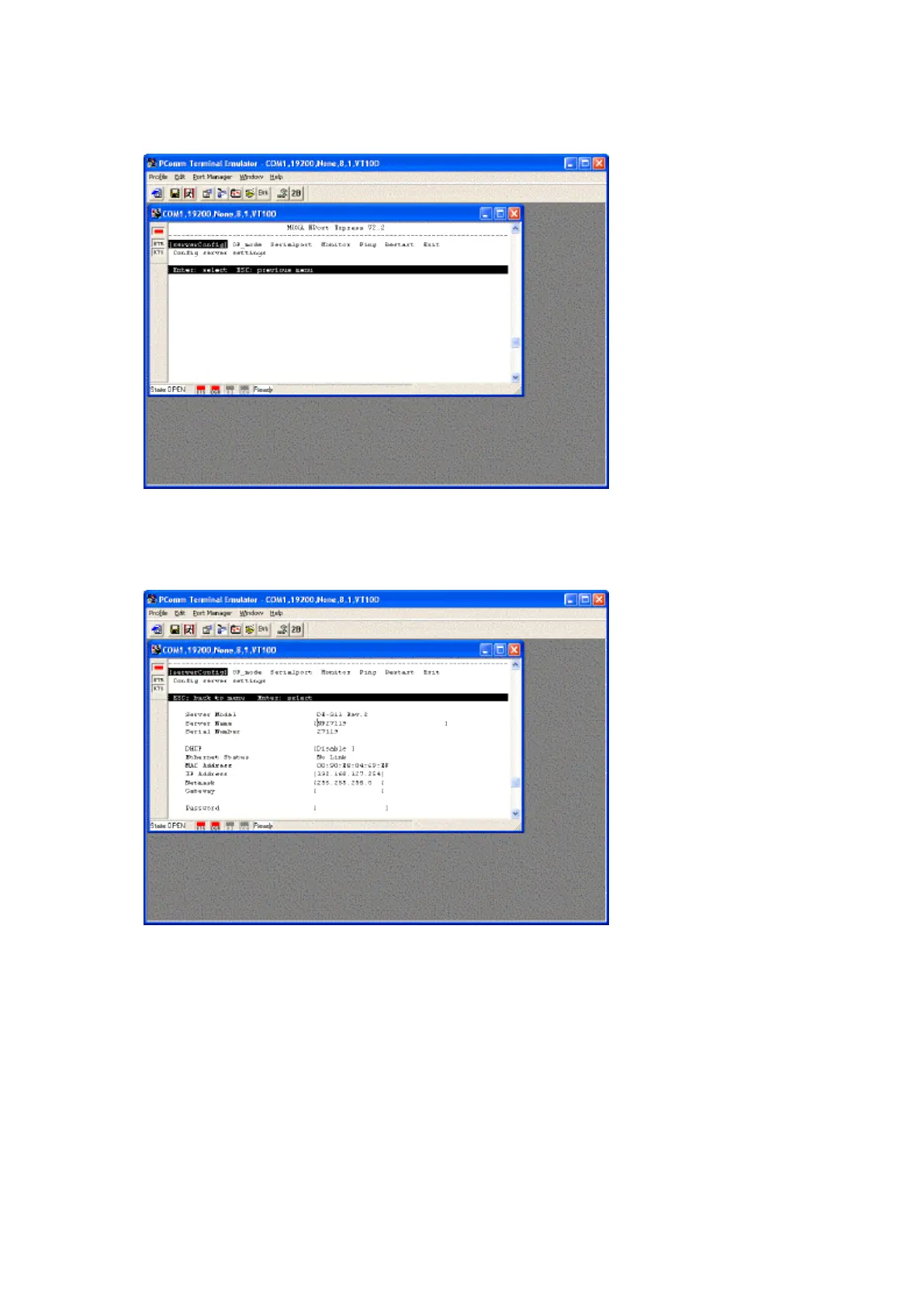
1. Use the keyboard arrow keys to highlight [serverConfig] and press Enter.
If you are using telnet from Windows 9x and you cannot use the arrow keys, click on Terminal followed
Preferences and set the VT100 Arrows option.
2. Using the keyboard set the following options...
a. DHCP [Disable] (press enter to select options)
b. IP Address [enter your IP Address here] (press space to clear unwanted text)
c. Netmask [enter your Subnet Mask here]
d. Gateway [enter your Default Gateway here]
3. When complete press Esc to return to the top menu.



 To Next Page