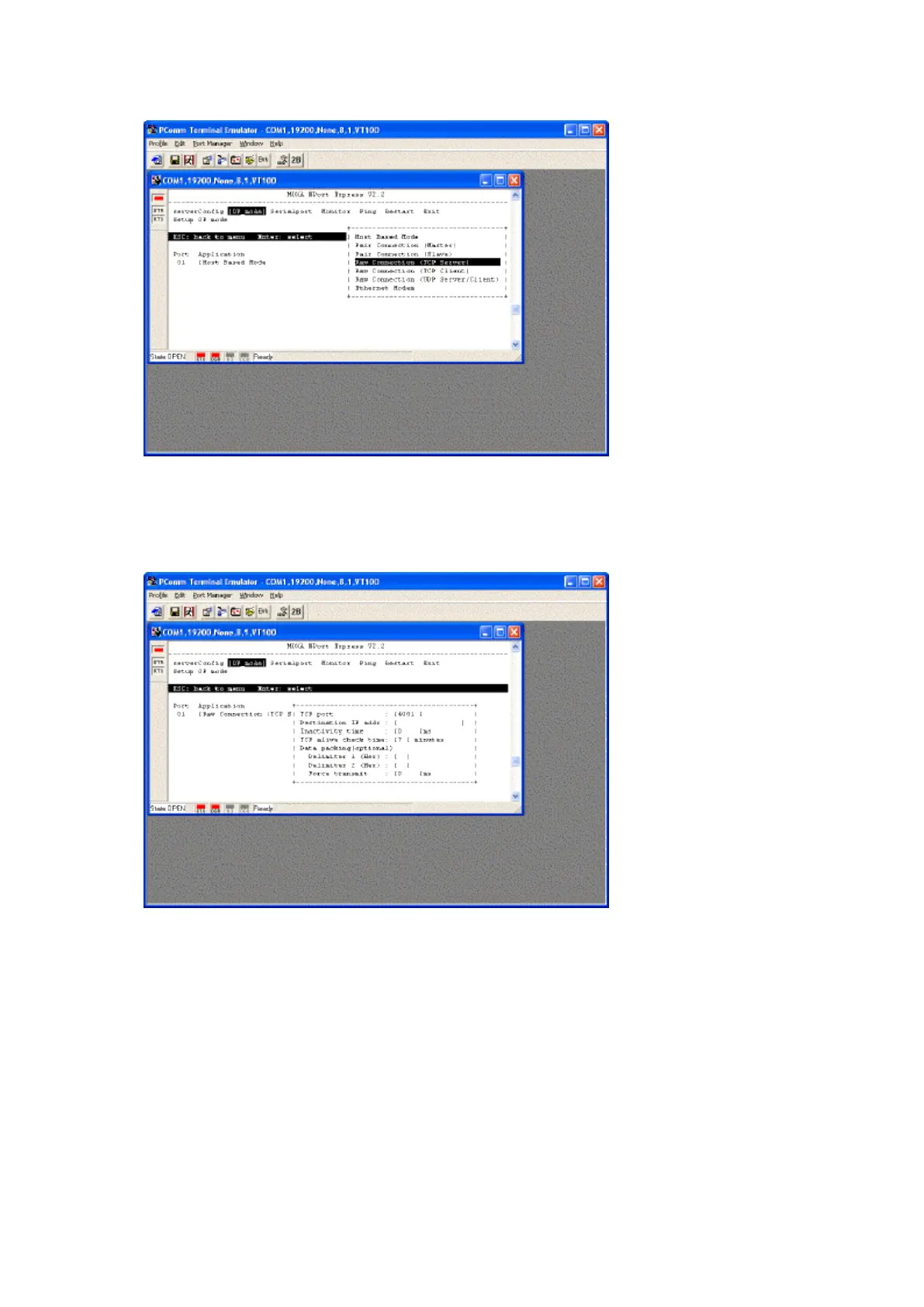
4. Use the keyboard arrow keys to highlight [OP_Mode] and press Enter.
5. Using the keyboard set the following options...
a. Application [Raw Connection (TCP Server)] press enter to select options
6. Using the keyboard highlight [Select for more settings] and press Enter.
7. Using the keyboard set the following options...
a. Make a note of the TCP Port number, as you need this to configure Traka32. It is usually 4001 but
you can alter this if required.
8. When complete press Esc to return to the top menu.



 To Next Page